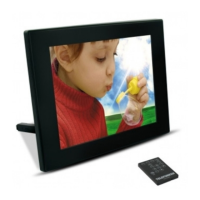
DIGITAL PHOTO FRAME OPERATING INSTRUCTIONS
TELEFUNKEN DPF 7900
I. Learn about and install your frame ........................................................ 2
1. Box contents ...................................................................................................................... 2
2. Frame diagrams ................................................................................................................. 2
3. Installation ........................................................................................................................... 2
II. Use your frame .......................................................................................... 3
1. Reading a memory card or a USB key .......................................................................... 3
III. Settings ...................................................................................................... 3
1. Setup menu ........................................................................................................................ 3
2. Secondary menu ................................................................................................................ 4
IV. Hot keys on the remote control ............................................................. 4
V.
Other information ..................................................................................... 4
VI.
Safety instructions .................................................................................... 5
VII.
Warranty ..................................................................................................... 5
VIII.
Specifications ...................................................................................... 7


 To Next Page