I. Learn about and install your frame
Thank you for your recent purchase of a TELEFUNKEN "STYLE Series" digital photo frame. Before using
your device, please consult these operating instructions and keep them so you may refer to them later on.
1. Box contents
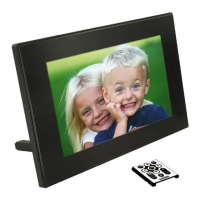
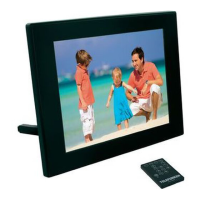
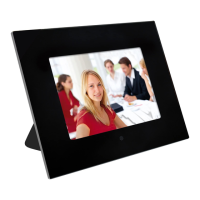
- 1 digital photo frame
- 1 AC adaptor
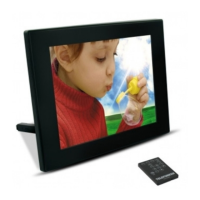
- 1 remote control
- 1 dust cloth
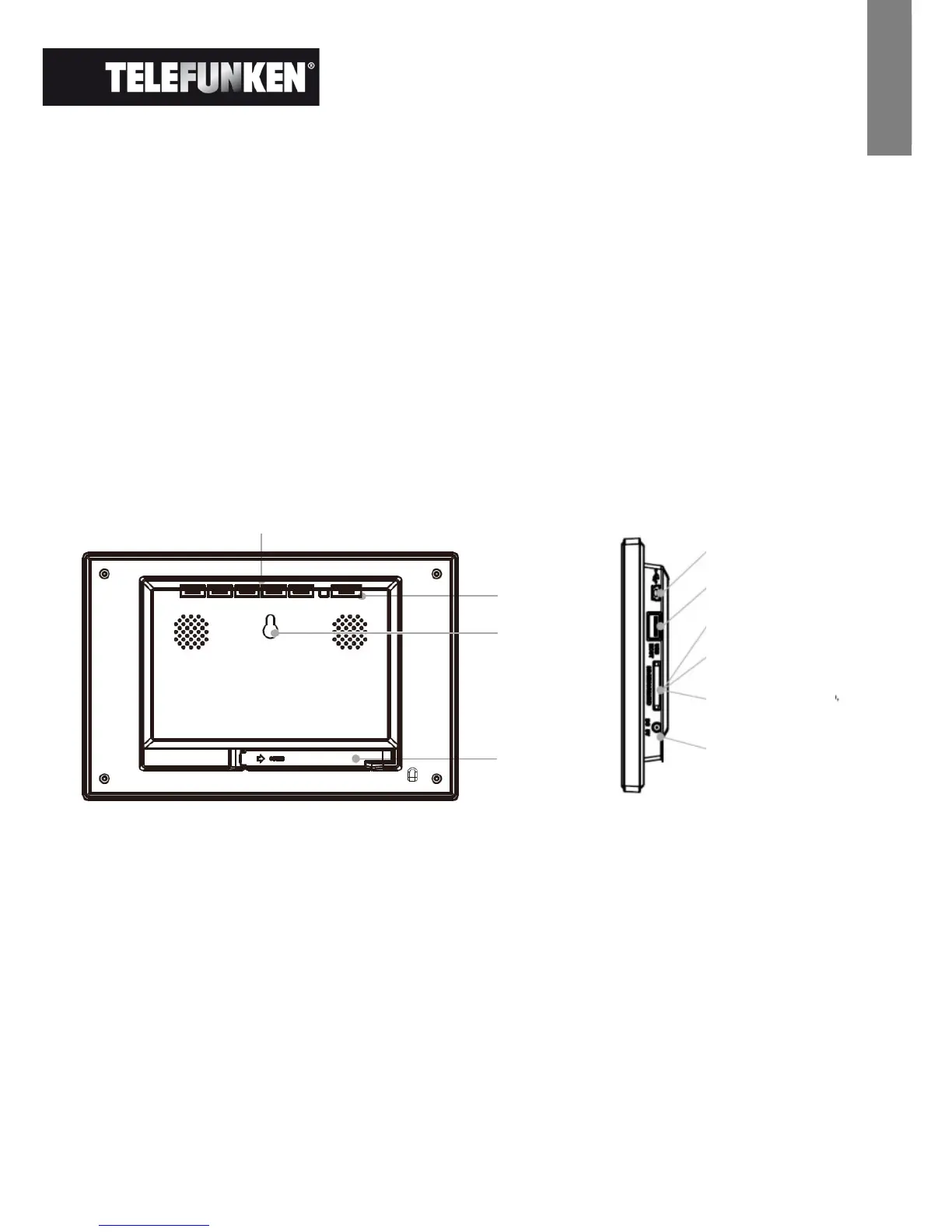
2. Frame diagrams
3. Installation
- Take your frame and its accessories out of their packaging.
- Remove the plastic film protecting the front of the frame.
- Pull the plastic tab protecting the contacts in the remote control.
- Stand the frame in the desired location, pulling the adjustable stand towards you (see diagram
above).
- Connect the electrical cord to the frame in the space provided.
- Plug your frame into an outlet. Your frame will start up automatically.


 To Next Page