19
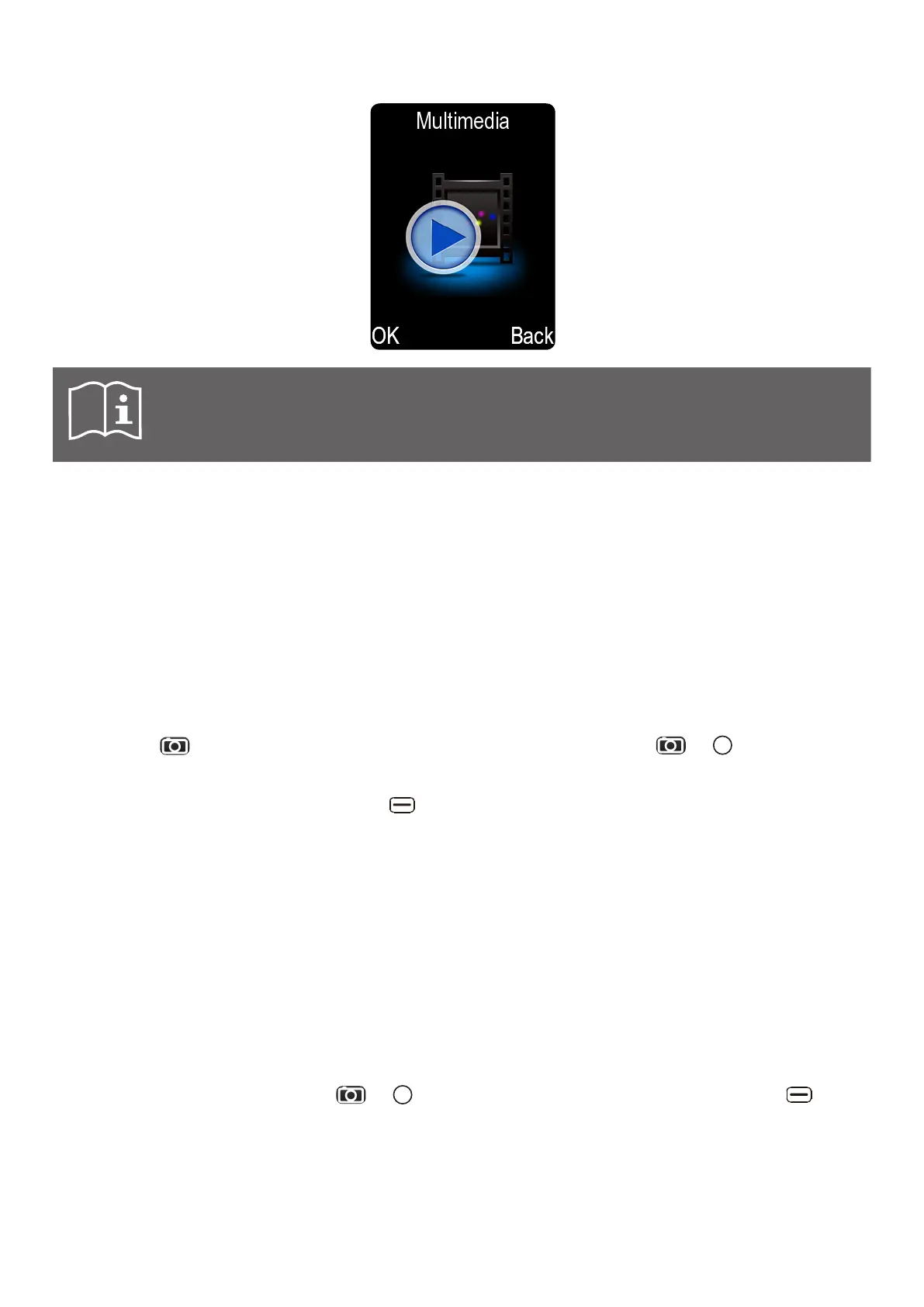
6.9 Using multimedia
Note: A memory card is required to use the multimedia functions. Micro SD cards
up to 32 GB are supported.
Multimedia section acts as an access hub to below phone tools:
Camera See section Using camera.
Video recorder See section Using video recorder.
Image viewer See section Using Image viewer.
Audio player See section Using audio player.
Video player See section Using video player.
Sound recorder See section Using sound recorder.
Using camera
This phone is equipped with a 1.2 MP built-in camera. It can be accessed from main screen by
pressing the key. Once in Camera menu, to take a picture press the or key. You can
also go to Multimedia and select Camera to access the camera.
h When in Camera mode, press the left key to browse available Options:
Image viewer Display and edit all pictures saved on phone and memory card.
Video mode Access the video recording mode.
Effect Adjust this setting by selecting from the different choices.
Contrast Adjust the contrast with the M1 and M2 keys.
Brightness Adjust the brightness with the M1 and M2 keys.
White balance Adjust the white balance settings of your camera.
Settings Change various camera settings: flash, image size, quality,
banding, shutter sound, auto save, storage location, and
continuous shot.
Using video recorder
When in video recorder, press the or key to start recording a video. Press the left key to
browse available Options:
Video player Access and manage the recorded video list.
Camera mode Access the photo taking mode.
Effect Adjust this setting by selecting from the different choices.
Contrast Adjust the contrast with the M1 and M2 keys.



 To Next Page