20
Writing Language
Go to Settings -> Phone -> Writing Language to choose your preferred writing language.
Dedicated keys
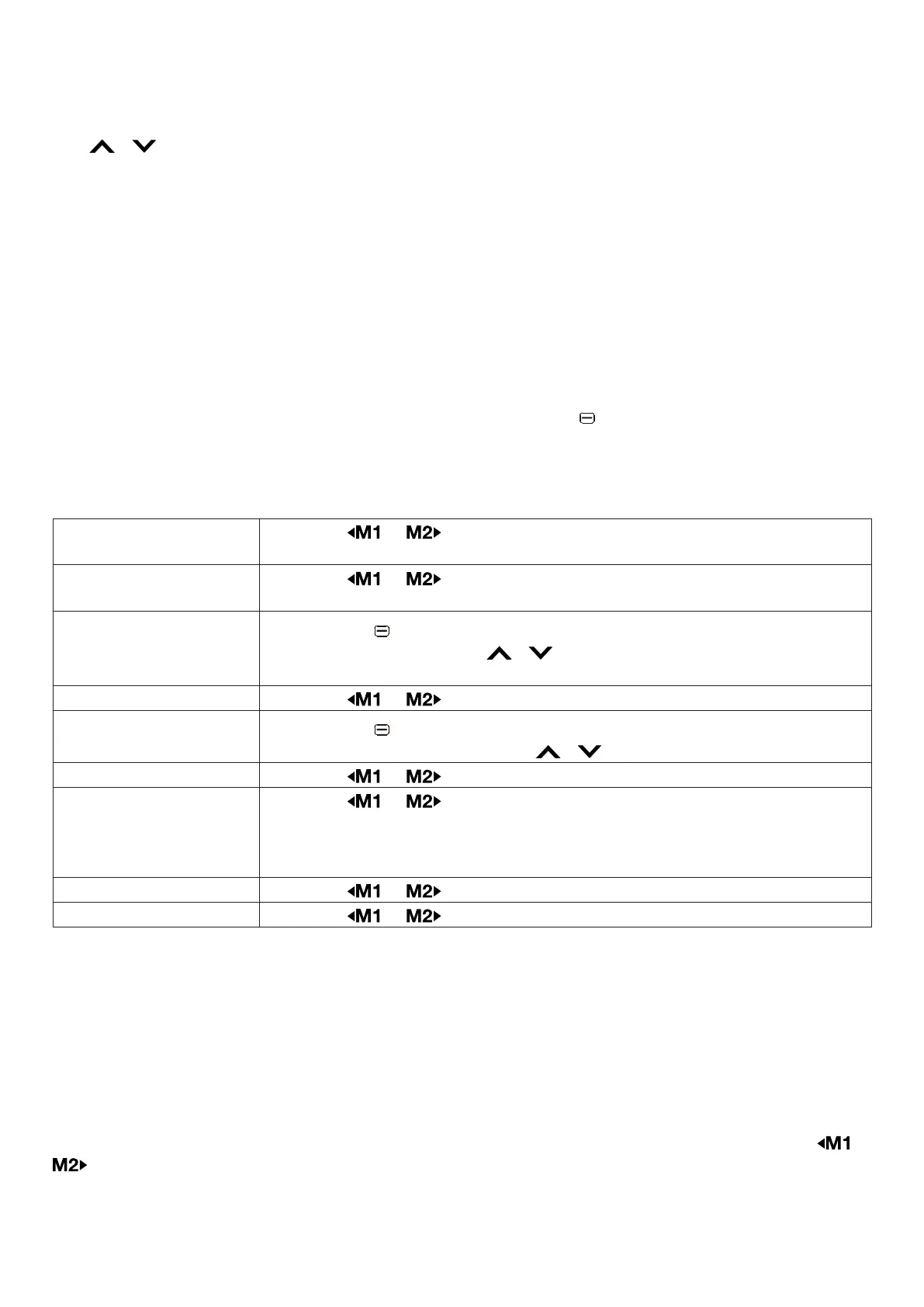
The / keys are used as shortcuts to access frequently used features.
1. Go to Settings -> Phone -> Dedicated keys.
2. Select the Up or Down key and press Edit.
3. From the feature list, select a feature to assign and then press OK.
Font size
Change between Small, medium or large font display size
9.6.3 Proles
Go to Proles to select the desired prole. The options available are Normal, Silent, Vibration and
Loud. These proles will determine what happens when you receive a phone call or a text message.
Normal / Vibration / Loud
If you choose Normal, Vibration or Loud proles, click the left key to enter more Options:
Activate
Set this prole as current sound prole.
Reset
Reset the prole to default settings.
Here are the settings you can modify to Customize your sound prole:
Alert type Press the or key to choose between Ring only / Vibrate only /
Vibrate and ring / Vibrate then ring of the alert type.
Ring type Press the or key to choose between Repeat / Beep once ring
type.
Ringtone
Click the left key to enter more Options -> Change -> select the
desired ringtone using the / keys, or select Select from le to
choose your own music les.
Ringtone volume Press the or key to adjust the ringtone volume.
Message
Click the left key to enter more Options -> Change -> select the
desired message tone using the / keys.
Message volume Press the or key to adjust the message volume.
Keypad Press the or key to choose between Click / Tone / Silent
or Human voice tone (with this option selected, the phone will use a
digital voice to repeat the digits dialled when typing a number from the
main screen).
Key-tone volume Press the or key to adjust the key-tone volume.
System alert Press the or key to turn on / off the system alarm.
Silent
When Silent mode is activated, incoming phone calls and messages will not ring or vibrate. Alerts
on screen will remain active.
Note: On the main screen, press and hold the # key to switch between ring modes.
9.6.4 Display
Wallpaper
To adjust Wallpaper, go to Settings -> Display -> Wallpaper.
Go to System to select from photos that are pre-set on your phone. Press View then use the or
key to see the dierent wallpapers. Once you chose the one you like, press OK to set it.
Go to User dened to choose the wallpaper from photos saved on the phone or memory card.



 To Next Page