6
3. UNDERSTANDING YOUR PHONE
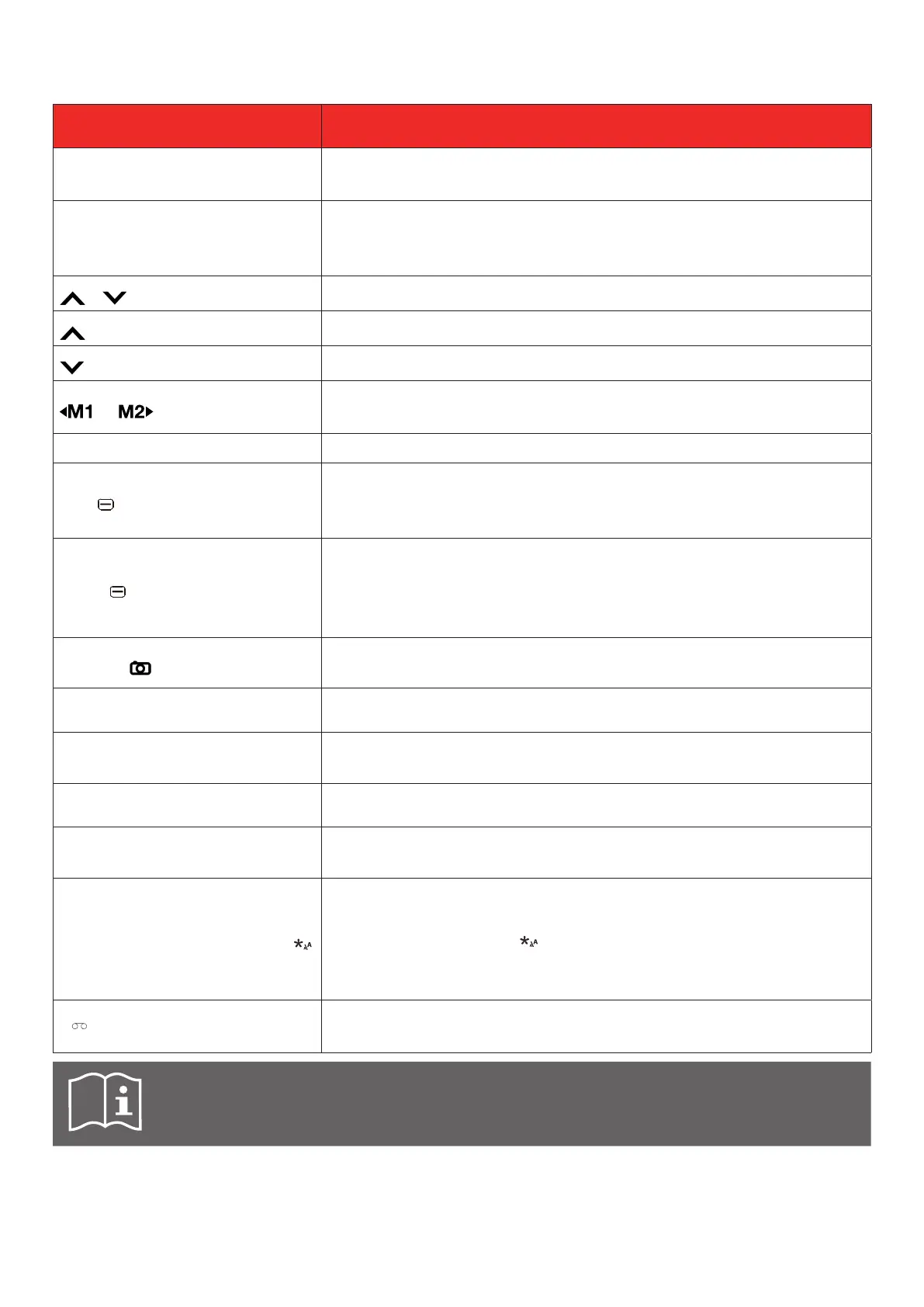
PART DESCRIPTION
Call key
Use to make and answer calls.
Use to enter call log.
Back / End call / Power key
Returns to the main screen.
Turns the phone on or off.
Use to hang-up calls.
/ keys
Navigate up and down through menus.
key
Press on home screen to open shortcuts.
key
Press on home screen to open messages.
or key
Navigate left and right through menus.
Assignable direct memory keys.
Display screen Displays messages, date, time, and indicator icons.
Left key
Use to access the main MENU (when on the main screen).
Use to confirm selected function.
Use to enter more Options.
Right key
Contacts (when on main screen).
Returns you to the previous screen, or closes a dialogue box,
options menu.
Delete character (in Edit mode).
Camera key
Use to access camera (when on the main screen). Takes pictures
and records videos.
Receiver Lets you hear the caller and automated prompts.
Volume control keys
Allows you to adjust the ringtone or media volume or adjust the
voice volume during a call.
Charging port Allows you to connect the phone charger.
3.5 mm headset jack
Allows to plug in either a stereo headset or an optional headset
for convenient, hands-free conversations.
International Call Prex Key
To make an international call, enter a +, followed by the
country code, followed by the desired number without the 0 at
the beginning. Press twice to enter a + sign.
Hold down for 2 seconds on main screen to cycle between
text display sizes.
Press: Dial "1"
Press and hold: Access your voicemail.
Inserting an accessory into the incorrect jack may damage the phone.



 To Next Page