Instruction manual
5
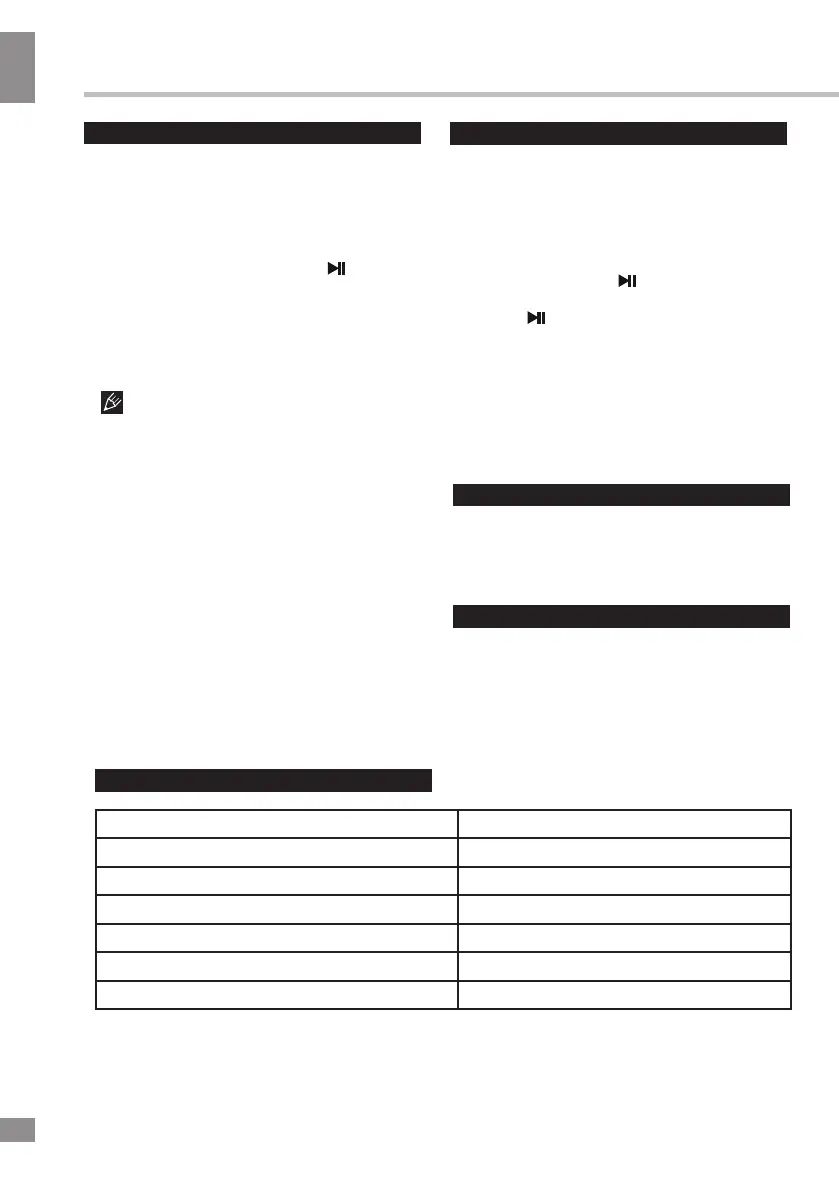
Maintenance and care
Switch off the unit, unplug from the power
supply. The outside of the appliance can be
cleaned with a slightly damp cloth.
Accessories
1 pc
1 pc
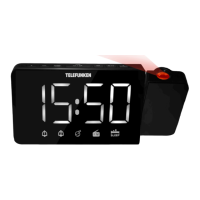
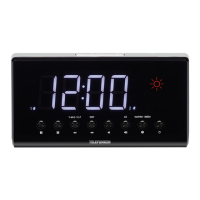
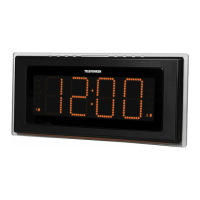
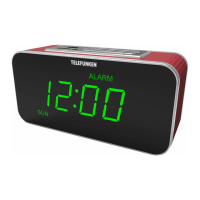
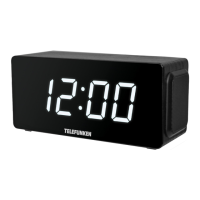
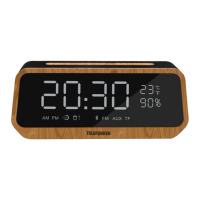
Alarm clock
Charger
Charging cable
3.5mm-3.5mm audio cable
Instruction manual
1 pc
Specifications
Specifications and functions are subject to change without notice. It is connected with continual
improvement of the device.
MANUFACTURED AND DISTRIBUTED BY TECHNO ELECTRIC LIMITED,
4
Legal address: 801 Luk Yu Building, 24 - 26 Stanley Street, Central, China
TELEFUNKEN and the TELEFUNKEN logo are trademarks of
TELEFUNKEN Licenses GmbH and are used under a trademark license.
Input voltage
DC 5V, 1 A
Nominal power consumption 5 W
FM radio 87.5 - 108 MHz
Battery power supply Li-ion, 3.7V, 2200 mA/h
Net weight 0.5 kg
Unit dimensions 199(W) * 80(H) * 60(D) mm
Output power 10 W
TF operation
Playback
Turn on the device.
Insert a TF (microSD) card into the slot.
The unit will automatically enter
the TF mode.
• When playing, you can press
to play/pause the playback.
• During the playback you can press and
•
•
hold the <</- or >>/+ buttons to adjust the
volume and press them once to go to the
previous and next track.
It may take up to 60 seconds to open
and verify a large
TF card with many
files.
General TF notes
• This unit is equipped with a TF slot
that can read and play MP3 files stored on
standard TF (microSD) cards up to 32 GB.
• FAT and FAT32 file system is supported by
this unit.
Never remove TF cards from the unit
during playback, always stop playback,
then switch to another mode before
removing the storage to prevent damage to
your files and cards themselves.
FM radio
Turn on the device.
Press
and hold the button to
select the FM mode.
• Press to automatically scan and
save all available radio stations. The
procedure will take several minutes and
cannot be interrupted.
• Once the search is finished, you can
•
•
press the <</- and >>/+ buttons to go to a
previous or next radio station. Press and
hold these buttons to adjust volume.
• The AUX or USB cable can used as
an FM radio antenna. Please insert the
cable into the unit and extend it for a
better signal reception.
1 pc
1 pc


 To Next Page