EasyManua.ls Logo

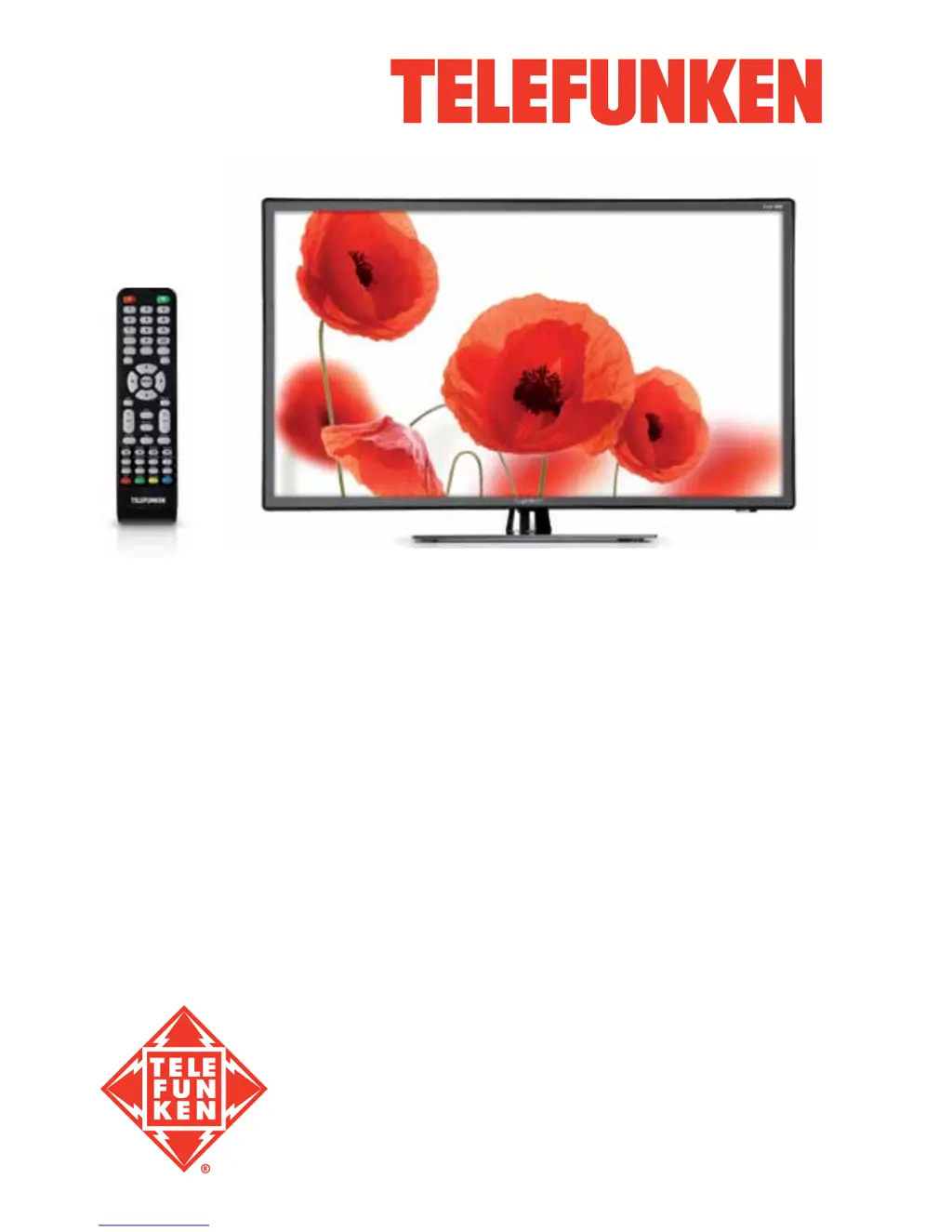
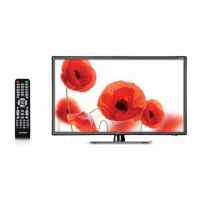
Telefunken TF-LED40S28T2 - User Manual

Telefunken TF-LED40S28T2
34 pages
Print Icon
To Next Page IconTo Next Page
Loading...
LED TV/
Телевизор цветного
изображения c
жидкокристаллическим
экраном
TF-LED40S28T2
Instruction manual
Руководство по
эксплуатации

Table of Contents

Questions and Answers

  • D
    David GilbertAug 1, 2025
    What to do if my Telefunken TF-LED40S28T2 LCD TV remote is not working?
    • O
      Olivia HopkinsAug 1, 2025
      If your Telefunken LCD TV remote control (RC) isn't working, the batteries might be the issue. First, check that the batteries are installed with the correct positive and negative polarities. Then, ensure the battery lid is securely reattached. If the remote still doesn't work, replace the batteries with new ones.
  • A
    Aaron GarciaAug 5, 2025
    Why is there no sound on my Telefunken LCD TV?
    • B
      Brandy JohnsonAug 5, 2025
      If your Telefunken LCD TV has no sound, ensure that the audio signal cord is properly connected. You should also verify that the sound system settings are correctly configured.
  • J
    Jamie PenaAug 10, 2025
    Why does my Telefunken TF-LED40S28T2 show a blue background?
    • V
      Veronica GallowayAug 11, 2025
      If your Telefunken LCD TV displays a blue background, it indicates that there is no video signal or the signal cord is either improperly connected or not connected at all. Ensure the signal cord is correctly and securely connected to the TV.
  • S
    Sheryl SparksAug 15, 2025
    How to fix a spotted or snowy picture on Telefunken TF-LED40S28T2 LCD TV?
    • D
      dawntaylorAug 15, 2025
      If the picture on your Telefunken LCD TV is spotted or snowy, it could be due to a low-grade signal source or a lower quality signal. Try using a qualified signal cord to improve the picture quality.
  • A
    Allison WheelerAug 20, 2025
    What to do if picture and sound are abnormal on Telefunken LCD TV?
    • K
      Kari BooneAug 20, 2025
      If the picture and sound on your Telefunken LCD TV are abnormal, the contrast and color settings may be set improperly. It's also possible that the color or sound system is not configured correctly. Adjust the contrast and color values appropriately and ensure the sound system is properly set up.
  • E
    eric13Aug 26, 2025
    How to resolve abnormal picture in VGA mode on Telefunken TF-LED40S28T2?
    • E
      Eric GuzmanAug 26, 2025
      If the picture in VGA mode is abnormal on your Telefunken LCD TV, the PC settings may be incorrect. Check and adjust the resolution parameters of your PC to ensure they are compatible with the TV.

Summary

Before You Start

Product Disposal Information

Guidelines for environmentally responsible disposal of the television unit.

Important Safety Precautions

Critical safety instructions to prevent electrical shock, fire, and damage during operation.

Installation Guide

Base and Wall Mounting Procedures

Detailed steps for attaching the TV stand and securely mounting the unit on a wall.

Connecting Your TV

Antenna and External Device Connections

Guidance on connecting antenna, audio/video inputs, and HDMI sources.

TV Control Elements

Front and Back Panel Interfaces

Identification and overview of physical buttons and ports on the TV unit.

Remote Control Operations

Remote Functions and Battery Replacement

Explanation of remote control buttons and instructions for changing batteries.

Basic TV Operations

Standard Functions and Source Selection

Covers power, volume, channel tuning, input source switching, and teletext usage.

On-Screen Display and Picture Settings

OSD Navigation and Picture Adjustments

How to navigate the OSD menu for picture mode, brightness, contrast, and aspect ratio.

Sound and Channel Management

Audio Settings and Channel Tuning

Adjusting sound modes, EQ, and performing automatic or manual channel scans.

System Setup and Security Features

Lock System and General Configuration

Setting parental controls, keypad locks, OSD language, and factory reset options.

USB Operation and Media Playback

USB Drive Usage and File Playback Guide

Instructions for inserting USB drives, supported formats, and playing media files.

Advanced TV Features

EPG, Recording, and Conditional Access

Utilizing EPG, PVR/Timeshift recording, and information on CI card usage.

Troubleshooting Common Issues

Problem Resolution and Interference Causes

Guide to resolving common TV problems and understanding signal interference.

Product Information

Included Accessories List

A list of all items provided in the TV package.

Technical Specifications Overview

Detailed technical data including dimensions, resolution, power, and features.

Telefunken TF-LED40S28T2 Specifications

General IconGeneral
Screen Size40 inches
Display TechnologyLED
HDMI Ports3
USB Ports2
Audio Output20 W
Smart TVYes
Aspect Ratio16:9
Refresh Rate60 Hz
Built-in Wi-FiYes
Operating SystemAndroid
Energy Efficiency ClassA
Resolution1920 x 1080
Backlight TypeLED
TunerDVB-T2/C

Related product manuals