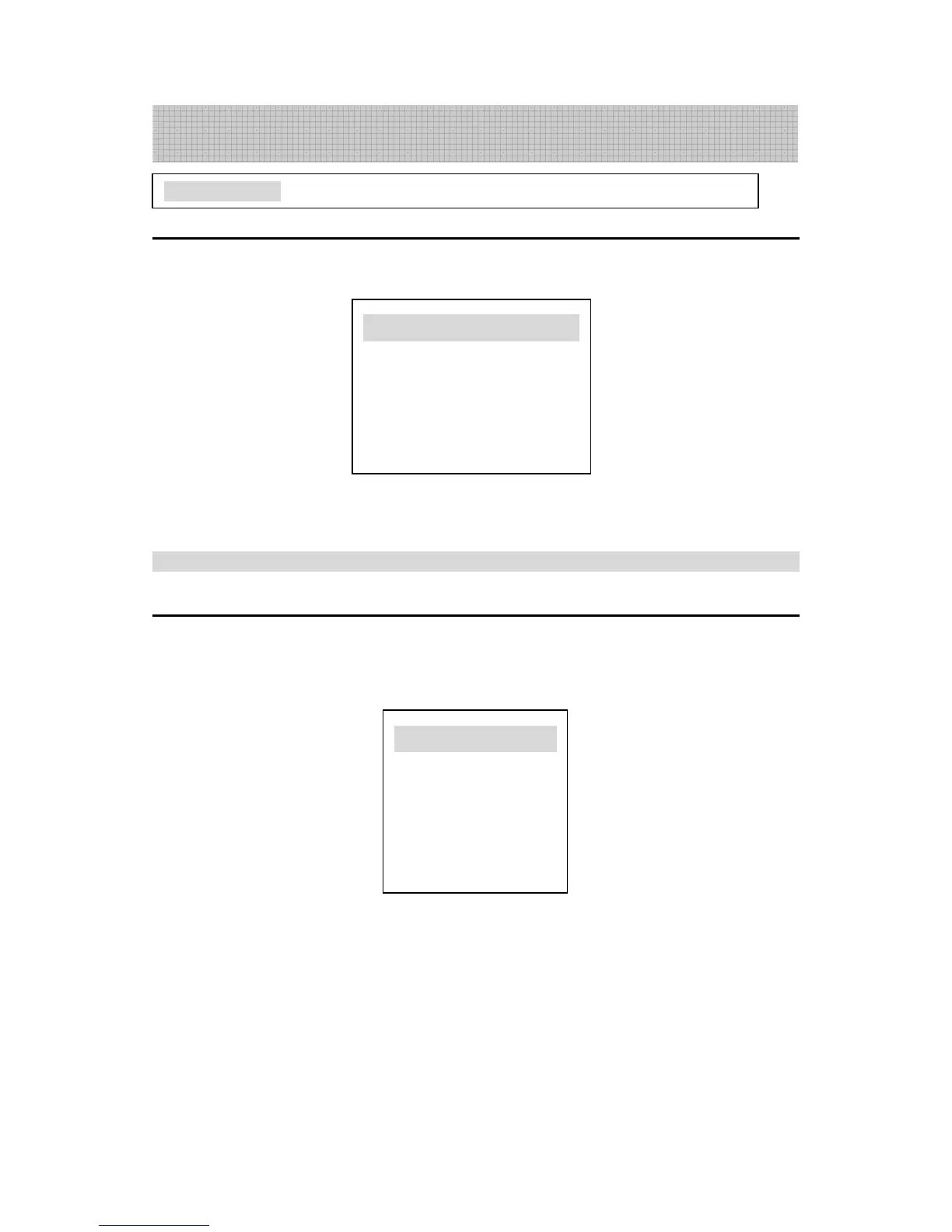
Set your desired picture mode
Press “MENU” once or “PICTURE” button to show “Picture” menu on the screen,
then press “P+/P-” to select the item you want to adjust. Press “V+/V-” to adjust the effect.
Note: HUE adjustment is only available in NTSC, its adjusting range being -50
~
~~
~
+50,
and the adjusting range of other items is 0
~
~~
~
100.
3 Selectable sound
Set your desired sound mode
Press the “MENU” button on the remote controller or press the “SOUND” button to
display the SOUND menu on the screen. Press P+/P- to select the item you want to adjust,
then press “V+/V-” to adjust the effect.
Choose VOLUME to adjust sound volume;
Choose BALANCE to adjust sound balance
At the end of operation, all the adjusted values will be automatically saved.
NOTE: The "TREBLE", "BASS", "EFFECT" items are displayed only when this TV
model provides the adjustable functions of treble, bass, effect (refer to the specifications of
this manual.)
Basic operation: Picture and sound control
TV Operation





 To Next Page