8
1 Selecting a desired program
Use the direct Program number Selection buttons
Press the number buttons 0-9 on the remote control to select the single digit program
number (0-9).
Press the “-/--” button on the remote control to display to select double-digit programs.
You can press number buttons 0-9 to select Program number (10-99), by first selecting the
tenth digit then the unit digit; after pressing the “-/--” button to display “---”, you can press
number buttons 0-9 to select Program number 100-227 Program number, by first selecting
the hundredth digit, then the tenth digit and then the unit digit.
Use the Program number Up/Down Button “P+” “P-” buttons
Pressing “P+” will select a Program number in by increasing numbers.
Pressing “P-” will select a Program number in by decreasing numbers.
2 Adjust the volume by Volume “V+/V-” button.
3 If the colour or sound of a channel is not normal, it may be an incorrect setting of colour
or sound system, and it can be adjusted as described below:
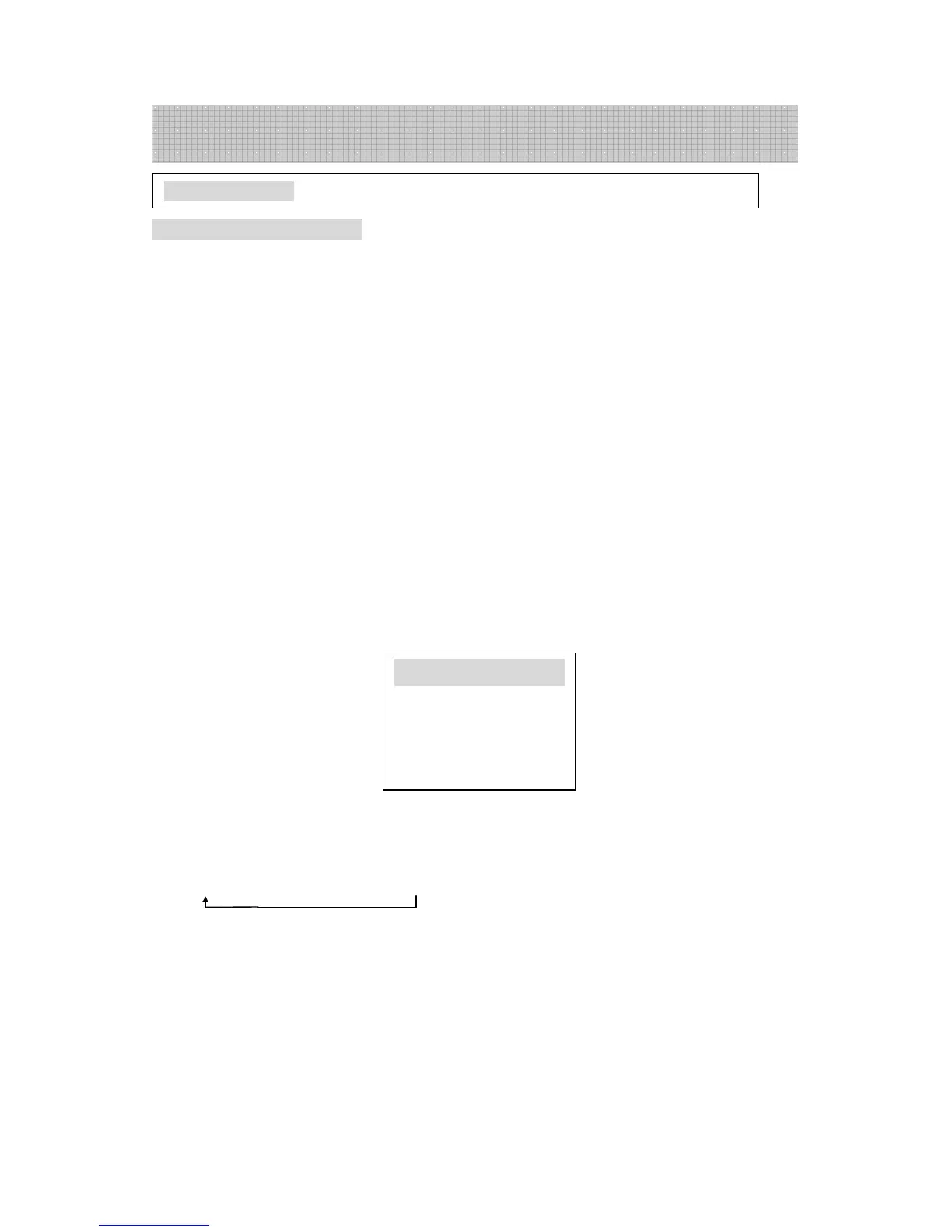
press the MENU button 3 times consecutively, so that the screen will display the
following menu (or select the FEATURE button)
● If the picture colour is not normal
Press P+/P- to select “COLOUR” (it turns from white to green), then press “V+/V-” to
select the correct colour system.
AUTO→PAL →NTSC 4.43→NTSC 3.58 will appear in turn.
●
●●
●
If the sound is not normal
Press the SOUND SYSTEM button repeatedly on the remote controller to select the
correct sound system. Alternatively highlight the SOUND option under the FEATURE
menu using P+ or P-. Then use V+ or V- to change to BG system within the following
selection sequence:
BG
→
I
Australia isPAL BG
Note: If you are using the television for the first time, please first use the auto search and
store the programs as described in “Adjustment” on page 9.
Program Selection
TV Operation
FEATURE





 To Next Page