6
You can dial the number before lifting the handset. If you need to edit the
number you key in, you can use RADERA to delete the last digit. Just lift the
handset to dial out the shown number.
TELESVAR calls must be done off hook (no Predial).
SENASTE-key is used to scroll the 12 latest calls. Press SENASTE (without
lifting the handset) to see the latest call with time and date stamp, call
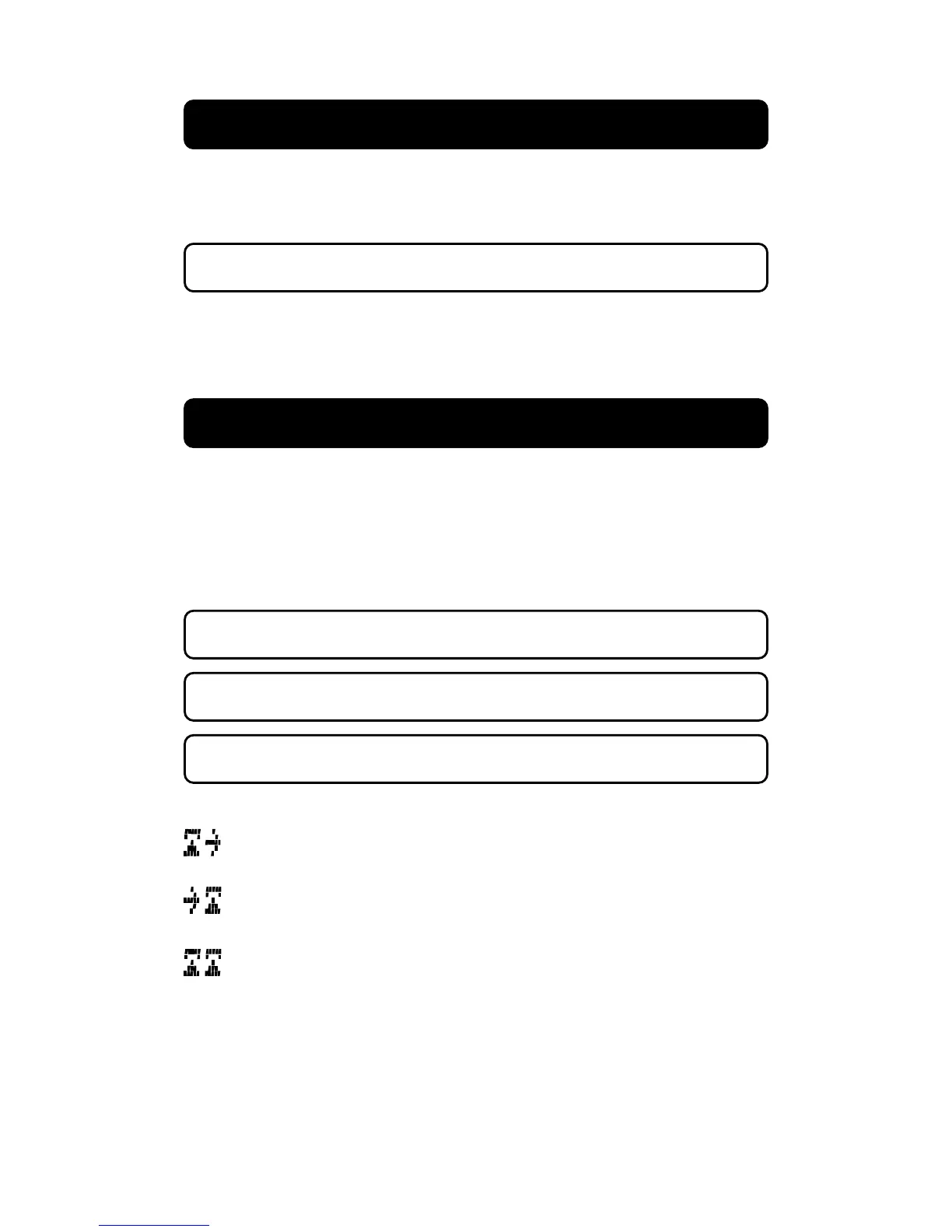
duration is also displayed. A symbol shows if it is incoming, outgoing or
outgoing from extension phone. Use the scroll keys to see the 12 latest
calls. Just lift the hanset to dial the shown number.
An outgiong call ending before the call duration timer starts will not be
stored in this memory.
If SENASTE key is pressed with handset lifted, the latest number will be
redialled. See REDIAL on next page.
Calls from extension phone (connected on the same line) will only be
stored in this memory if UTGÅENDE is selected PÅ, see page 8 settings.
This call was outgoing from this phone.
This call was an incoming call.
This call was an outgoing call from extension phone,
(Only if UTGÅENDE is selected as PÅ, see page 8 settings).
PreDial
SENASTE


 To Next Page