Operations
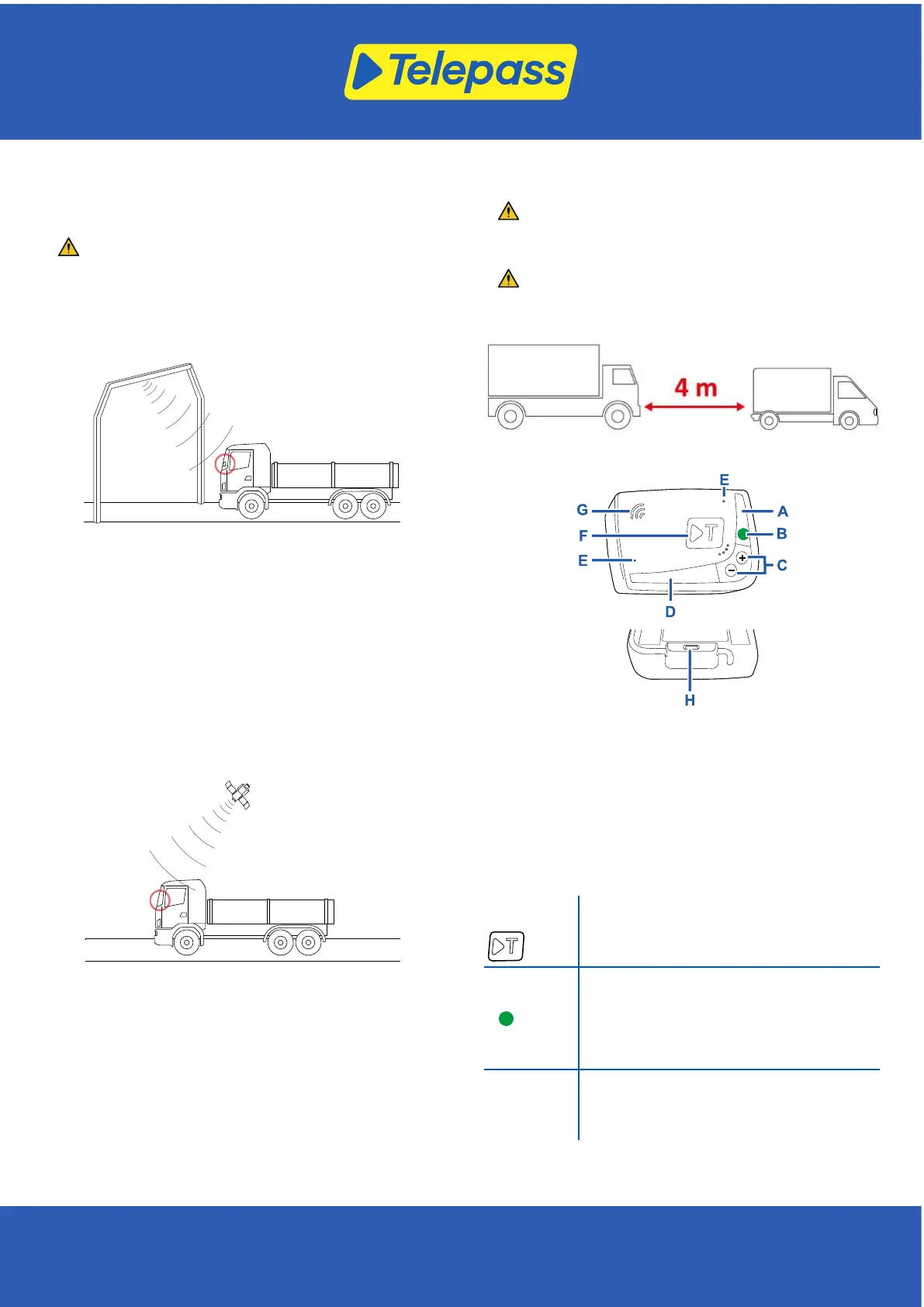
This device performs e-toll payment when passing through
dedicated lanes, with detection gates (free-flow service) or by
means of satellite localization systems.
Never disconnect the power cable. The device only works if
powered. Traveling on toll roads when the device is not
operative may result in fines.
Where the radio system is used, the passage is detected by
antennas placed in dedicated lanes, or on gates positioned in
various points of the road network, where the free-flow service is
available. While passing through a gate, sound signals and
messages on the screen indicate the device is functioning
correctly.
Where a satellite service is active, the GNSS detects the passage
of the vehicle on toll roads.
The device is only active when correctly installed and the
instrument panel is switched on. It communicates with the
driver through acoustic signals, light signals (LEDs) and voice
messages. The driver can access device functions using the
Telepass Truck App, or directly on the device.
Craftsman exemption
The craftsman exemption function is available for vehicles
traveling in Germany. This function, which allows transit through
toll zones free of charge, can only be enabled on vehicles that
weigh less than 7.5 tons.
Enabling the craftsman exemption without meeting the
requirements may result in penalties.
Cross the tollbooth
Risk of accident. Follow the directions and speed limits
indicated by the highway authority near tollbooths.
Stay at least four meters away from the vehicle in front of you. If
the traffic light is red, use another tollbooth.
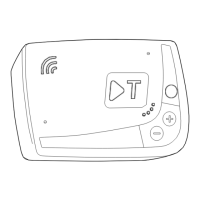
Device structure
A - Status LED (red/green)
B - Function/confirmation button
C - Adjustment buttons (+/-)
D - Communication LED (red/yellow/green/blue)
E - Microphone (not used)
F - Multifunction button
G - Speaker
H - Power inlet
Button behavior
The buttons on the device allow the functions to be accessed
even without using the Telepass Truck App.
Multifunction
button (F)
Allows you to connect the Telepass Truck App
to the device.
Function
button (B)
Press once to access the functions or to
confirm the current setup.
Press twice to return to the previous function
from the current one.
Keep pressed for 30 seconds to exit the
functions.
Adjustment
buttons (C)
+/-
Press to navigate the functions and the options
or change the volume level.
In the event of extended inactivity, the device exits from the
setup automatically and returns to the "Home page" function.
[ 2 ]
Telepass SpA - Via Laurentina, 449 - 00142 Rome (RM) - Italy - www.telepass.com
TLP-K1-Uso-1.2_A4_EN-0624 © 2023-24



 To Next Page