User Manual AC6901
59300528 Rev.013
29.10.2014 11(16)
Using AC6901 with CATVisor Commander
AC6901 is supported only in CATVisor Commander release 2.9 or
later. Using a Bluetooth connection in Commander is very simple
as there are specific menu selections and a menu bar button for
the Bluetooth connection.
Before opening the Bluetooth connection, AC6901 USB cable
must be plugged into the device.
Important note: With devices needing the use of the AC6901
internal battery, first plug in the USB and only then switch on
AC6901.
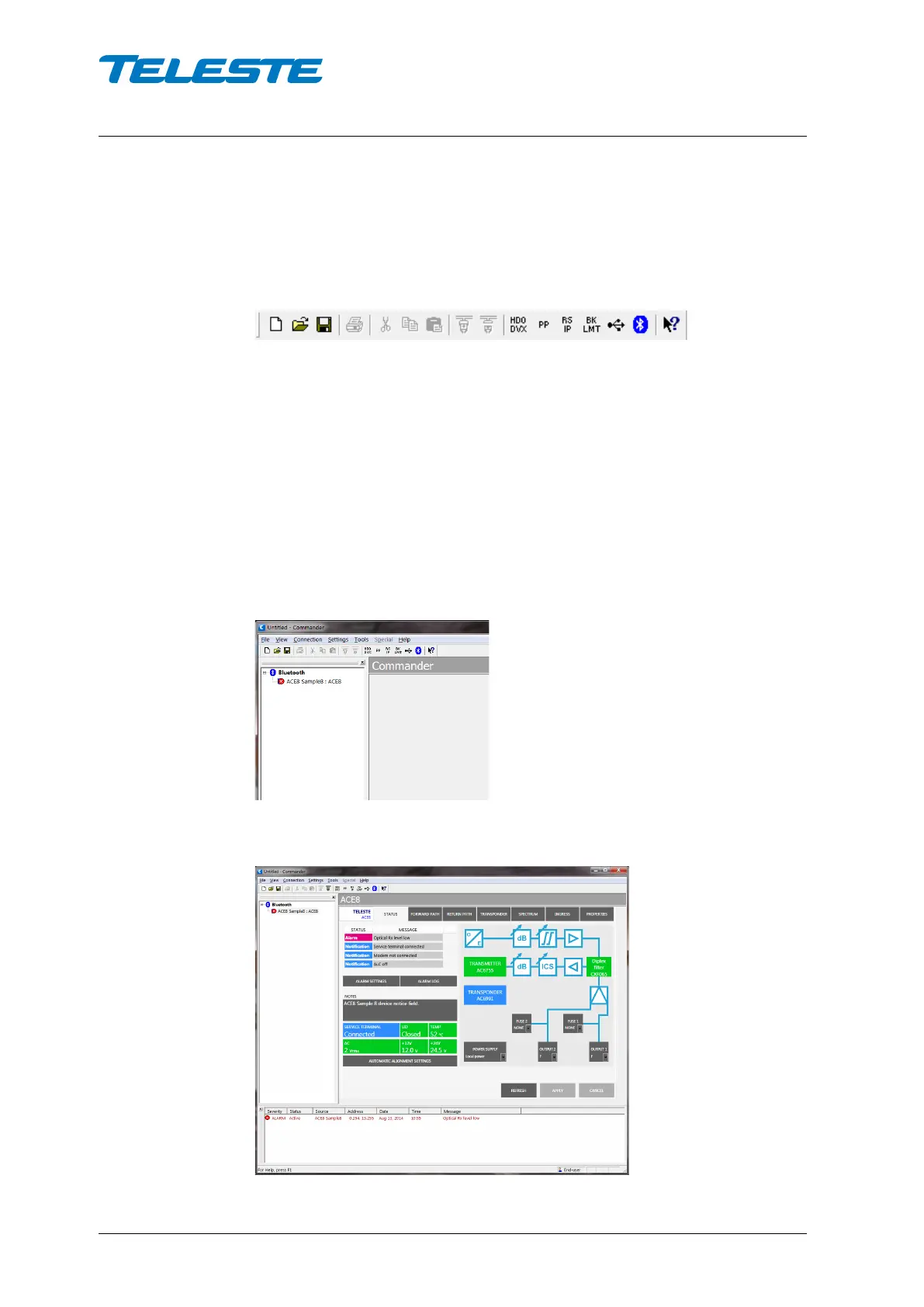
To open the connection, simply click the Bluetooth button.
If AC6901 is properly paired and connected to a device, the
connection will open and the Element directory will show the
connection and the device:
After selecting the device, the viewer will open, as usual.


 To Next Page