User Manual AC6901
59300528 Rev.013
29.10.2014 4(16)
Using AC6901 Bluetooth adapter
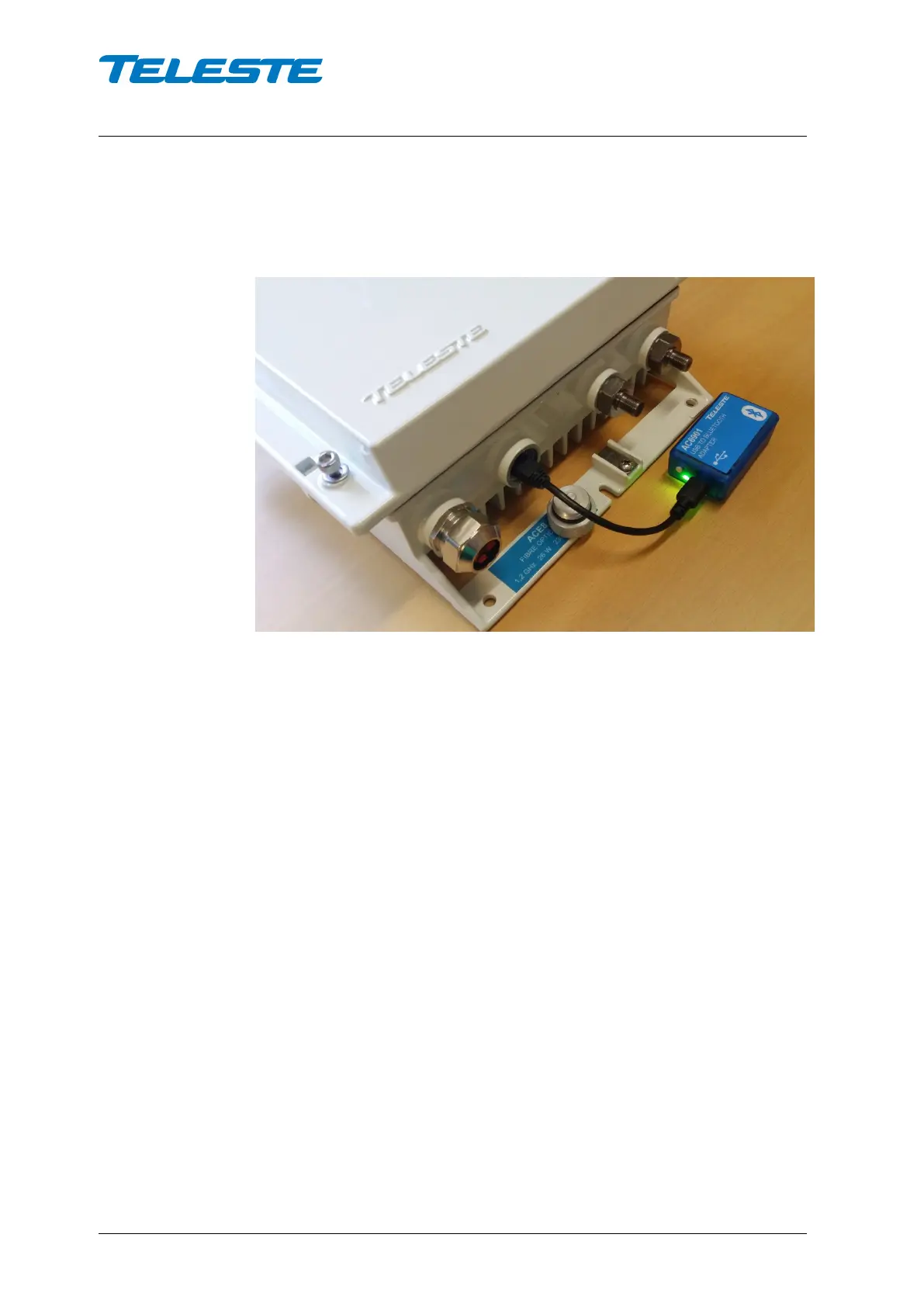
If you are using an ACE8, plug in AC6901 and it will power up immediately. This
is indicated by a green light and a blinking blue light.
You can do the pairing also without a ‘mother’ device by powering AC6901
using its internal battery. To do this, press the AC6901 button (shortly). The
lights will light up as indicated above.
Note 1: ACx devices do not provide supply voltage via USB. When connected to
these devices, AC6901 must be power from the internal battery.
Note 2: To shut down AC6901 when using the internal battery, click the button
again. Battery power will be shut down automatically after 5 minutes, if there is
no activity from Bluetooth to USB.


 To Next Page