User Manual AC6901
59300528 Rev.013
29.10.2014 14(16)
Using ‘Teleste Commander’ with AC6901
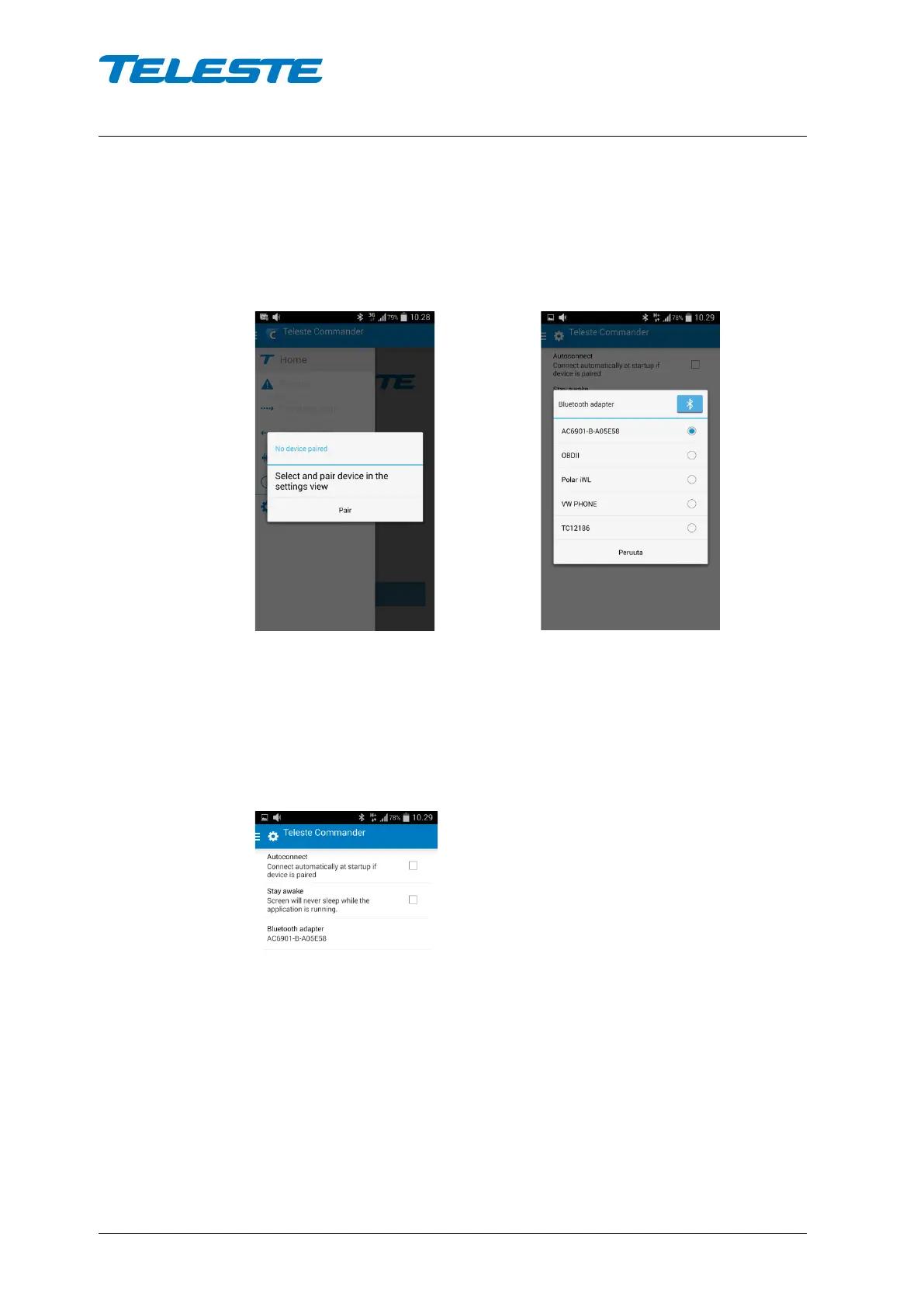
When starting Teleste Commander for the first time, it will ask you to select a
Bluetooth adapter. Click ‘Pair’ and the Bluetooth adapter selection dialogue
opens:
Start-up message Adapter selection
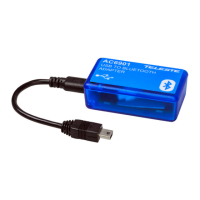
Select the AC6901 adapter you want to use. You can pair several adapters, but
use only one at a time.
After you have selected the adapter, click the Android ‘Back’ button to enter
Commander main screen.
To change the adapter, go to ‘Settings’ and select another adapter.


 To Next Page