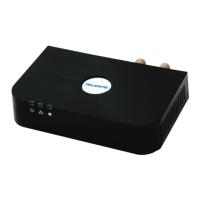
RED – Power light – unit is on and functioning
YELLOW – coax light- connection has been made to another EOC device on the network
and that the EOC-03 is receiving Ethernet data.
Local Ethernet connection lights:
GREEN – EOC Ethernet port is connected to Gigabit Ethernet device
RED – EOC Ethernet port is connected to 100 Base T Ethernet device
Note: These lights only indicate local connection status between the EOC03 and the set
top box or games console and do not indicate that Gigabit or 100 Base T Ethernet is being
sent over the coax.
7
EOCO3 Lights and indicators


 To Next Page