Eclipse 8/ 16/ 32 Series - Engineer Programming Manual
5
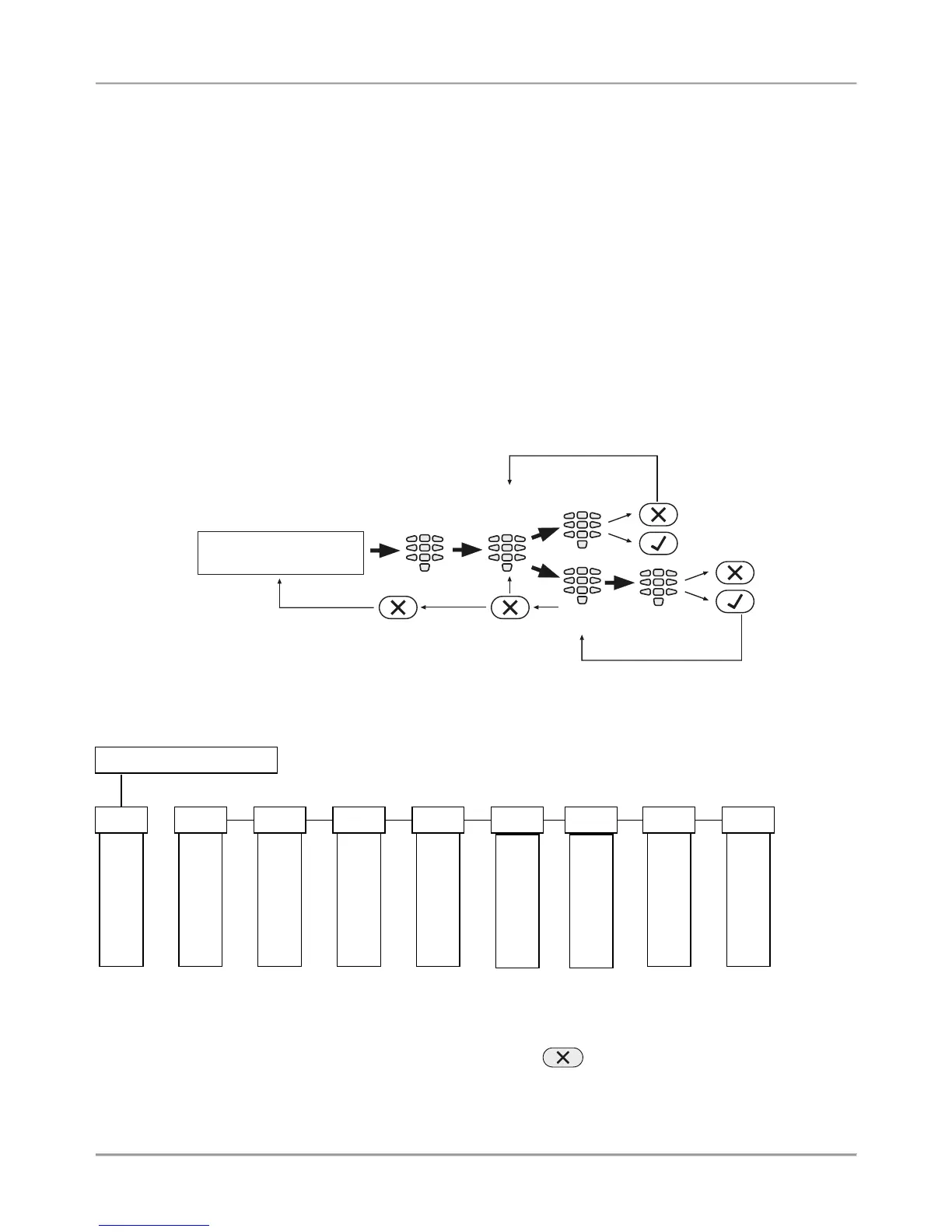
3-digit operations. The programming of the system parameters is organized with 3-digit operation codes. The
menus have the following structure:
o 0хх – General Settings Menu.
o 1xx – General User Menu; 1uu - Options for Users, as “uu” is an option number; after the option
number is necessary to enter a user number from 01 to 64.
o 2xx – General Zone Menu; 2zz – Zone options settings, as “zz” is an option number; after the option
number is necessary to enter a zone number from 01 to 32.
o 3xx – General Setting for PGM 4; 3pp – PGM options settings, as “pp” is an option number; after the
option number is necessary to enter a PGM number from 01 to 32.
o 4xx – General Areas Menu; 4aa – Area options settings, as “aa” is an option number; after the option
number is necessary to enter an Area number from 01 to 08.
o 5tt – Timeslot Menu, as “tt” in an option number; after the option number is necessary to enter an
Timeslot number from 01 to 08. In addition, at addresses 541 to 544 are set holidays and nonworking
days – and the number of the month from 01 to 12.
o 6хх – General Settings for the digital communicator; 6nn – Phones options settings; after the option
number is necessary to enter a phone number from 01 to 04.
o 67x – General settings for the voice dialer, where „х“ is number of an option from 0 to 3.
o 680 – Entering of telephone numbers for the voice dialer.
o 69х – General settings for UDL remote programming.
o 810 + dd – Device Menu, as “dd” is a device number from 01 to 31.
Note: The Device 01 is always the main PCB of the control panel.
Text menus (tree-structure). The system parameters are organized in text menus with tree-structure:
To enter in a text menu select it with the arrow buttons and confirm with ENTER. The programming of the parameters
in the menus may differ according to their usage. Use the arrow buttons to scroll of the available menus or submenus.
You can also directly enter in a menu with pressing its number – see the structure above.
The exit to the upper menu or submenu is with pressing the CANCEL button.
















 To Next Page