EasyManua.ls Logo

Teletek electronics ECLIPSE 8 - Page 92

Teletek electronics ECLIPSE 8
96 pages
Print Icon
To Next Page IconTo Next Page
To Previous Page IconTo Previous Page
Loading...
Eclipse 8/ 16/ 32 Series - Engineer Programming Manual
92
To the 1. MAINTENANCE Menu
* Note: The menus are accessible only proximity card readers.
NOTE!
Use buttons:
to DISABLE
to ENABLE
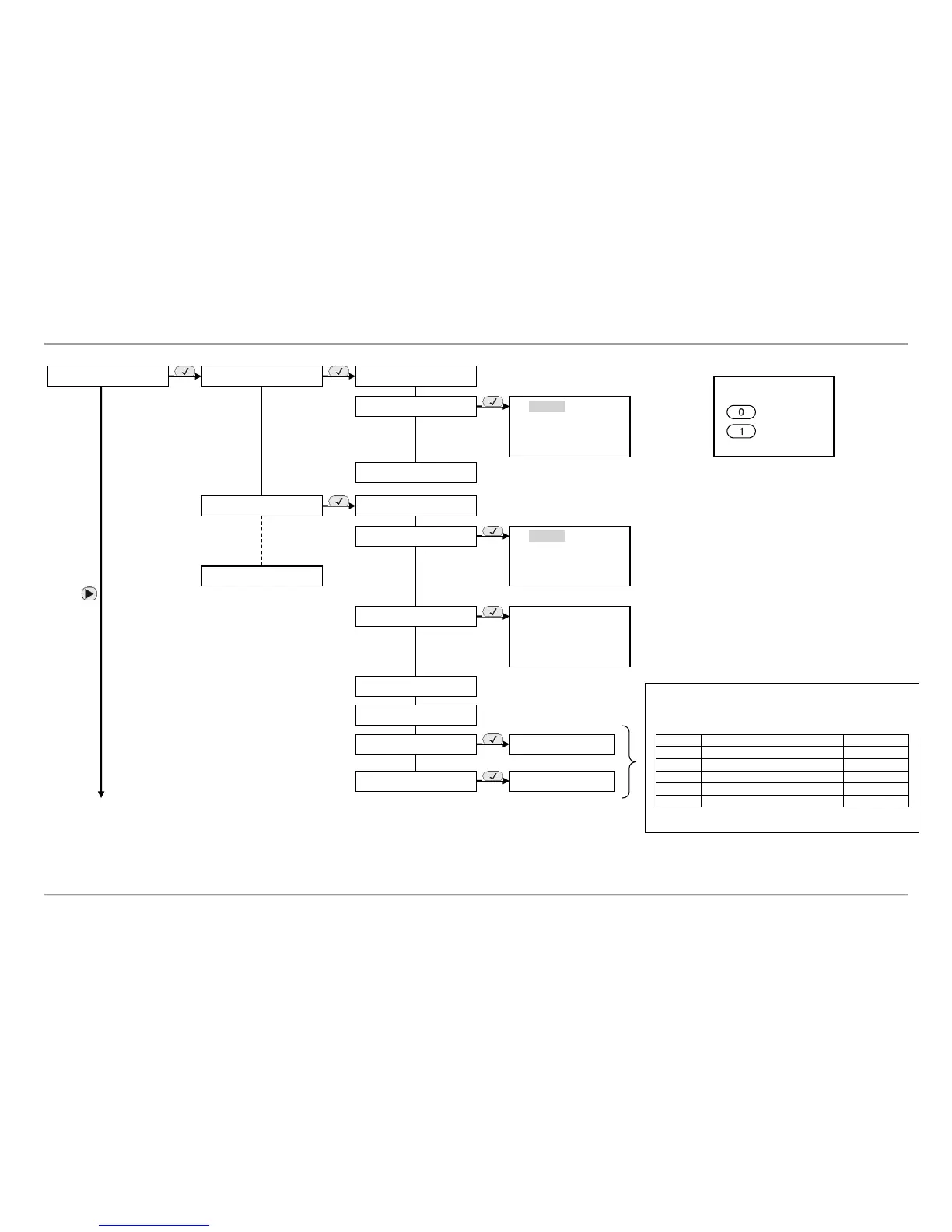
9. DEVICES
01. DEVICE [MAIN]
1. ID
2. AREAS
AREA 1
AREA 2
….
AREA 8
4. RESOURCES
02. DEVICE [NAME]
1. ID
2. AREAS
AREA 1
AREA 2
….
AREA 8
3. OPTIONS
CHIME
HIDE ZONE INFO
CONFIDENTIAL
CONF EXIT
4. RESOURCES
5. COMM QUALITY
31. DEVICE [NAME]
6. ARM MODE A*
7. ARM MODE В*
In the menus are set combinations of operation in the
areas arming type and/ or disarming for every area.
Use the buttons to set the respective operation:
Button
Operation
Indication
[0]
No change of the Area state
[*]
[1]
Disarming
[d]
[2]
Full ARM
[f]
[3]
Stay ARM
[s]
[4]
Sleep ARM
[S]
[s*******]
[S*******]

Other manuals for Teletek electronics ECLIPSE 8

Related product manuals