© 2011 TeleType Co.
31
Getting Started
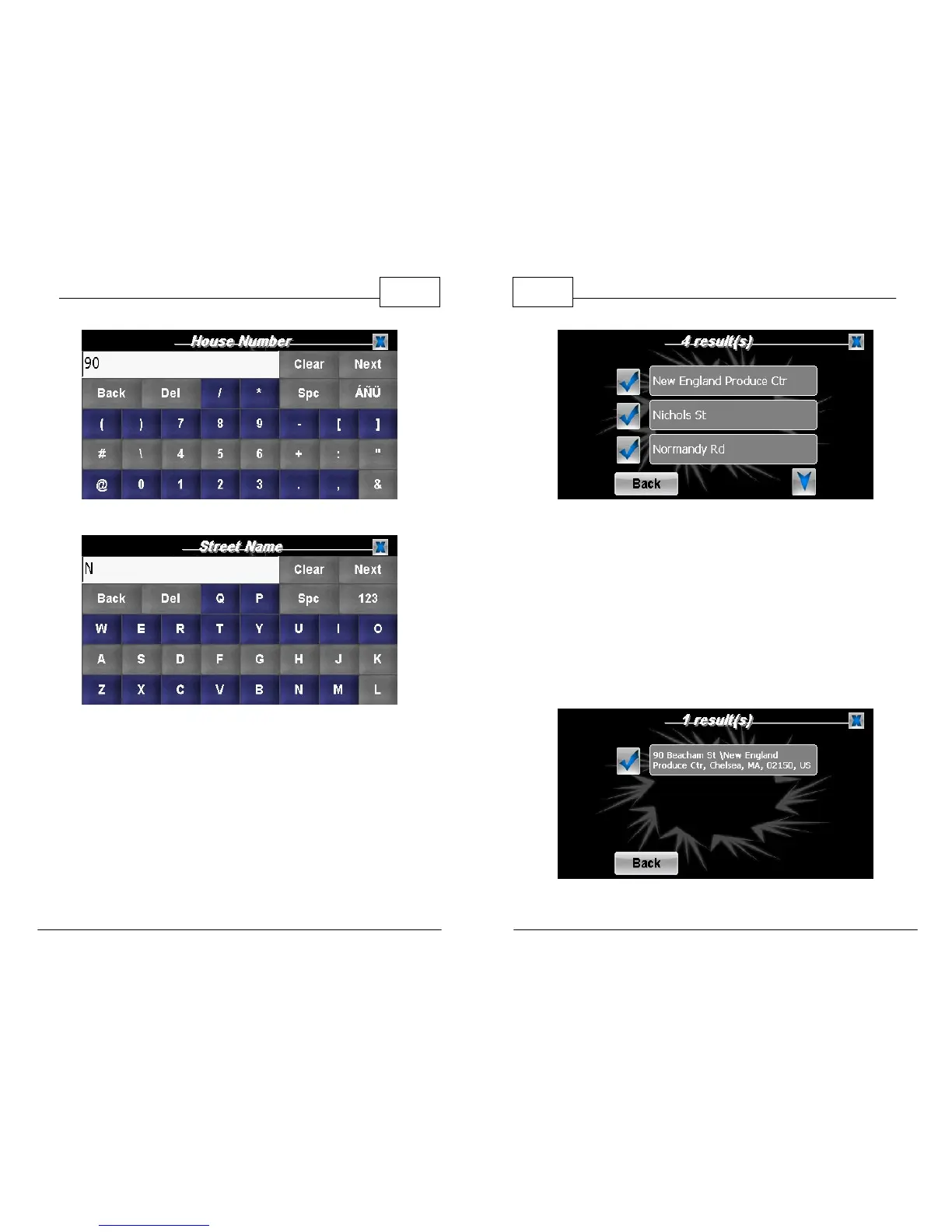
House Number
Start to Enter Street Name
WorldNav Navigation Software
32
© 2011 TeleType Co.
Select from Possible Streets
Note: To select a result, simply touch the check mark icon next to
your selection.
3. The WorldNav software will generate search
results based on your entry. Select the correct
location by touching the appropriate check
mark and it will recognize this as your Home
Address.
Select Address



 To Next Page