EasyManua.ls Logo

Teletype WorldNav 3100 - User Manual

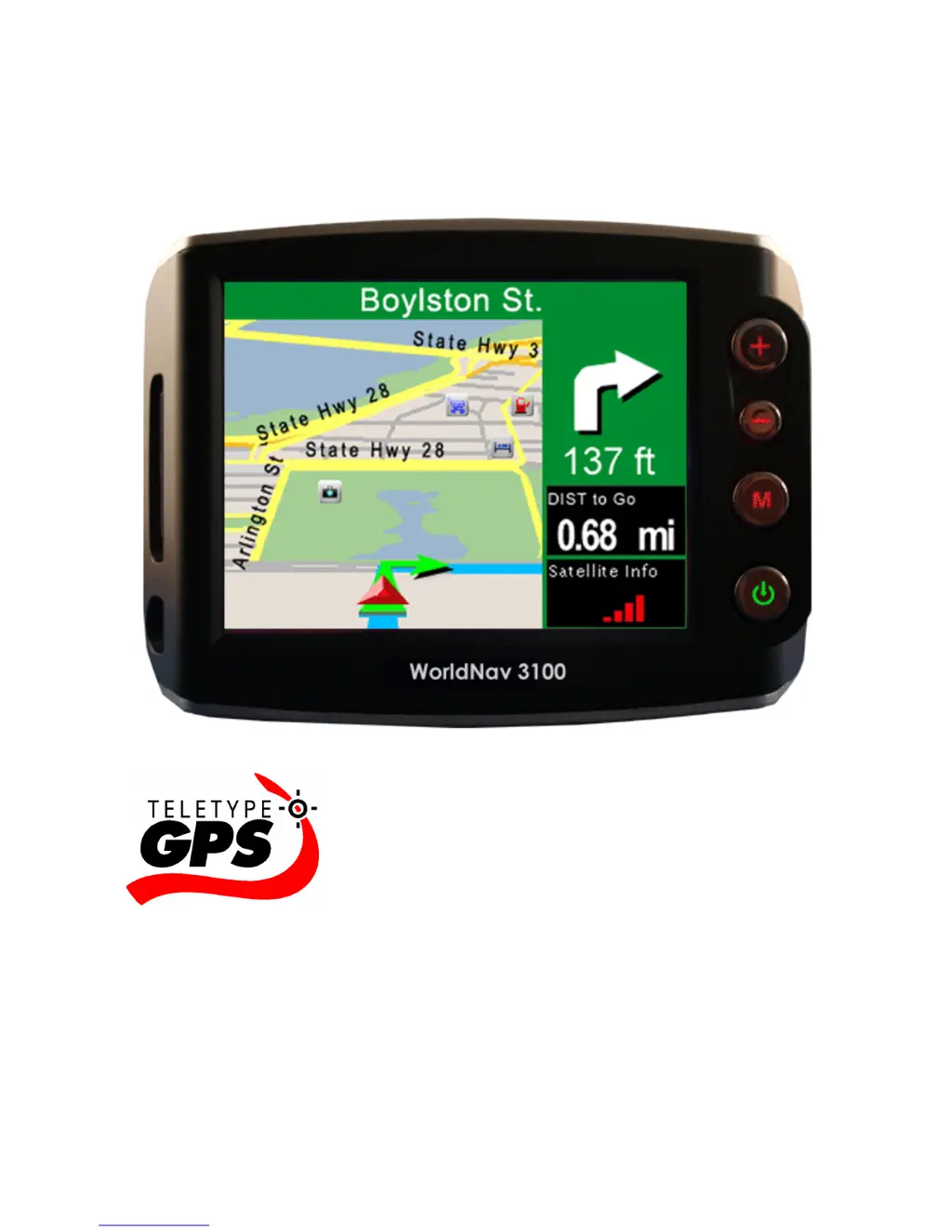
Teletype WorldNav 3100
118 pages
Print Icon
To Next Page IconTo Next Page
Loading...
WorldNav 3100
© 2007 TeleType Co.
User Guide

Questions and Answers

Summary

Introduction

Quick Start Method

Step-by-step guide for initial setup and operation.

Getting Started

Main Menu Review

Overview of the functions available on the main menu screens.

Navigation Overview

General explanation of the GPS navigation process.

Set Home Address

Procedure for setting the device's home location.

Routing to an Intersection

Steps to create a route to a specific street intersection.

Routing Using POIs

Guidance on finding and navigating to Points of Interest (POIs).

Finding a My Point

How to locate previously saved 'My Points'.

Finding or Routing To an Address

Instructions for entering and navigating to a specific street address.

Reroute and Clear Route

Options for changing or removing an active route.

Working with My Points

Create a My Point

Instructions for creating a custom location marker.

Mark My Point at Current Position

Saving the device's current GPS location as a favorite.

Editing My Points

Modifying existing saved locations.

Navigation Preferences

Selecting Route Preferences

Configuring route calculation methods like fastest or shortest path.

Selecting Navigation Panel Preferences

Customizing the information displayed on the navigation screen.

Setting the POI Preferences

Choosing which Points of Interest (POIs) appear on the map.

Media Players

Media Transfer

How to transfer media files (MP3s, videos, pictures) to the device.

Hardware Settings

Battery

Checking the current battery level and status.

Power and Battery Charging

Device Specifications

Physical Specifications

Detailed technical specifications of the WorldNav 3100 hardware.

Troubleshooting Questions

Teletype WorldNav 3100 Specifications

General IconGeneral
ReceiverSiRFstarIII
GPS ReceiverSiRFstarIII
BatteryRechargeable lithium-ion
DisplayTFT
Resolution240 x 320
MapsPreloaded maps of North America
MemoryInternal flash memory
Dimensions0.9 inches
Display Resolution320 x 240 pixels

Related product manuals