Special Features
© 2007 TeleType Co.
81
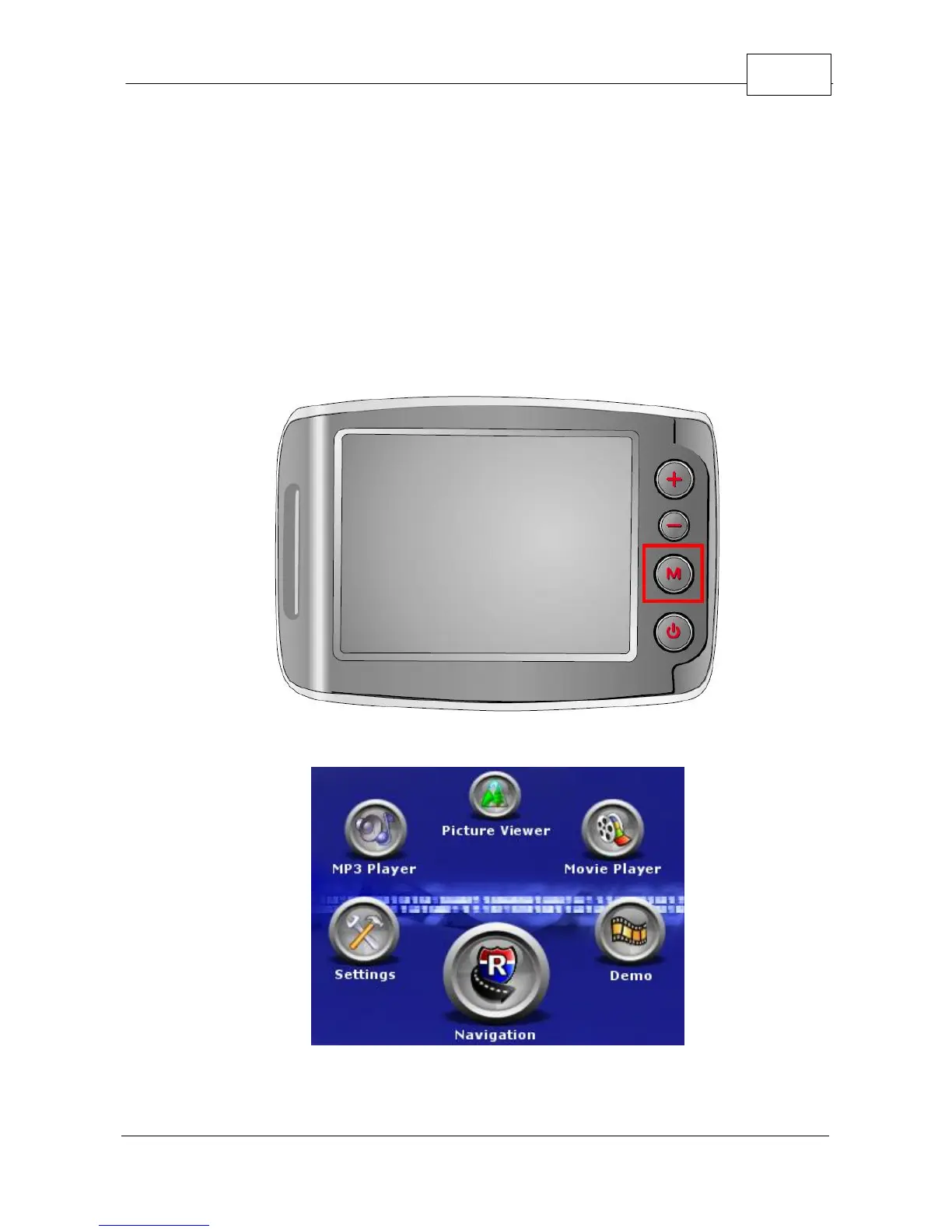
5.7 Main Menu
Pressing the <Main Menu> hardware button allows
you to exit the navigation program but does not shut
off the GPS altogether. You may want to use this
function to allow access to the Hardware Setup, MP3
Player, Video player, Picture Viewer, or Feature
Demo.
Hardware Menu Button
Main Menu



 To Next Page