Working with My Points
© 2007 TeleType Co.
51
3.3 Editing My Points
To edit your My Points, press <Menu> and then <My
Points>. This will take you to the My Points menu.
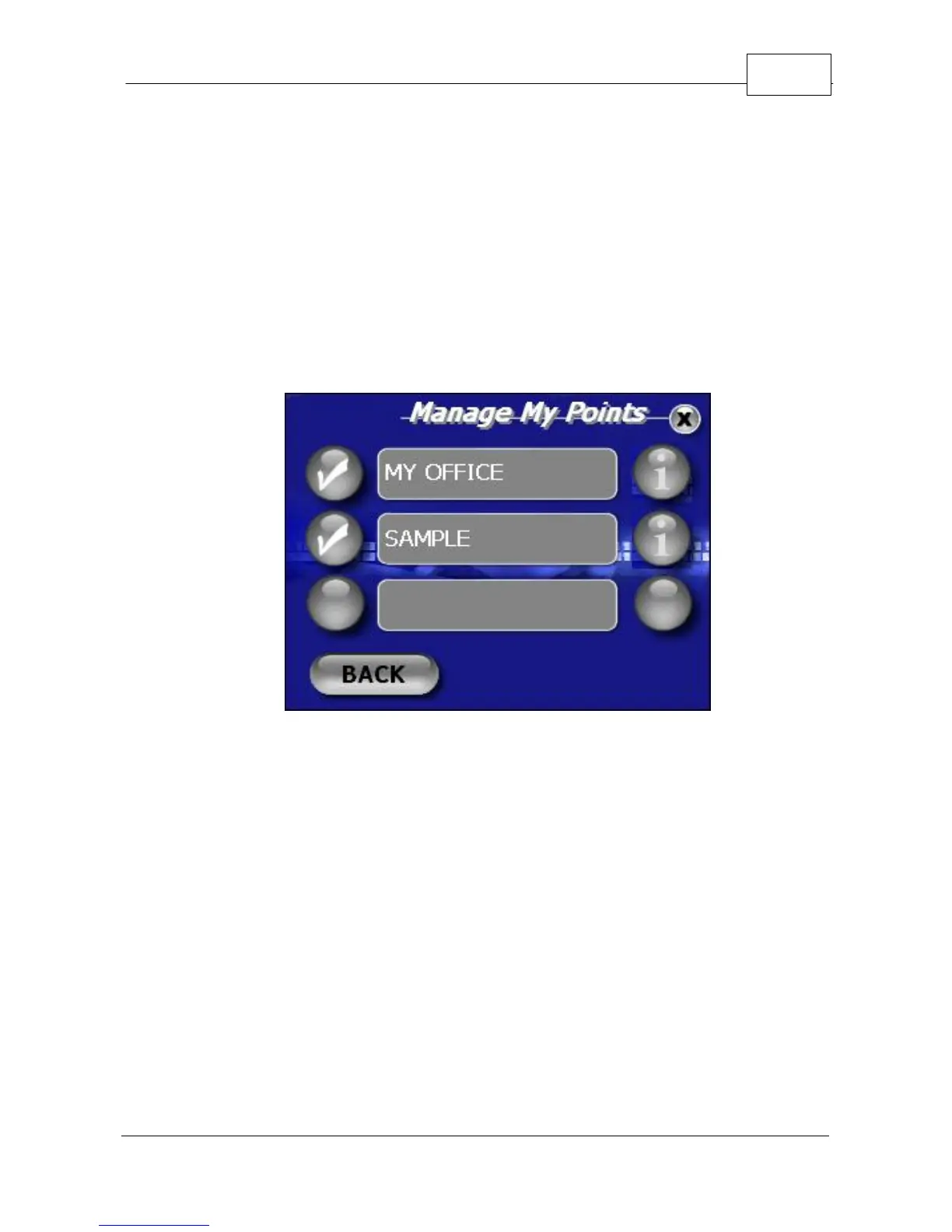
1. Select <Manage>. This will take you to a screen
entitled "Manage My Points". Select the "i" icon
next to the My Point you wish to edit.
Editing your My Points
2. Change the name of the My Point by pressing the
<Name> field and type the new name when
prompted. You can also press the <Icon> field
which will bring you to the icon gallery where you
can assign a new Icon to illustrate your My Point.



 To Next Page