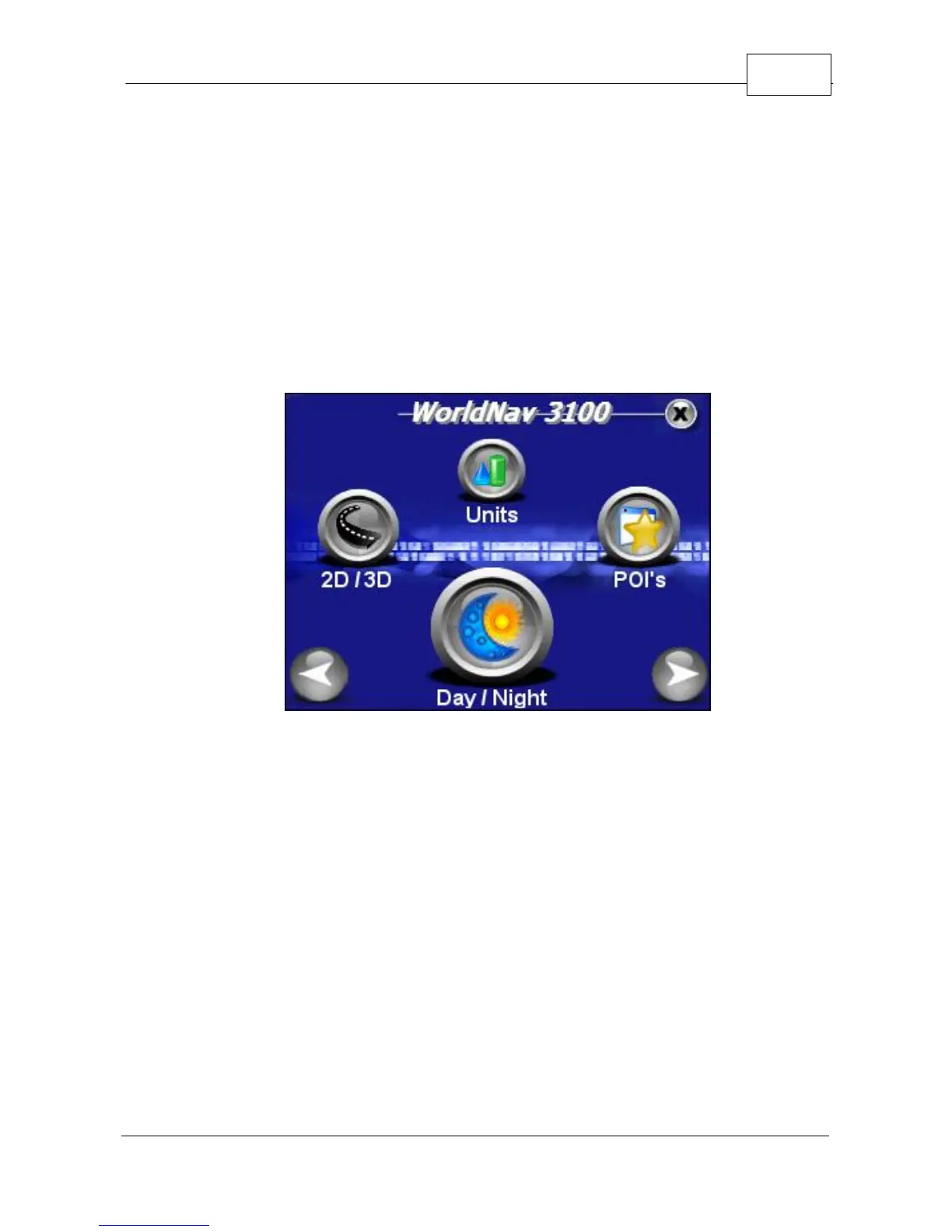
Navigation Preferences
© 2007 TeleType Co.
63
4.4 Setting the POI Preferences
Choose the types of POIs that you would like to
appear on the map. For the purposes of this tutorial,
let's decide the restaurant types you like.
1. Press <Menu>, right arrow icon, and then
<POI's>.
Select POI's
2. Select <Restaurant>.



 To Next Page