Getting Started
© 2007 TeleType Co.
33
2.5 Routing Using POIs
A POI is a point of interest (or a business) such as a
restaurant or gas station.
1. Select <Menu> and then <Find>.
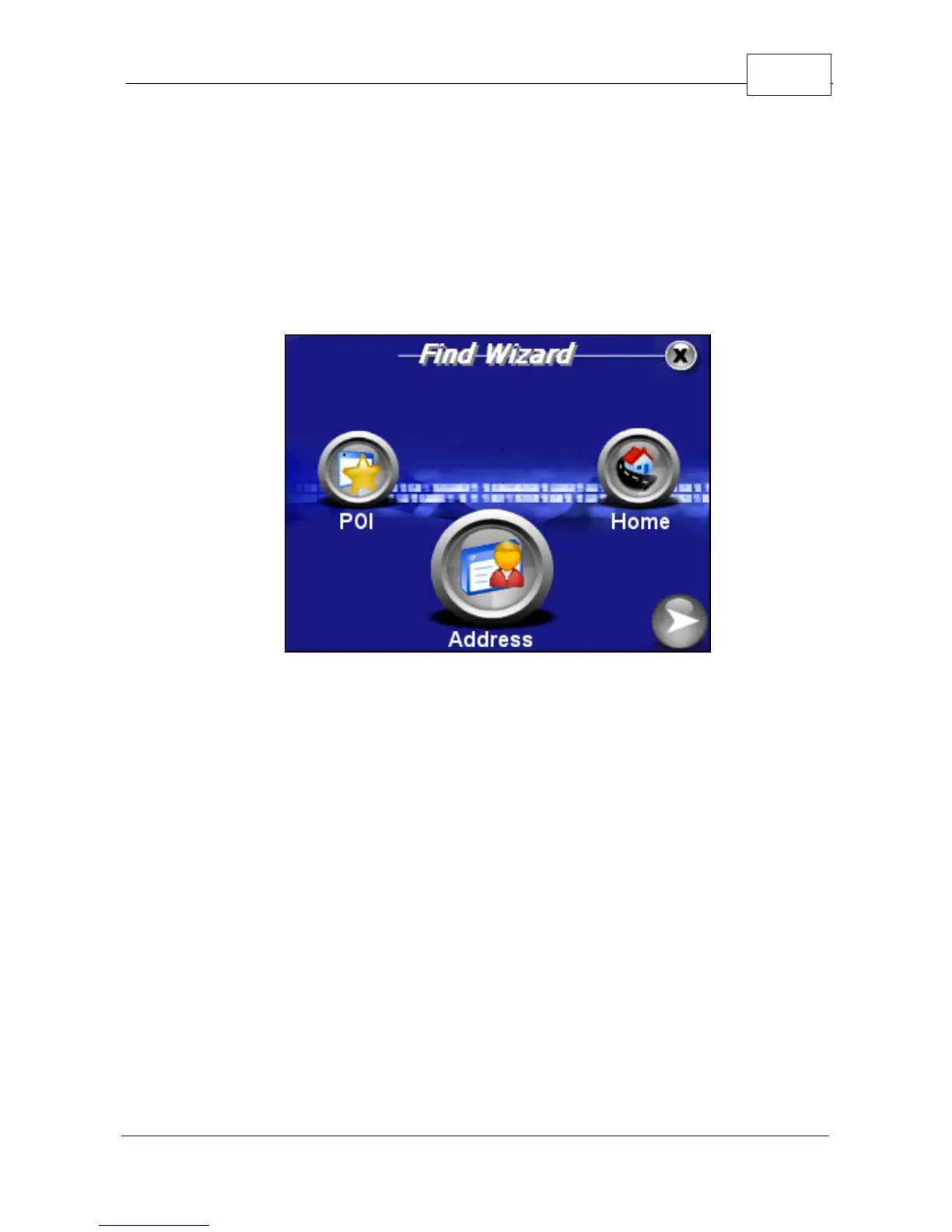
Find Wizard
2. In the Find Wizard, select <POI> or point of
interest.
3. You can now touch the right and left arrow icons
in order to select your POI search option. You
may choose from <Anywhere> , <By Phone
Number> or <By Nearest>. When your preferred
Route option is displaying in the text field, press
<OK>. Note: The search <By Phone Number>
option will only generate results for the Premium
WorldNav.



 To Next Page