© 2007 TeleType Co.
WorldNav 3100
34
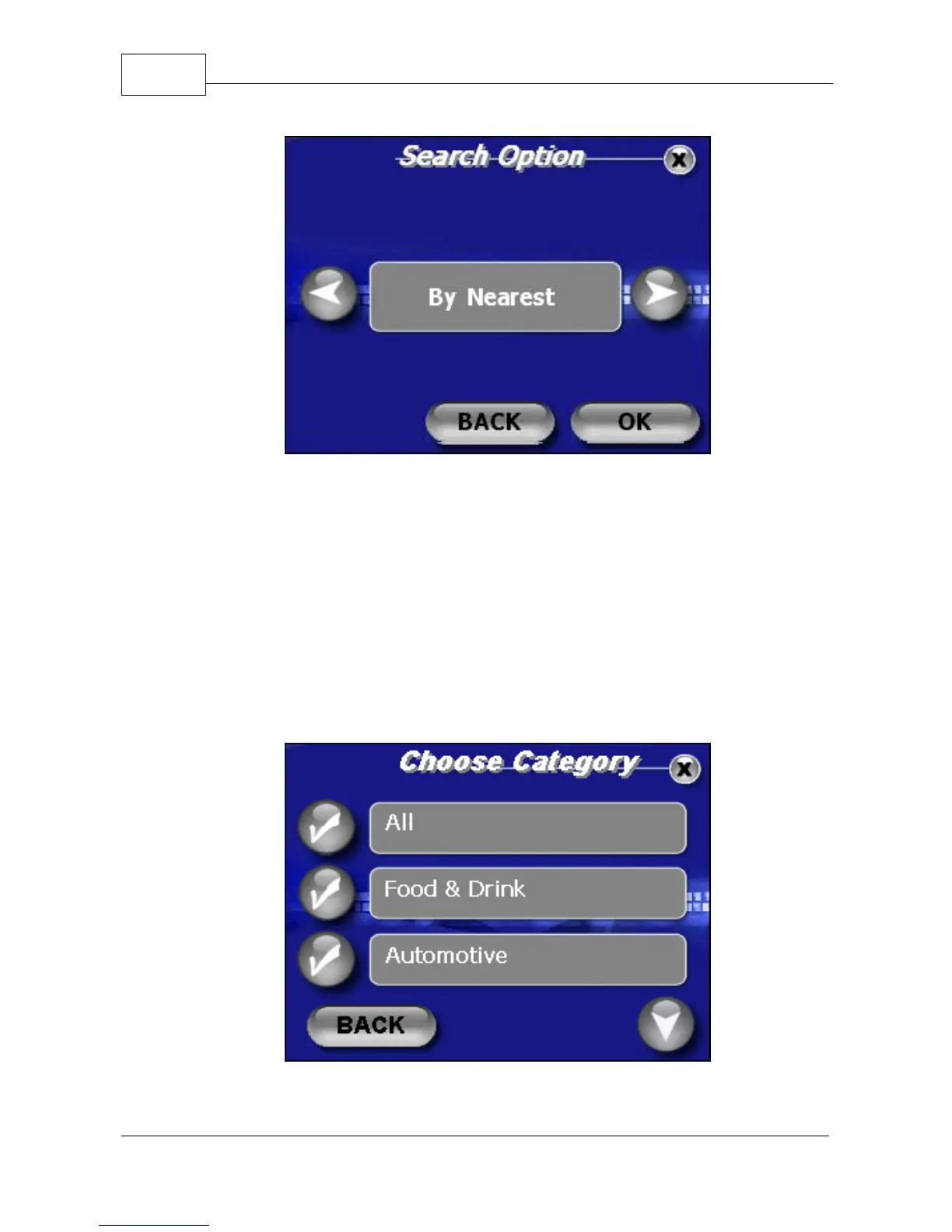
POI Search Option Screen
4. Select <By nearest> for the purposes of this
tutorial. Use this when you don't know the address
or need to find something close by.
5. Select a category such as Automotive, Food &
Drink, Business, Education, etc. If you are
unsure, select the category "All."
Select POI Category



 To Next Page