Getting Started
© 2007 TeleType Co.
35
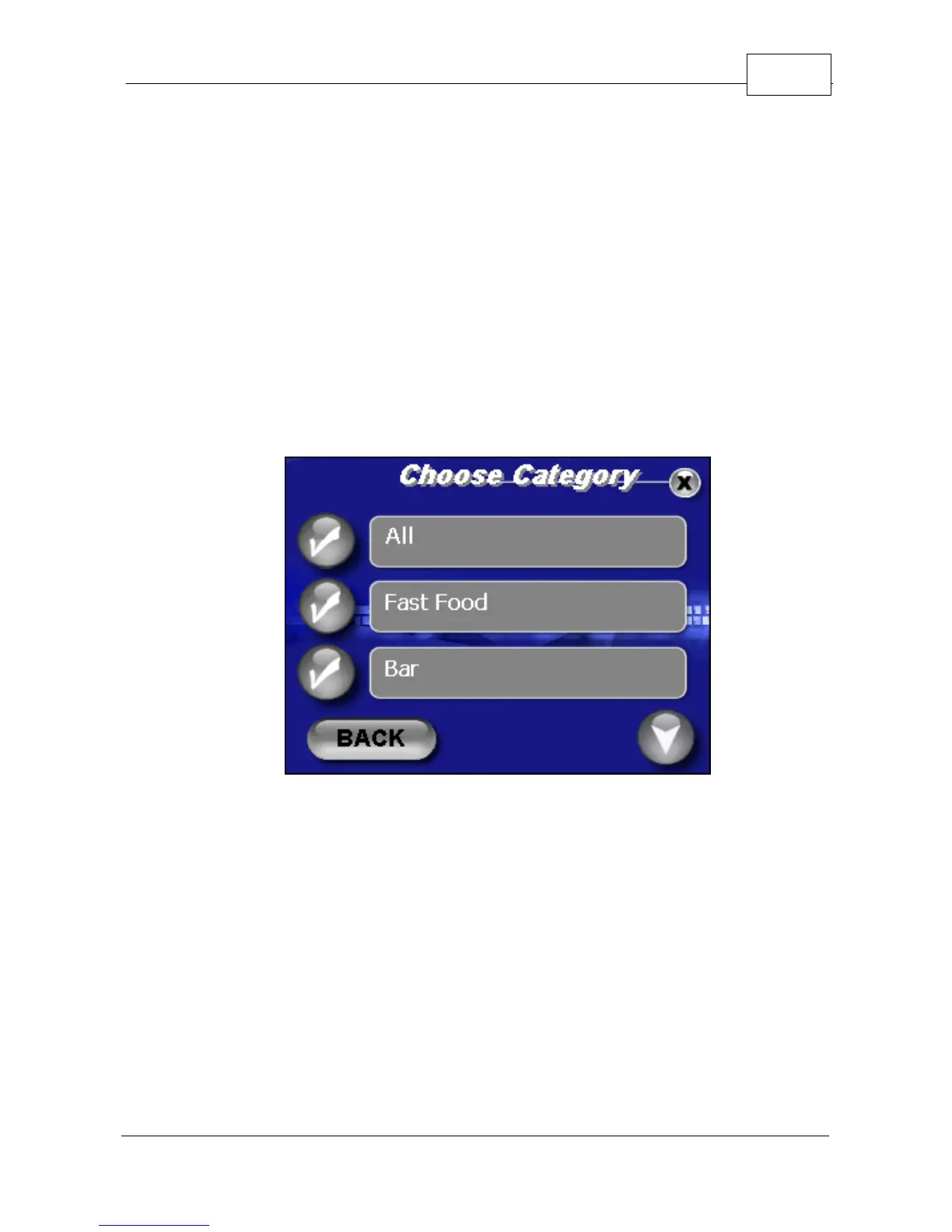
6. Select <Food & Drink> for the purposes of this
tutorial by touching the check mark icon to the left
of the category.
7. You may now browse all Food & Drink
subcategories to search from by touching the
down arrow icon located in the bottom right hand
corner of the screen. You may also select <All>
for to search all types.
Select POI Subcategory
8. You will be prompted to enter a POI name to
search. You may skip the entry of a name to view
all results from this category. Press <Next>.



 To Next Page