© 2007 TeleType Co.
WorldNav 3100
36
Search POI by Name
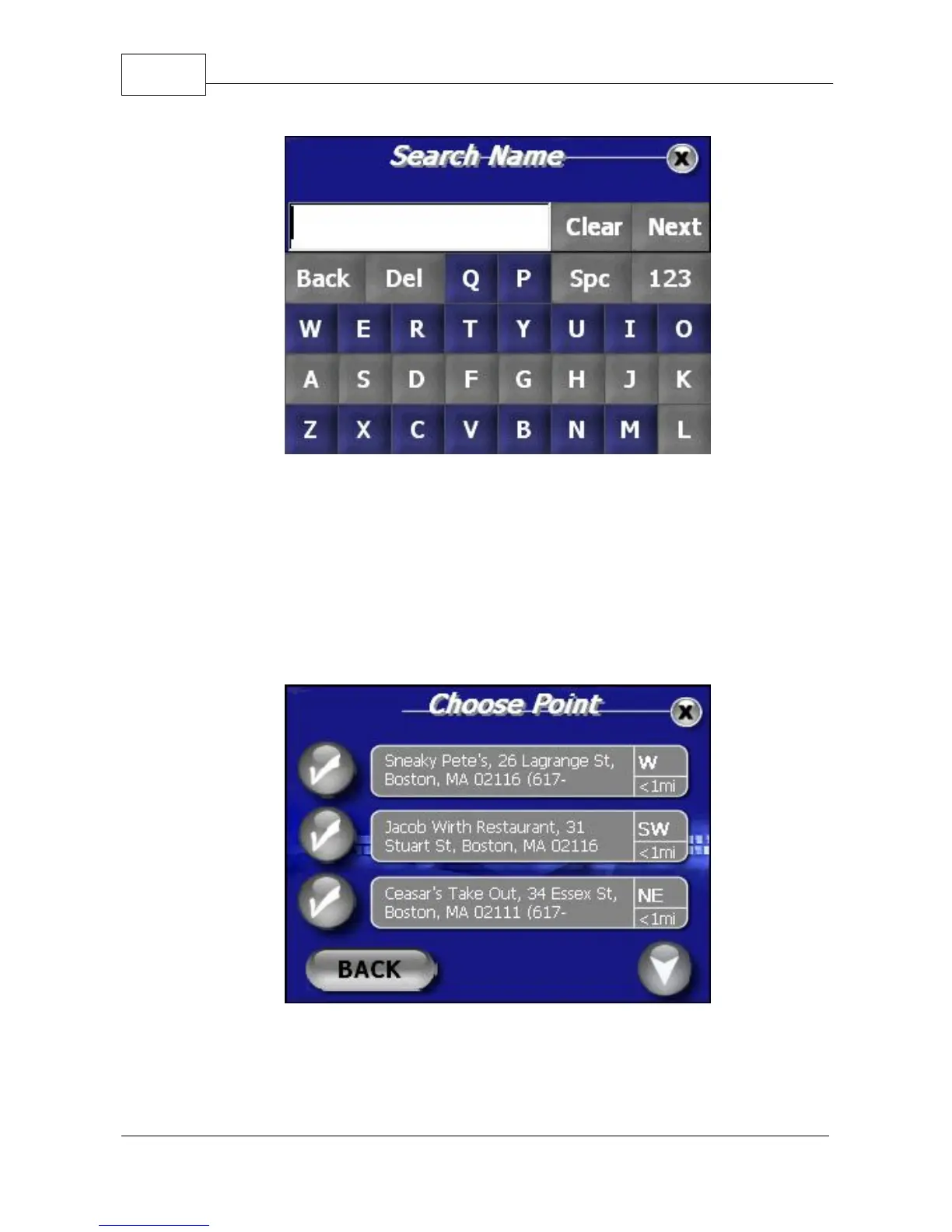
9. The generated results will be listed according to
the distance they are from your current location.
Distance and direction of each POI is displayed.
Select a POI from an existing result by touching
the corresponding check mark.
Select POI
10. After selecting a POI you will be brought to the



 To Next Page