© 2007 TeleType Co.
WorldNav 3100
44
2.8 History
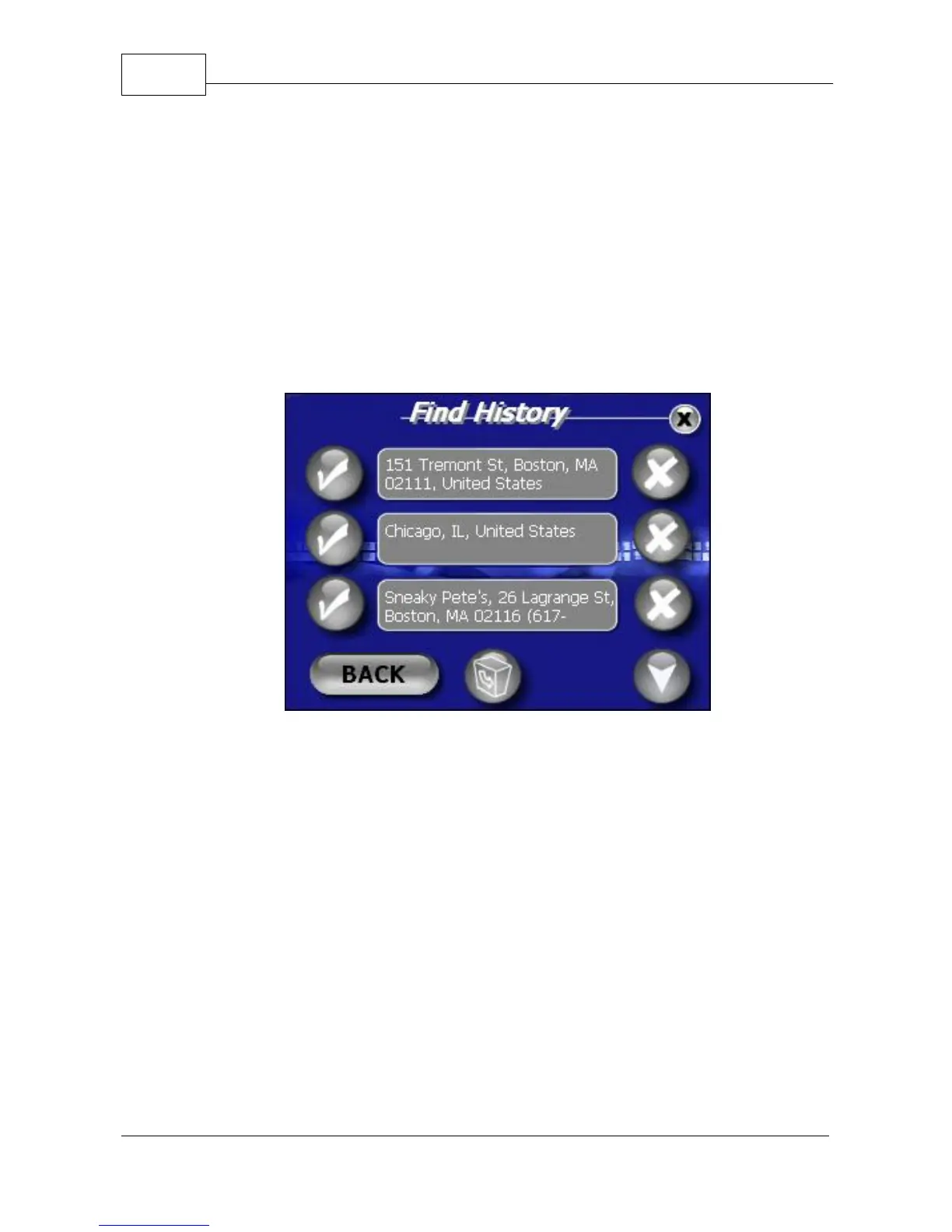
You may view your Find History by selecting <Find>,
right arrow, and then <History>. From here you may
press a corresponding check mark to show the
address, delete a listing, or view more listings within
the history. Press the recycle bin icon to delete the
entire history.
History of Previous Routes



 To Next Page