Navigation Preferences
© 2007 TeleType Co.
59
4.2 Selecting Route Preferences
This allows you to have your routes selected as the
quickest path, the shortest path or a route that avoids
major highways.
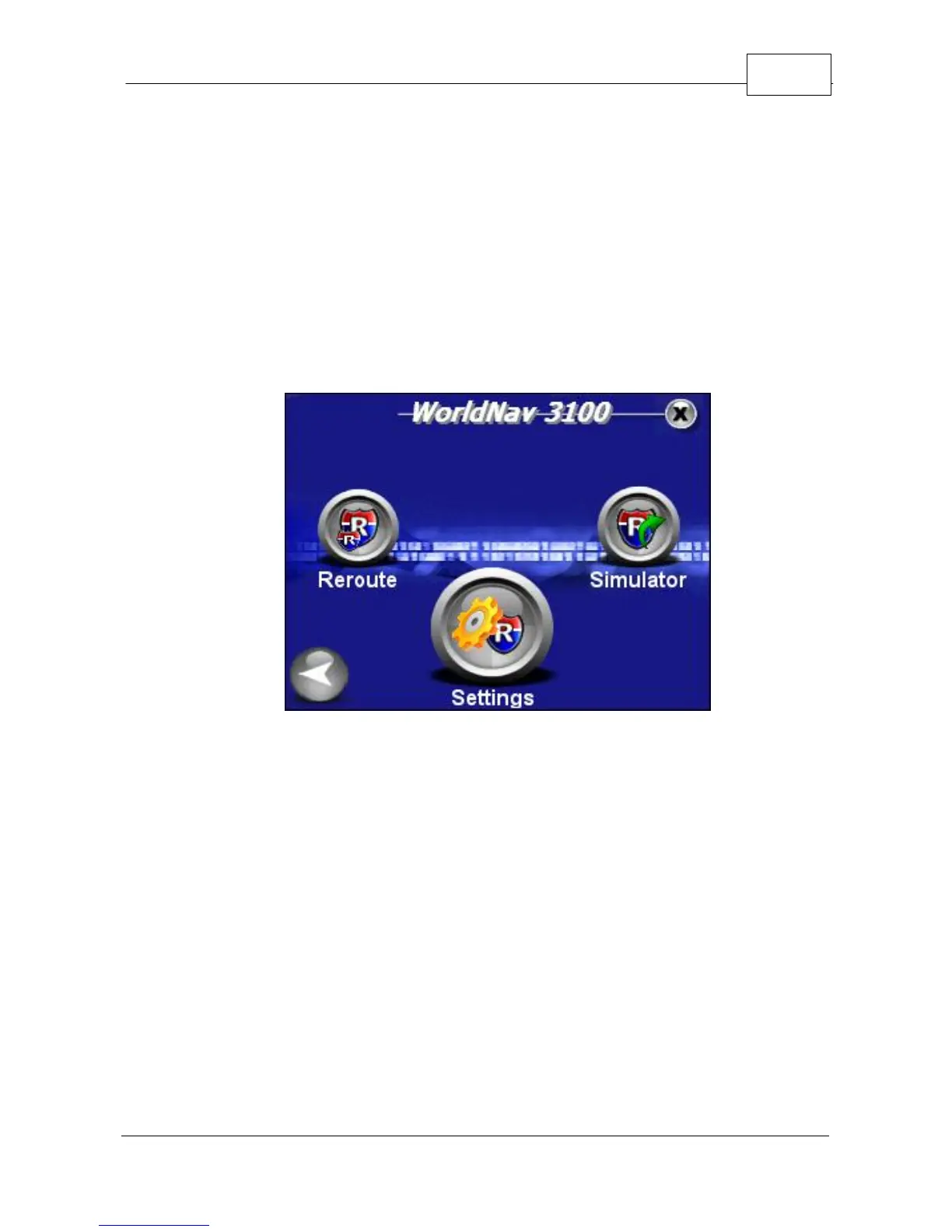
1. Press <Menu>, <Route Menu>, right arrow, and
then <Settings>.
Route Menu
2. You will be brought to the Route Settings Screen
where you can select your route preferences.
Enabled Auto-Zoom and Allowing Toll Roads are
indicated by a blue check mark. You can deselect
these options by pressing the icon once. A grey
"x" icon will display when the feature is not
activated.



 To Next Page