© 2007 TeleType Co.
WorldNav 3100
48
3 Working with My Points
3.1 Create a My Point
A "My Point" is a position marker that can be used to
help create a route or mark a position for future
reference. You can think of the My Points area as a
listing of your favorite places. You can create My
Points regardless of whether the GPS device is active
or inactive. If you are centered on a position that you
would like to create a My Point for, press <Menu> ,
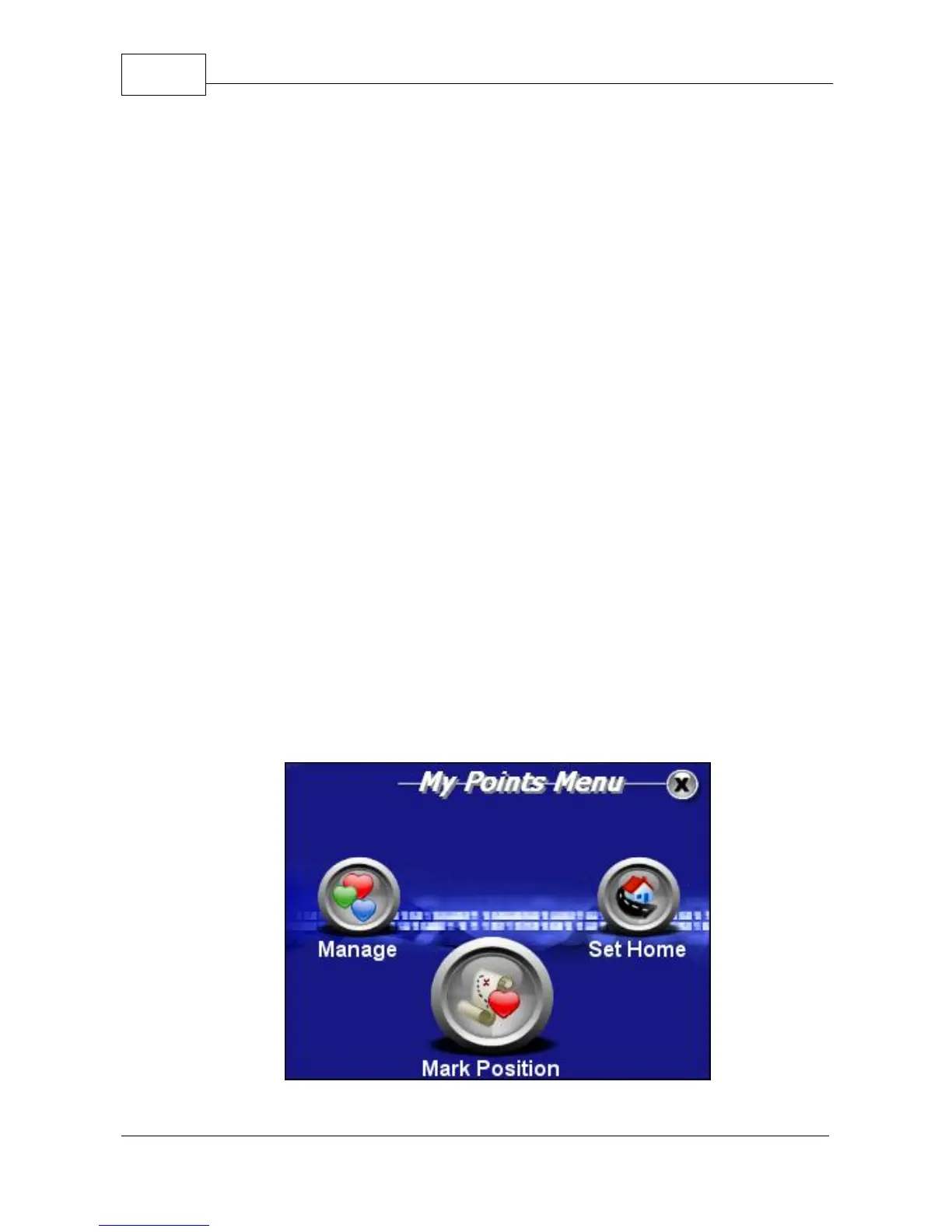
<My Points> and then <Mark Position>. The Mark
Position Screen will come up allowing you to enter a
name, and then you may assign an icon to your new
My Point from the icon gallery. The position will now
be saved as a My Point.
3.2 Mark My Point at Current Position
Press <Menu> and then <My Points>.
My Points Menu



 To Next Page