© 2007 TeleType Co.
WorldNav 3100
54
3.4 Deleting a My Point
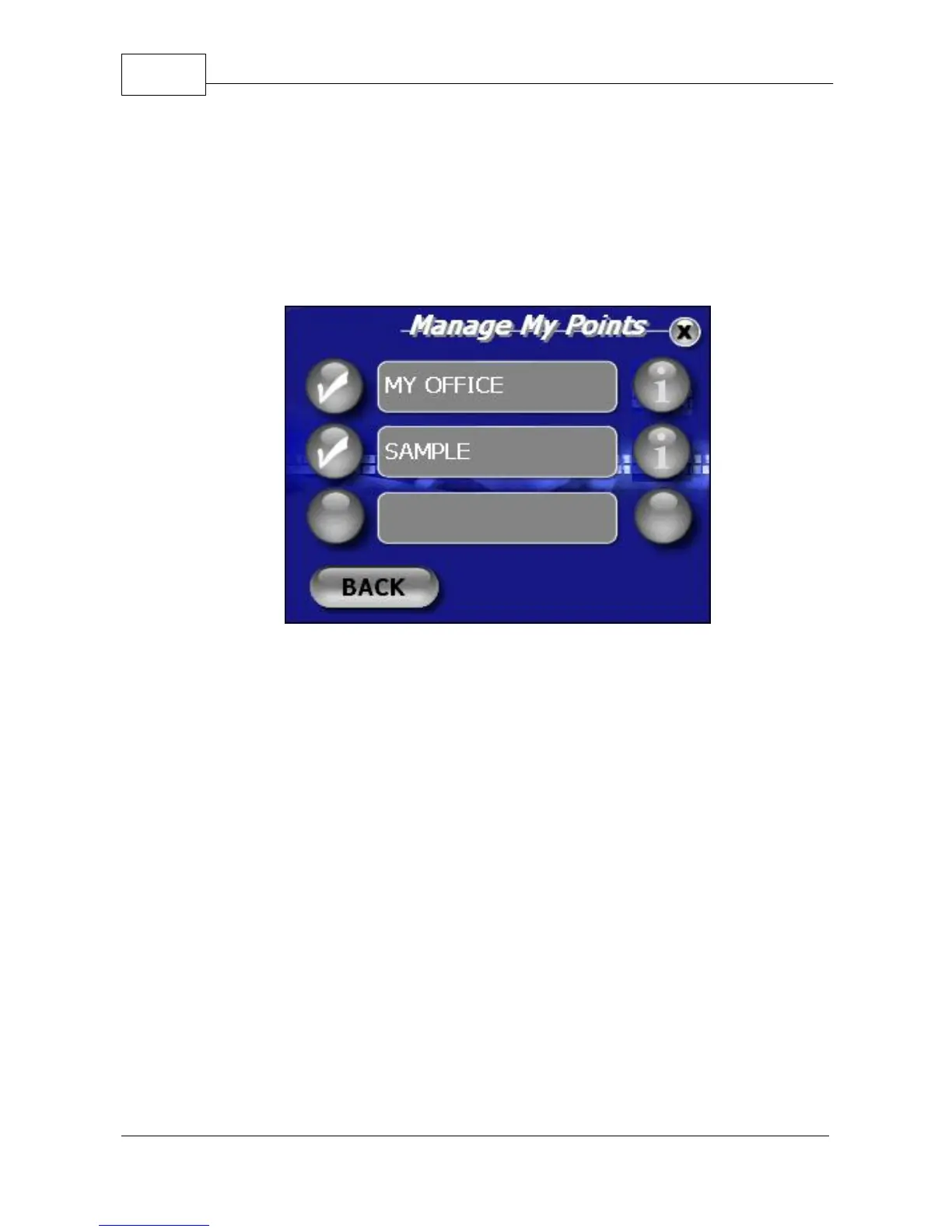
1. Press <Menu> , <My Points>, <Manage My
Points> and then press the "i" icon next to the My
Point you wish you delete.
Manage My Points Menu
2. In the My Points Details, press <Delete>. The
selection will now be removed from the list of My
Points.



 To Next Page