Getting Started
© 2007 TeleType Co.
45
2.9 Reroute and Clear Route
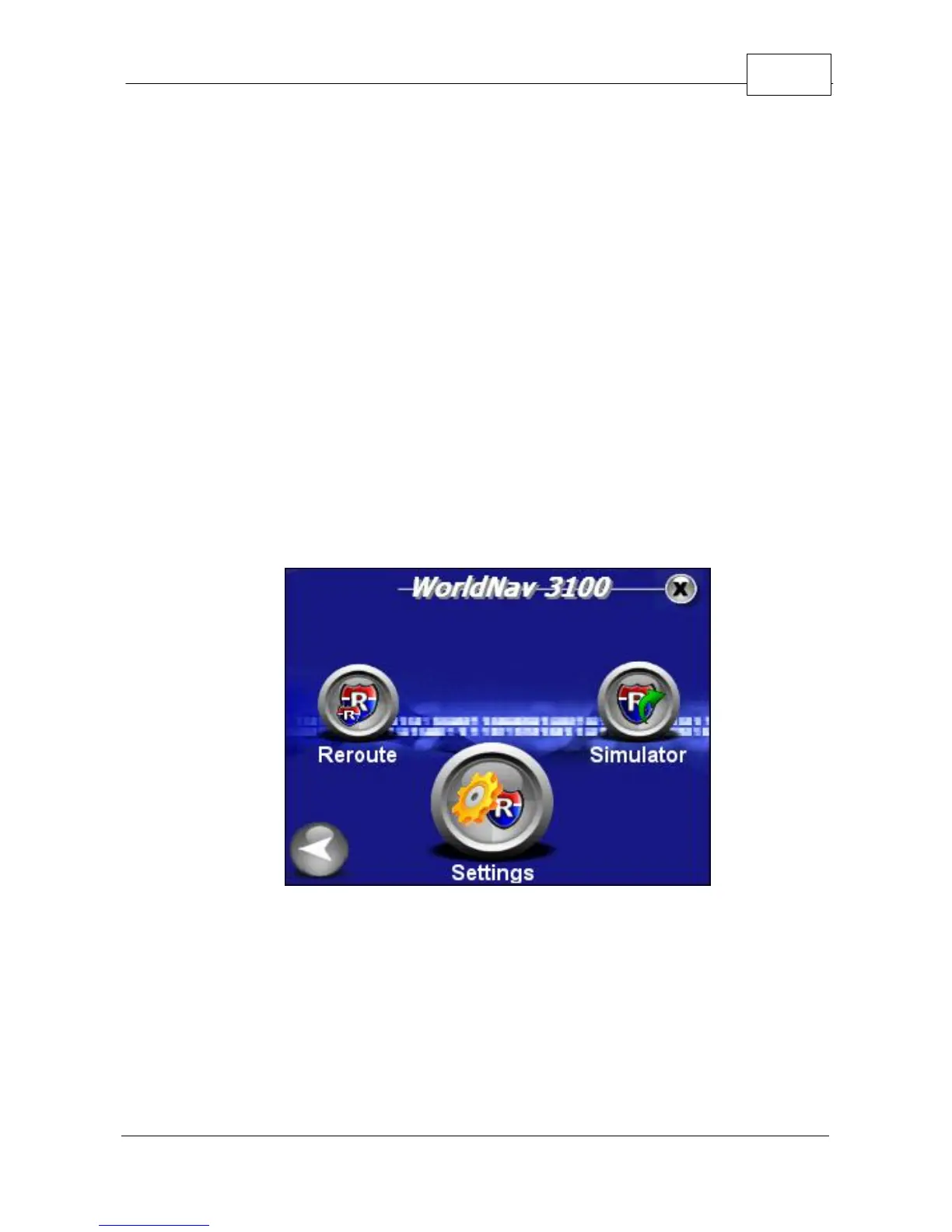
The <Reroute> function is intended for manual use in
case you prefer to create a new route without waiting
for the GPS to reroute you to a new path. If you are
on a route and have strayed more than 300 feet from
it, press <Menu>, <Route Menu>, right arrow icon, and
finally press <Reroute>. Your position must be locked/
motionless when you activate this function. It will
create a new route based on your current position. If
you want to clear the route you have created, press
<Clear Route>. Note that the GPS will automatically
determine a new route for you to follow if you stray
from the original path.
Select Reroute



 To Next Page