© 2007 TeleType Co.
WorldNav 3100
16
2 Getting Started
2.1 Main Menu Review
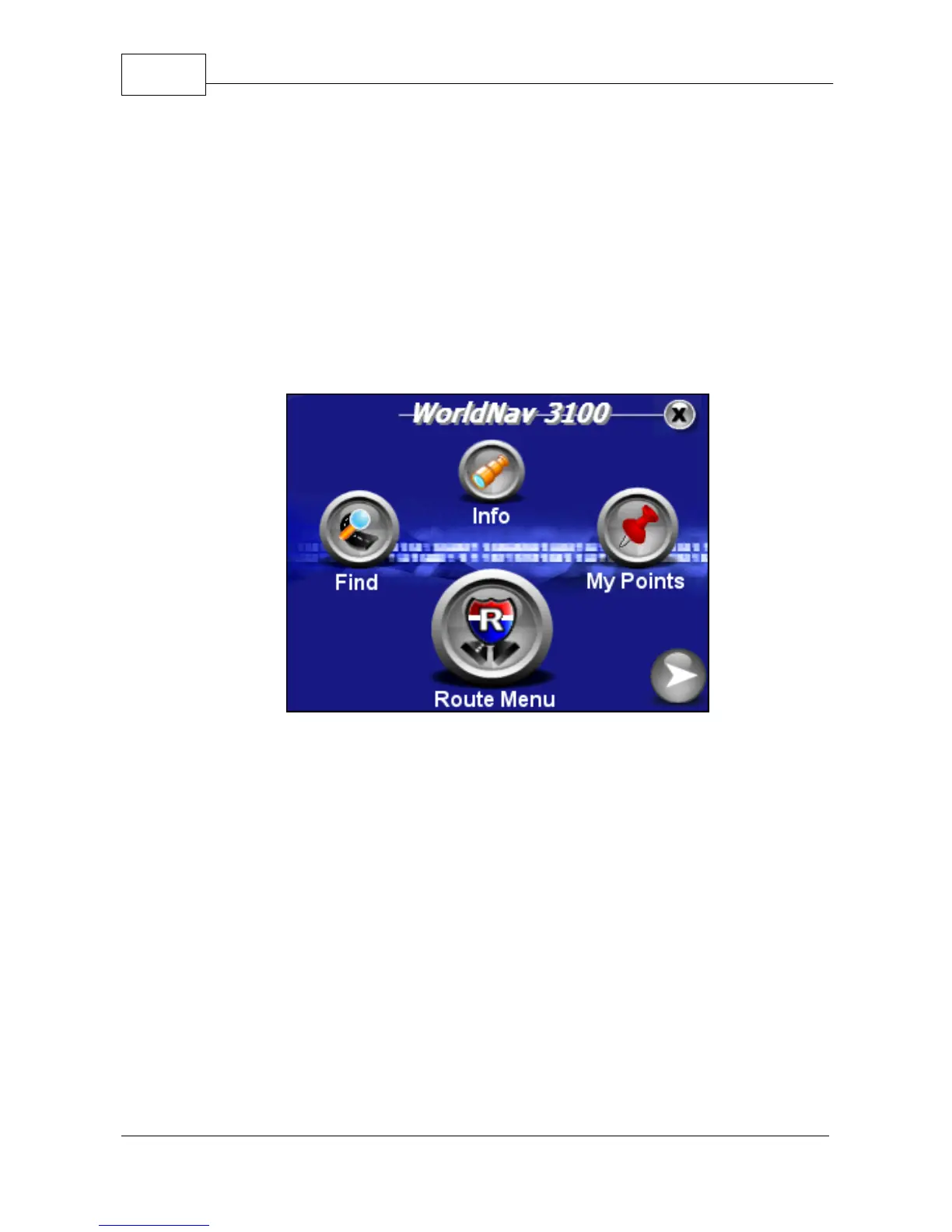
The WorldNav 3100 main menu is accessed anytime
you press the <Menu> button on the touch screen.
There are twelve entries on the Main Menu which are
spread out over 3 screens:
·
Find—lets you into the Find Wizard, situated on two
separate screens, in which you can locate an
Address, Point of Interest (POI), Home,
Intersection, listed My Point or view your Find
History.
·
Info—provides information on your current location.
·
My Points—allows you to mark or manage your My
Points (favorites) and set your Home address.



 To Next Page