© 2007 TeleType Co.
WorldNav 3100
20
2.3 Set Home Address
When you travel away from home it is convenient to
be able to route "Home" easily. You need to set your
home address in the "My Points" Submenu by
pressing <Set Home>. Follow these directions.
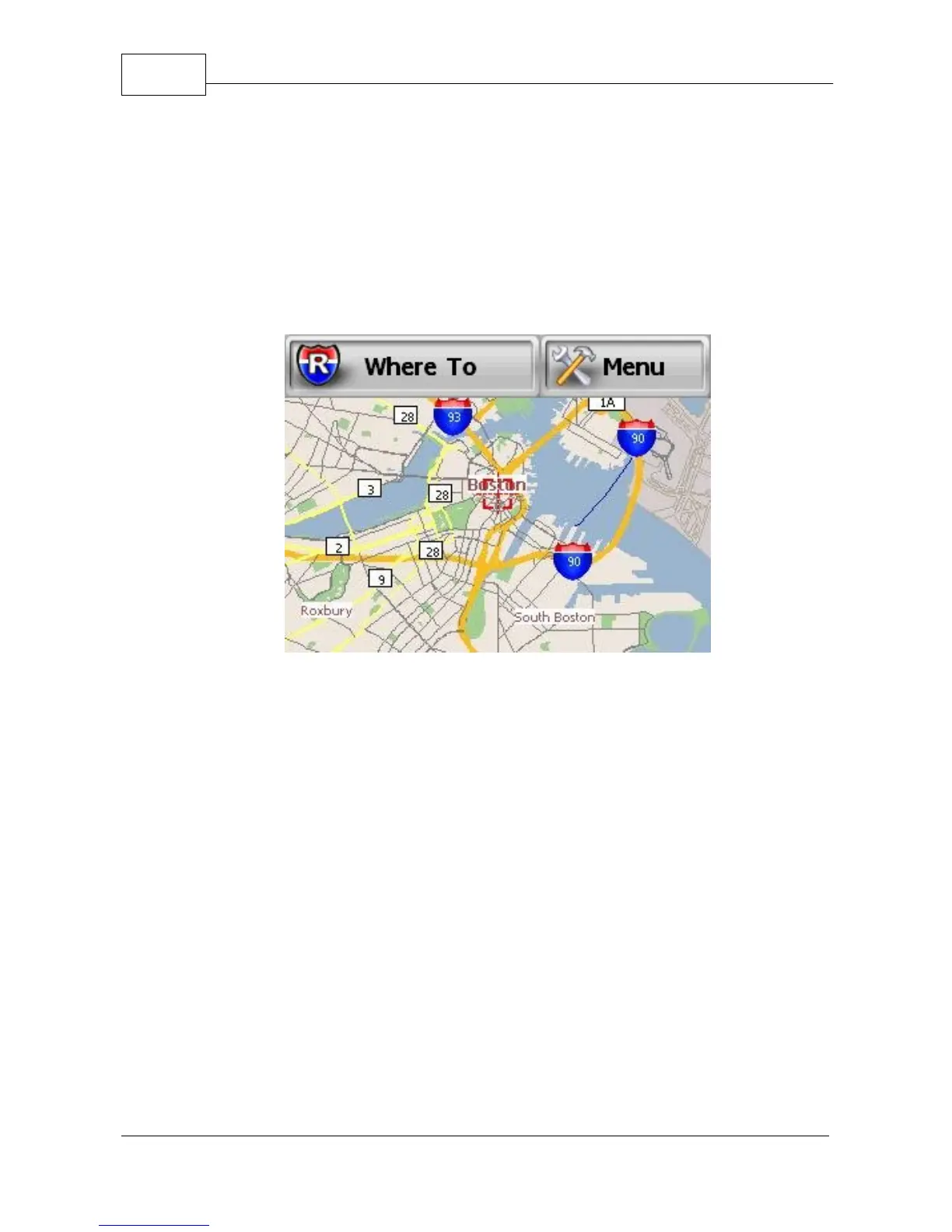
Main Mapping Screen
1. Press <Where To> on the main mapping screen,
which will take you to the Find Wizard Menu. You
will be prompted to select one of the following:
POI, Address, Home, Intersection, History or My
Points. Select <Address>. Note: You can also get
to the Find Wizard Menu when you press <Find>
in the main menu.



 To Next Page