© 2007 TeleType Co.
WorldNav 3100
46
2.10 Your GPS Settings
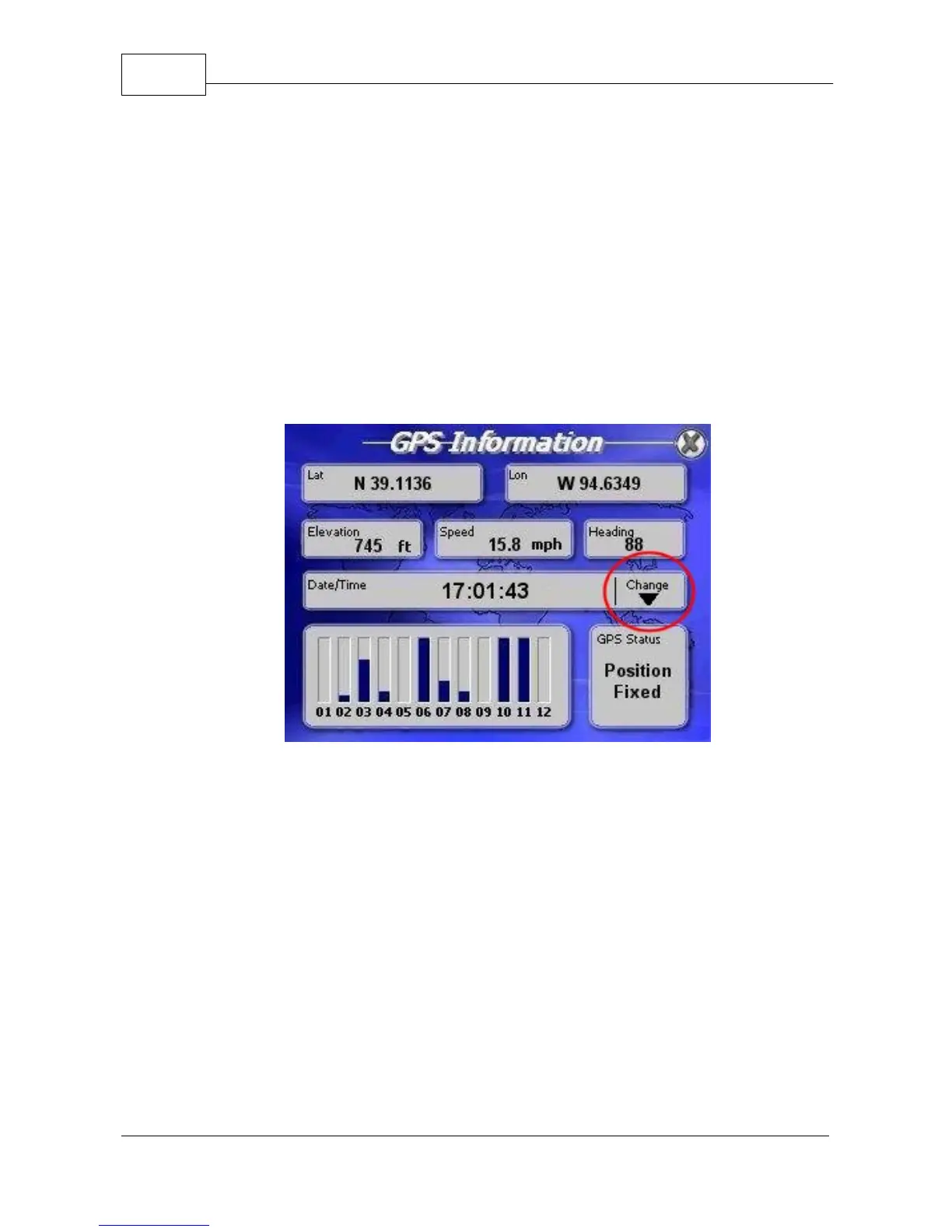
GPS Information.
Press <Menu> to get to the main
menu and then scroll to the third by pressing the right
arrow icon twice. Press <GPS Status>. This will bring
you to the GPS information screen showing your
latitude, longitude, elevation, speed, heading (direction
of travel), date/time, the total number and strength of
satellite signals. Note: See Section 4.7 to adjust time.
GPS Information Screen



 To Next Page