© 2007 TeleType Co.
WorldNav 3100
66
4.5 Auto Zoom
Auto-Zoom will automatically change your map zoom
level depending on your speed. It will zoom in when
you slow down and zoom out when you speed up.
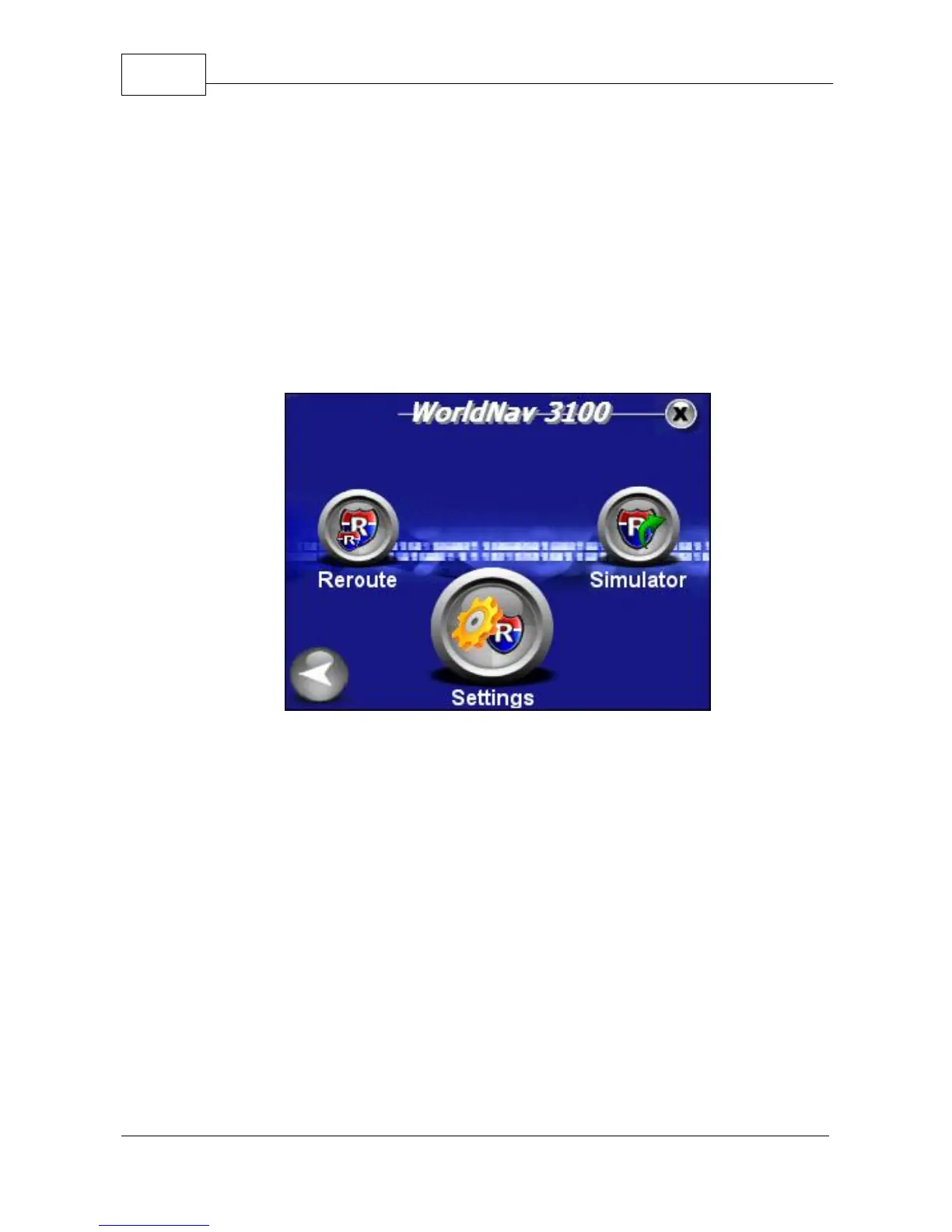
1. Press <Menu>, <Route Menu>, right arrow icon
and then <Settings>.
Route Menu
2. Press the corresponding icon next to <Enable
Auto-Zoom> to turn on/off the Auto Zoom feature.
A blue highlighted check mark icon indicates a
feature is turned on. A grey "x" icon indicates a
feature is turned off.



 To Next Page