© 2007 TeleType Co.
WorldNav 3100
38
2.6 Finding a My Point
If you have created a My Point (to be explained later),
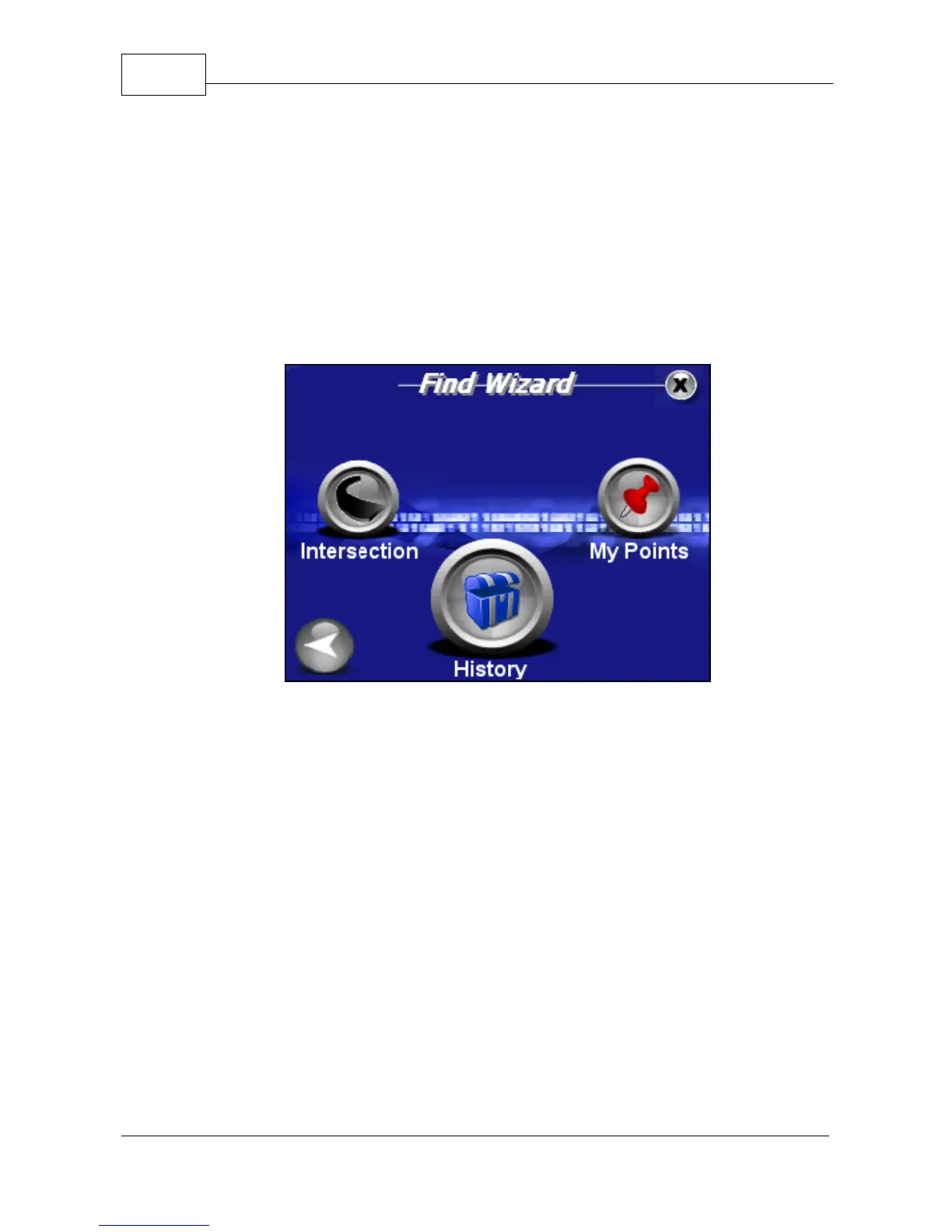
you can find it in the Find Wizard Menu.
1. Press <Menu>, right arrow icon, then
<My Points>.
Find Wizard Menu
2. You are brought to the Manage My Points Screen.
Press the corresponding check mark to proceed.



 To Next Page