Media Players
© 2007 TeleType Co.
87
6.4 Media Transfer
You can use a SD card reader to install MP3s, videos,
and pictures on your WorldNav 3100. If you don't
have a SD reader you can use the provided USB
cable.
1. Plug the WorldNav 3100 into your computer with
the included USB cable.
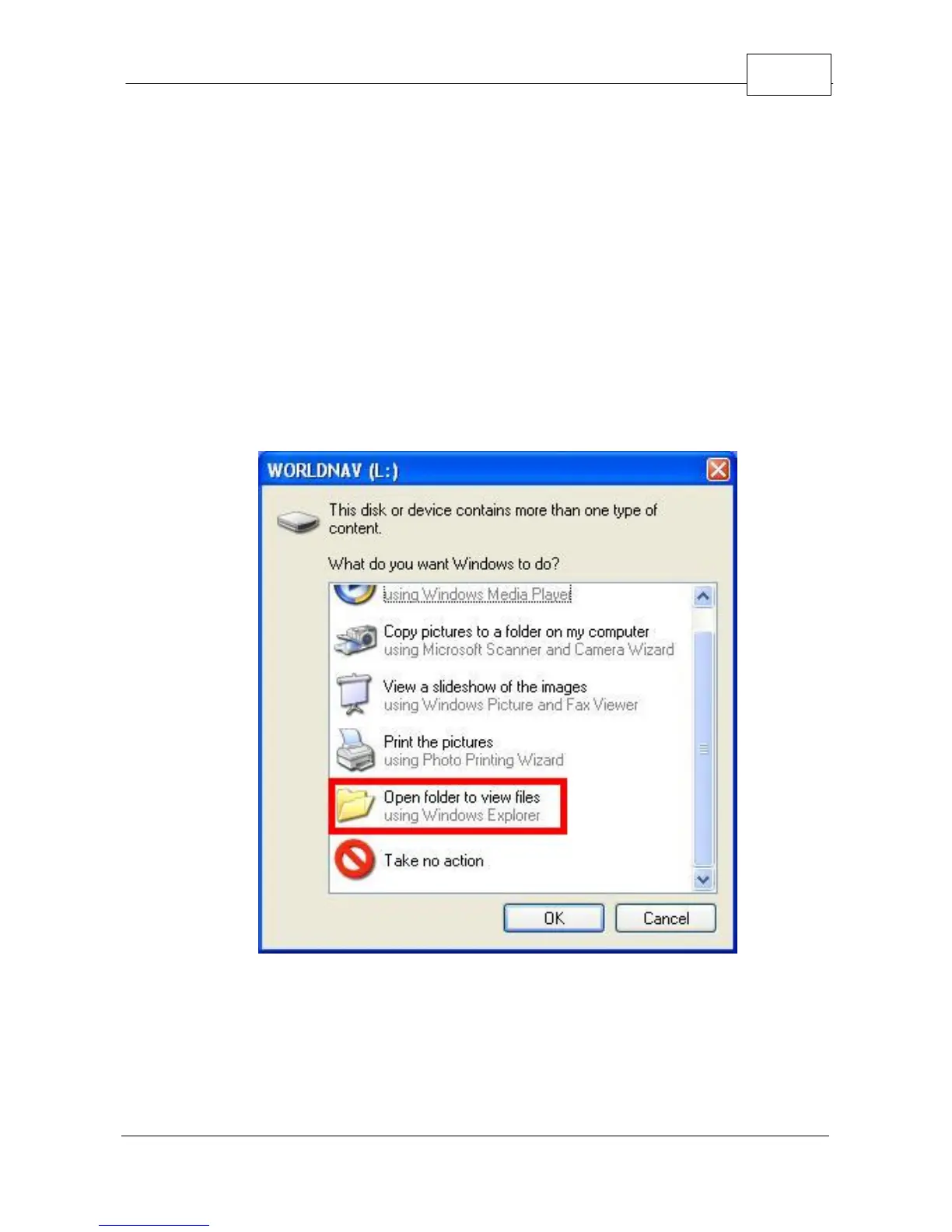
2. You will see two folder prompts come up:
Auto Play Window
3. Since the drive letters are different on every
computer, select the option <Open folder to view
files using Windows Explorer> in both windows.



 To Next Page