© 2007 TeleType Co.
WorldNav 3100
88
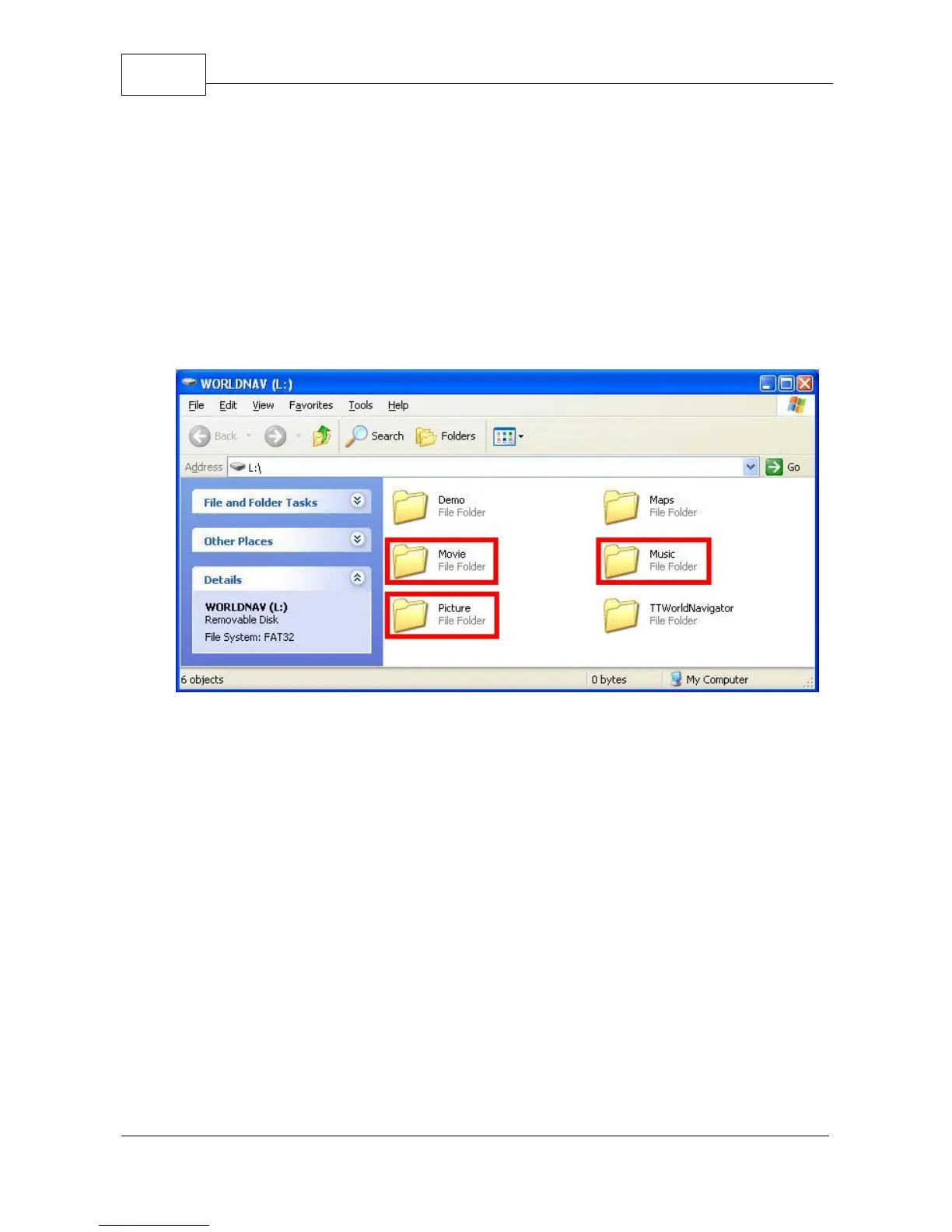
4. You will need to use the window which has the
following folders:
a. Movie
b. Music
c. Picture
Movie, Music, and Picture folders
5. Close the other window by pressing the <X> in the
upper right corner.
6. Copy the MP3 files you would like from your
computer into the folder ‘Music,’ picture files into
the folder ‘Picture,’ and video files into the folder ‘
Movie.’



 To Next Page