© 2007 TeleType Co.
WorldNav 3100
74
5.2 Day/Night Mode
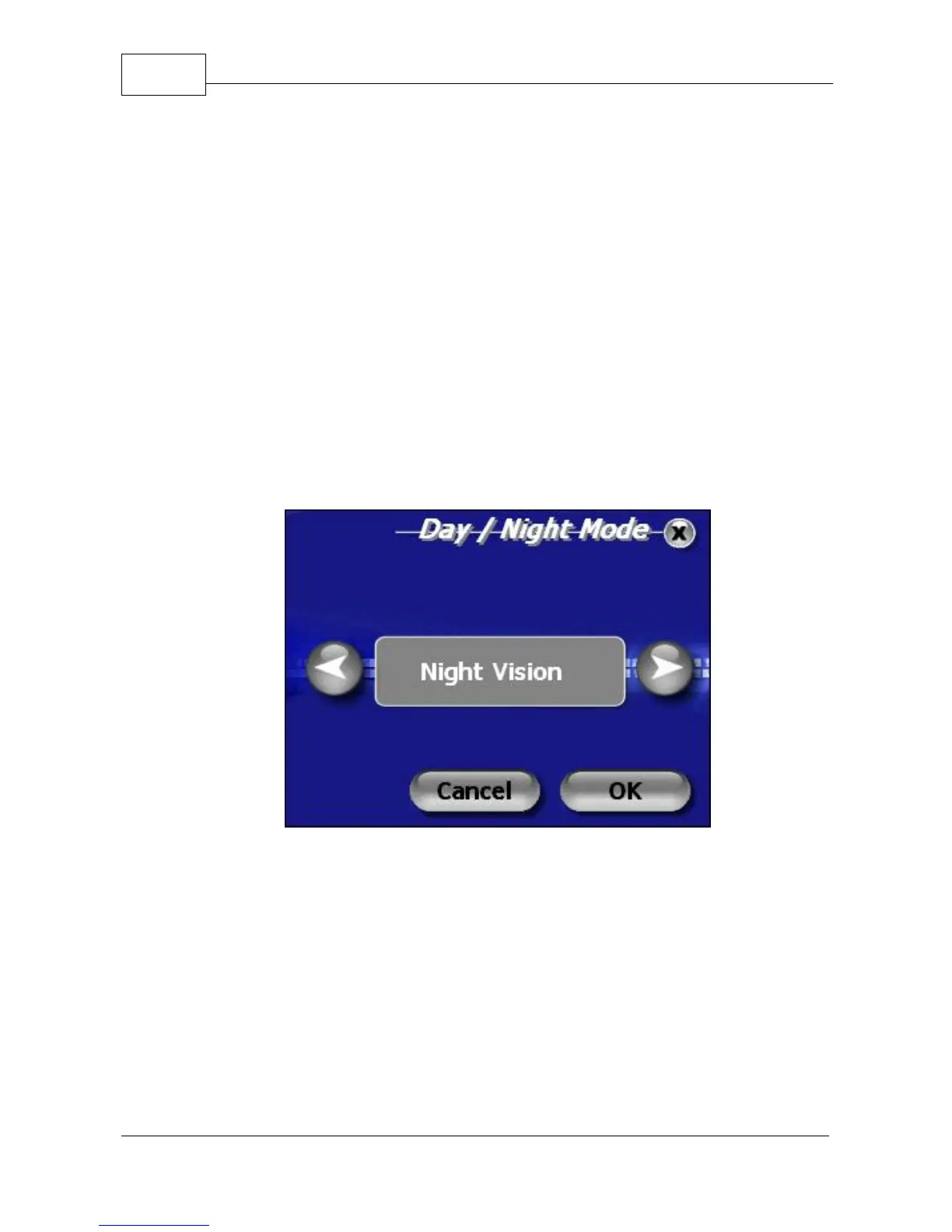
Your map has the ability to have a black background
and blue streets for night vision and a white
background with gray streets for day vision.
Select <Menu>, right arrow icon and then select
<Day/Night>. You can also select <Auto Mode> which
automatically switches from day to night (and vice
versa) based on your current GPS position (lat/long).
When your preferred mode is displayed in the text field
press <OK> to apply the setting.
Select Night Vision



 To Next Page