Getting Started
© 2007 TeleType Co.
17
·
Route Menu—lets you into the Route Menu, situated
on two separate screens, in which you can view a
route, create a new route, clear an existing route,
reroute, start a simulation route or select route
settings where you can indicate your preference of
quickest path, shortest path, avoid highways, or
truck route. (Details in Section 4.2)
·
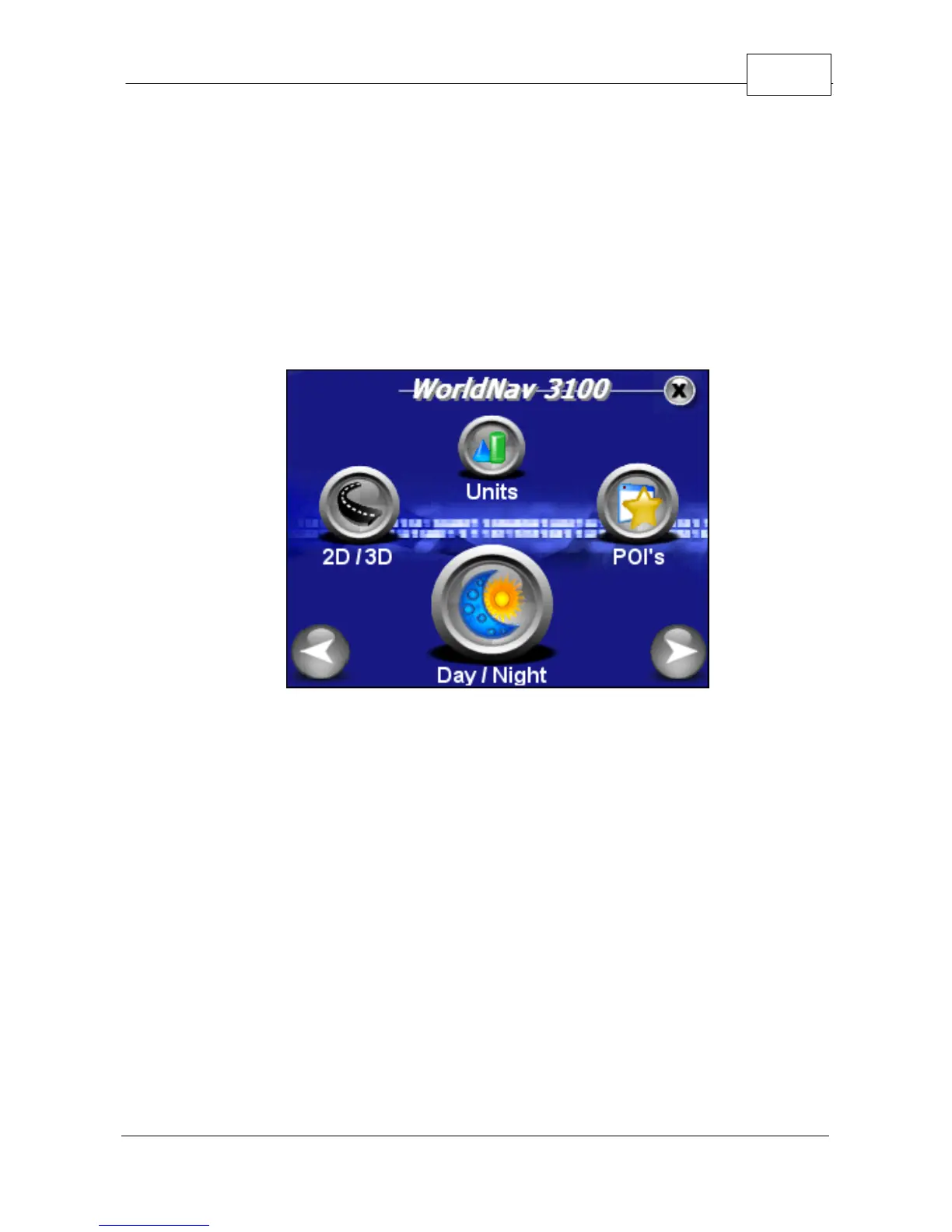
2D/3D—to change between two and three
dimensional views. Note: You will not see the
names of most roadways on the 3D view but the
map will look more realistic.
·
Units—lets you choose to navigate in either English
or Metric units.
·
POI's—puts you into the POI Display Menu screen
to adjust the Restaurant display, Transport display
and Other POI display.



 To Next Page