© 2007 TeleType Co.
WorldNav 3100
60
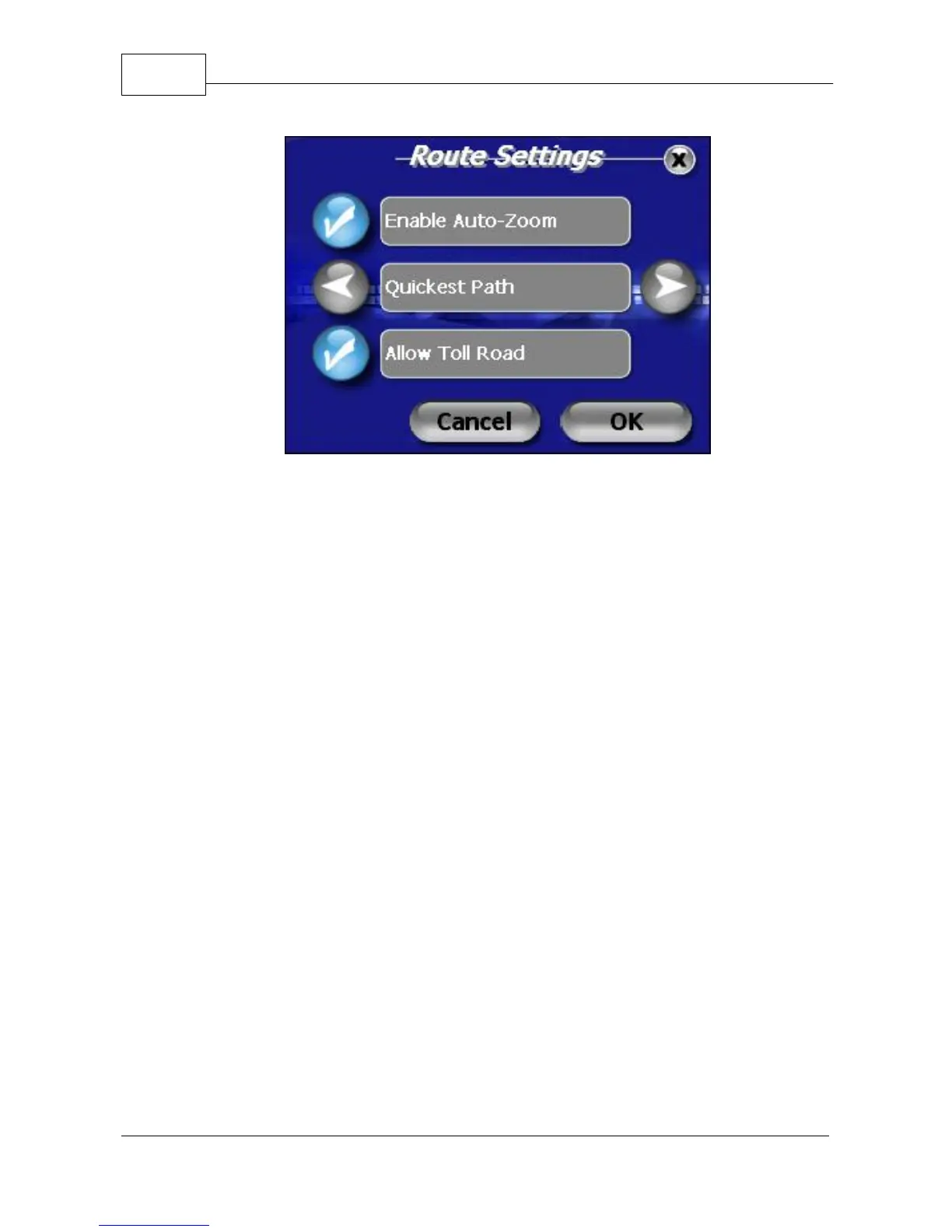
Route Settings
You also have the choice of four Route methods. Use
the right and left arrow icons to choose from:
Quickest Path - fastest route regardless of distance
Shortest Path - shortest distance regardless of speed
Avoid Highways - no highways included in route
Truck Route - creates route favoring freeways
3. When the Route Setting screen displays your
desired routing preferences, press <OK> to apply.



 To Next Page