© 2007 TeleType Co.
WorldNav 3100
64
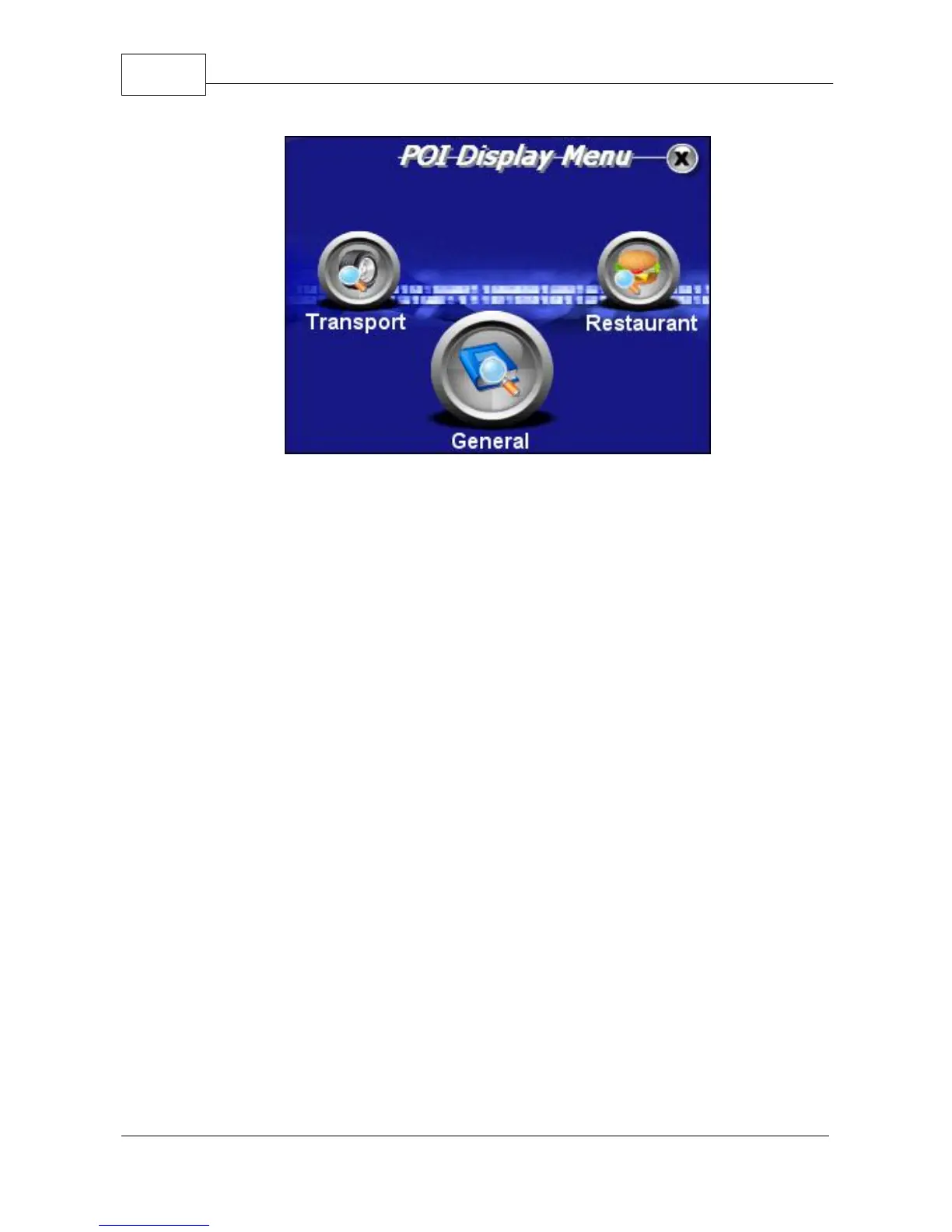
POI Display Menu
3. Scroll the menu using the up and down arrow
icons to view the restaurant options. The choices
listed will appear next to a grey "x" icon. This
indicates that the item is not selected. To select
an item, tap the icon once. It will now appear as a
blue check mark. This indicates that the particular
item is now selected. You may unselect the same
item by tapping the blue check mark icon, which
will then return to the unselected grey state. Once
all of your selections are highlighted, press <OK>.



 To Next Page