© 2011 TeleType Co.
37
Getting Started
component of your address entry based on the
first few letters you type. If the choices do not
match your desired address, select
<Continue entering...>
3. For street names that include direction (N, S,
SE, NW, etc...) and/or numbers, (5th Ave, 32nd
St, etc...), you will need to switch between the
alpha and numerical keyboard displays. This
can be done by pressing the <123> and
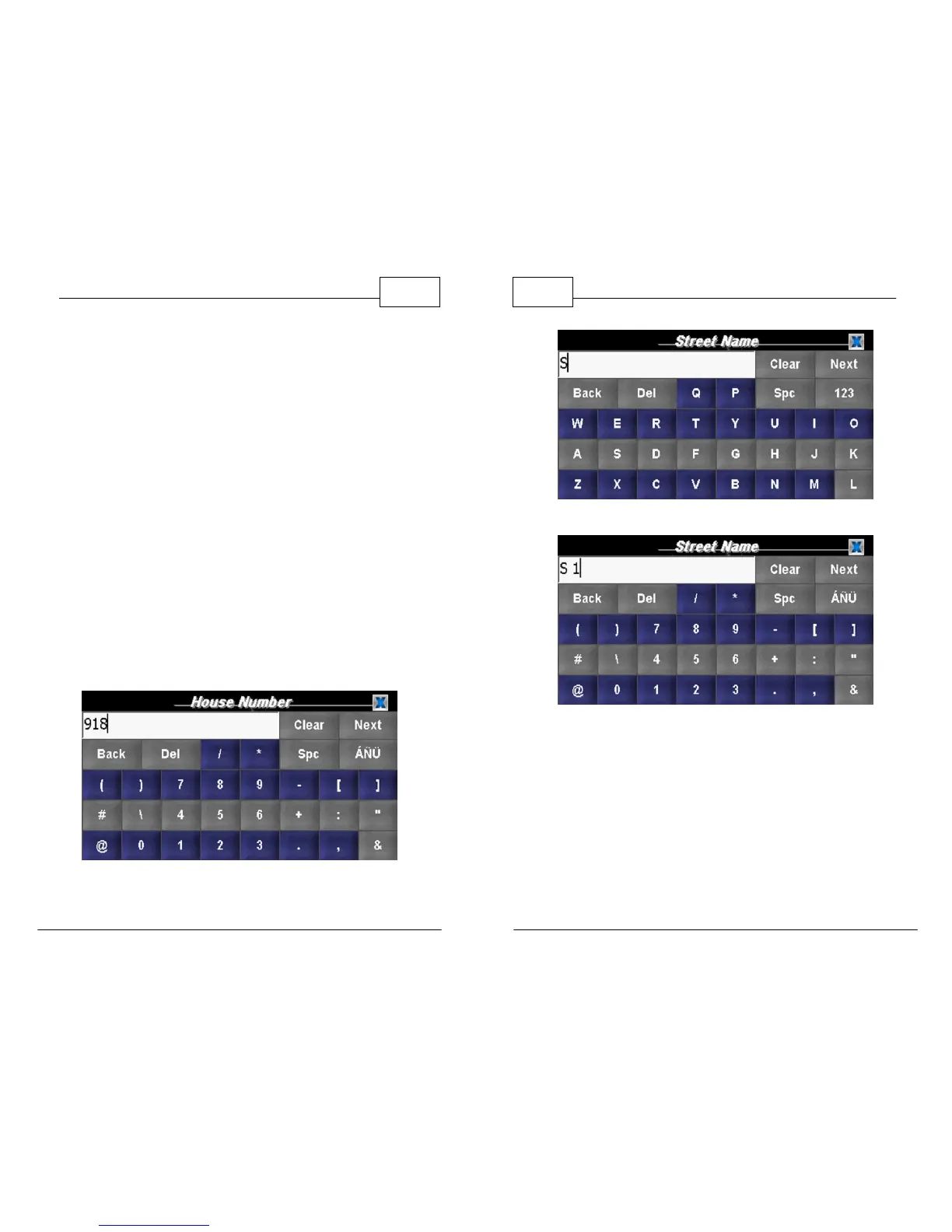
respective <abc> key once. As an example we
will look up 918 S 1st Ave, Coatesville, PA. The
screens below show the street and number
lookup sequence. The state and town have
already been entered.
Enter House Number
WorldNav Navigation Software
38
© 2011 TeleType Co.
Enter Direction then Press <123>
Enter Numerical Portion and Press <ÁÑÜ> then <ABC>



 To Next Page