© 2011 TeleType Co.
41
Getting Started
Route to Address
4. The GPS defaults to searching for U.S.
addresses, however, if you have purchased a
TeleType product which offers multiple
countries, you can select the country by
following the instructions below. For example,
you can search for Canadian addresses by
beginning your search the same way as
searching for a US address (Steps 1 + 2).
WorldNav Navigation Software
42
© 2011 TeleType Co.
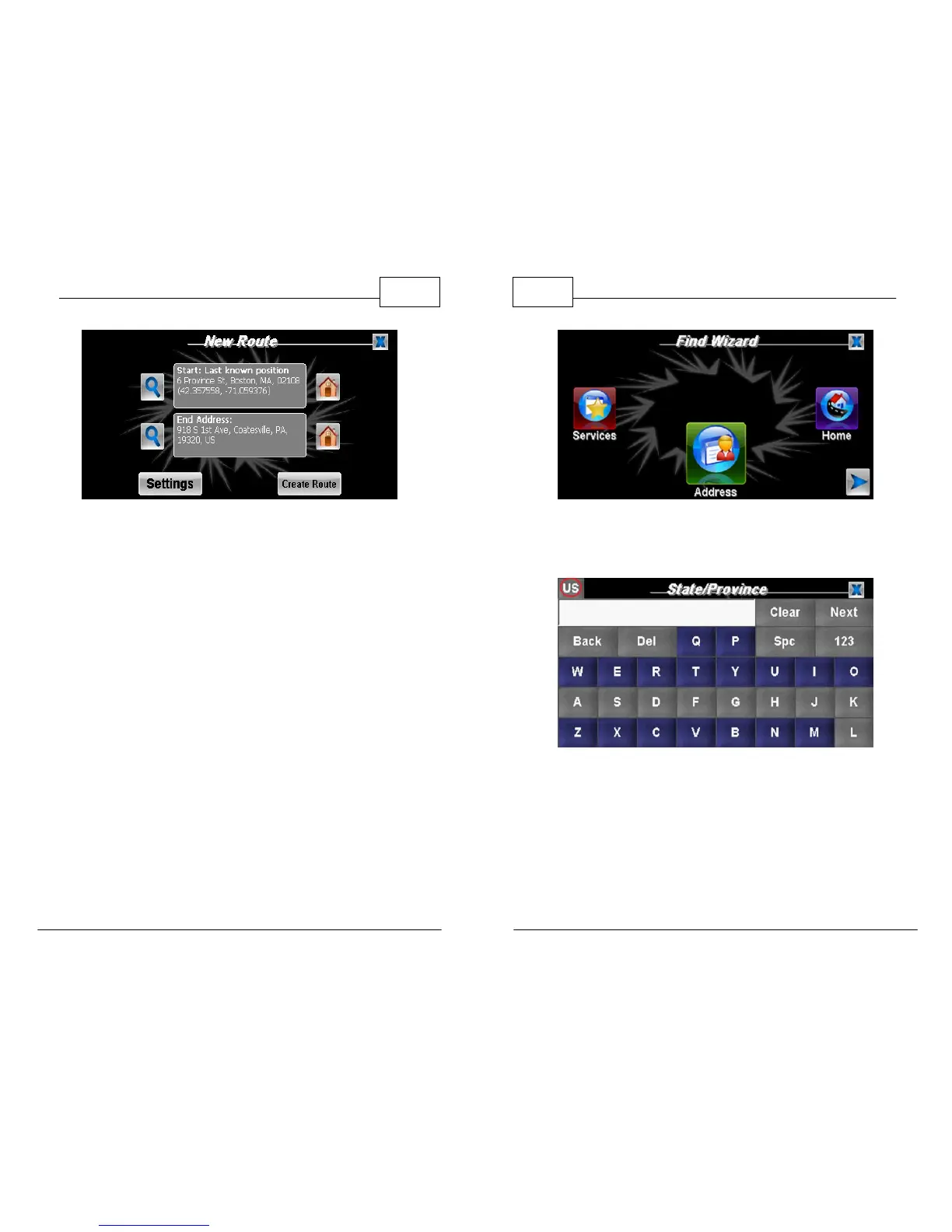
Press "Address" in the Find Wizard
5. Click the <US> in the top left corner.
Use the "State/Province" Screen to Change Country
6. Using the white selection arrow (left or right
will work), select <Canada> and press <OK> in
the bottom right corner.



 To Next Page