© 2011 TeleType Co.
51
Getting Started
Select Service Subcategory
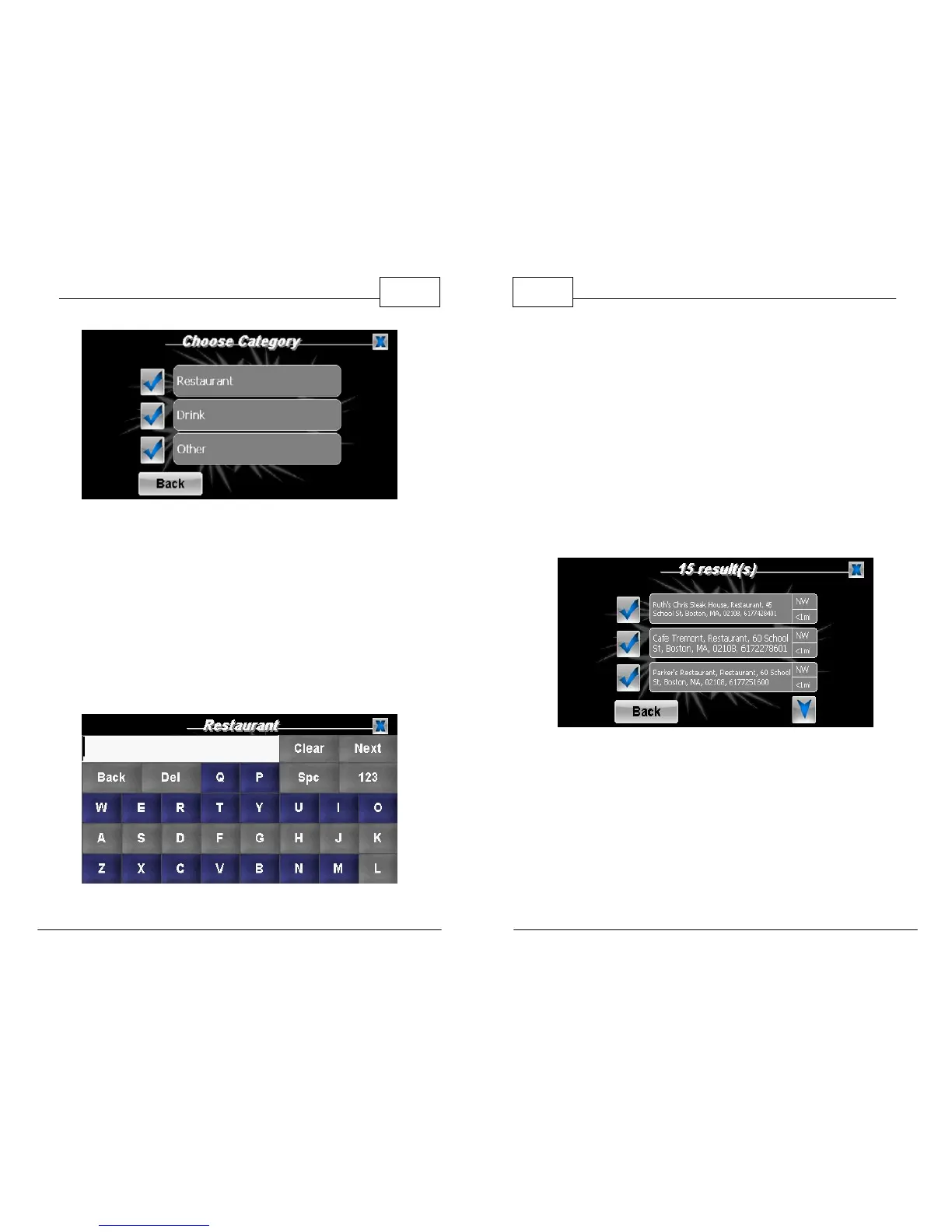
7. This brings up a list of possible restaurant
selections nearby (Ex: Applebee's, Burger King,
etc). You can either scroll through the list of
the named restaurants or select <Enter Name>
and manually enter a restaurant name. Leave
blank and press <Next> to show all restaurants
nearby.
Manual Search for Restaurant by Name
WorldNav Navigation Software
52
© 2011 TeleType Co.
8. The generated results will be listed according
to the distance they are from your current
location. Distance and direction of each Service
is displayed. Select a destination from the
results by touching the corresponding check
mark.
Note: Searching for Services by City/Town or Nearest searches
within a certain radius of the location, then displays results based
on relative location.
Select Restaurant
9. You have now created a route from your
current location to the Service which you have
selected. Press <Create Route> and start
navigating.


 To Next Page
 Loading...
