© 2011 TeleType Co.
97
Navigation Preferences
4.4 Setting the Services Preferences
Choose the types of Services that you would like to
appear on the map as you travel.
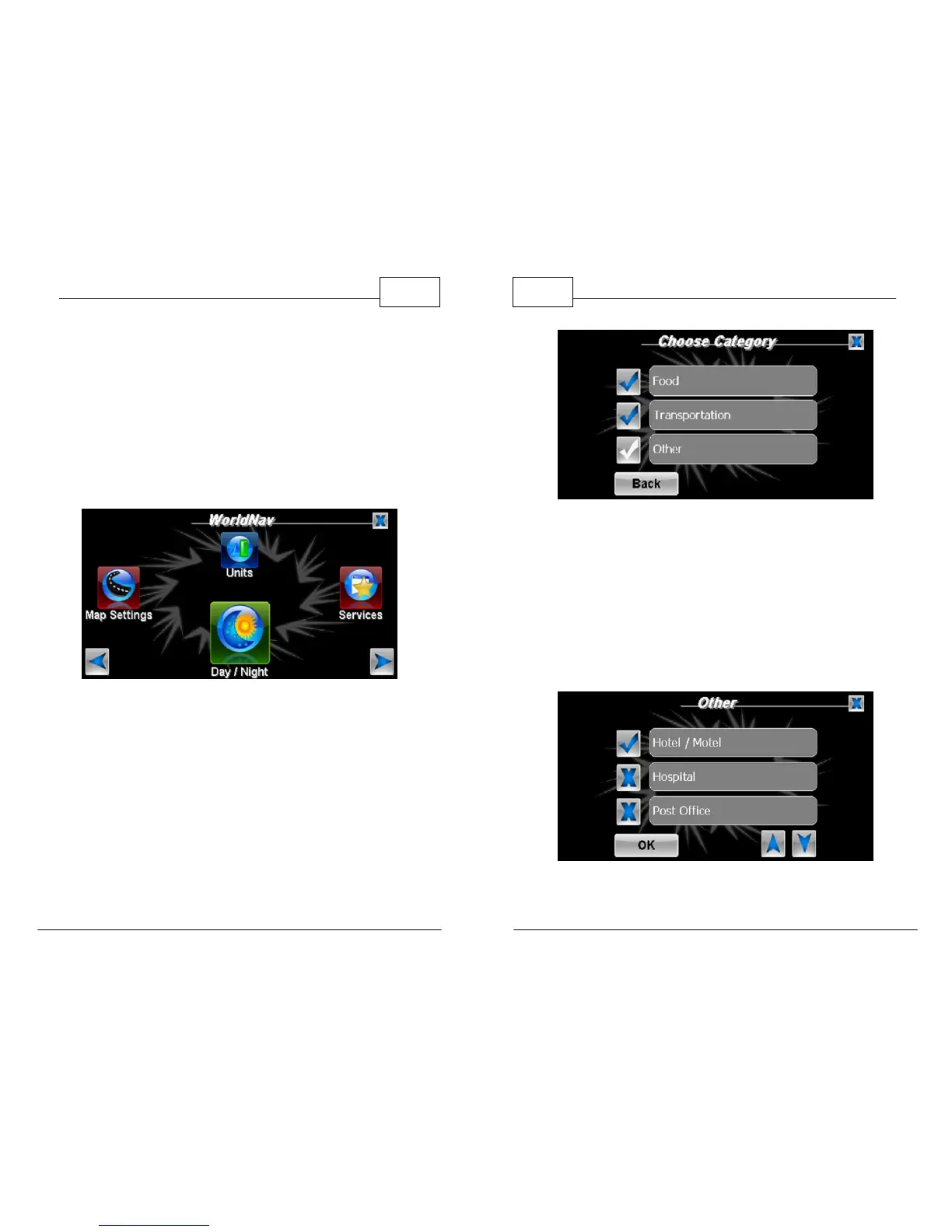
1. Press <Menu>, right arrow icon, and then
<Services>.
Select Services
2. For the purposes of this example, select
<Other>.
WorldNav Navigation Software
98
© 2011 TeleType Co.
Services Display Menu
3. Scroll the menu using the up and down arrow
icons to view the choices. A blue check mark
will appear next to the items you choose to
display. For the purposes of this tutorial, select
<Hotel/Motel>. Press <OK> when you are
done.
Services Categories



 To Next Page