© 2011 TeleType Co.
101
Navigation Preferences
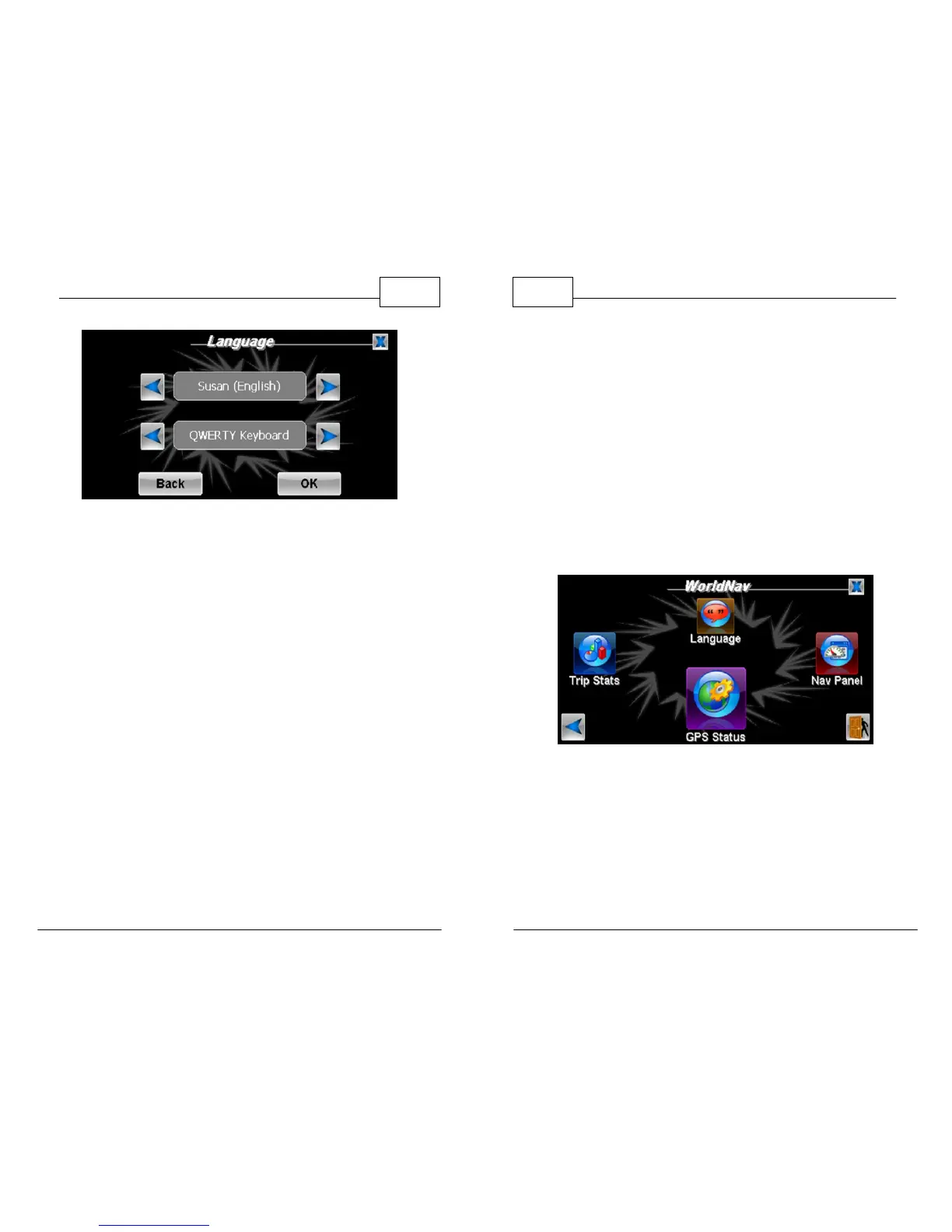
Voice/Language Selection Screen
WorldNav Navigation Software
102
© 2011 TeleType Co.
4.6 Changing the Time
The GPS device has preset time to U.S. East Coast.
The time automatically adjusts to "GPS" time when
your position is fixed. To change the time, your GPS
position must be locked in.
1. Press <Menu>, use the right arrow icons to get
to the third Menu screen and then press <GPS
Status>.
Select GPS Status
2. The GPS Information screen will appear. Tap on
the Date/Time field to adjust the time.



 To Next Page