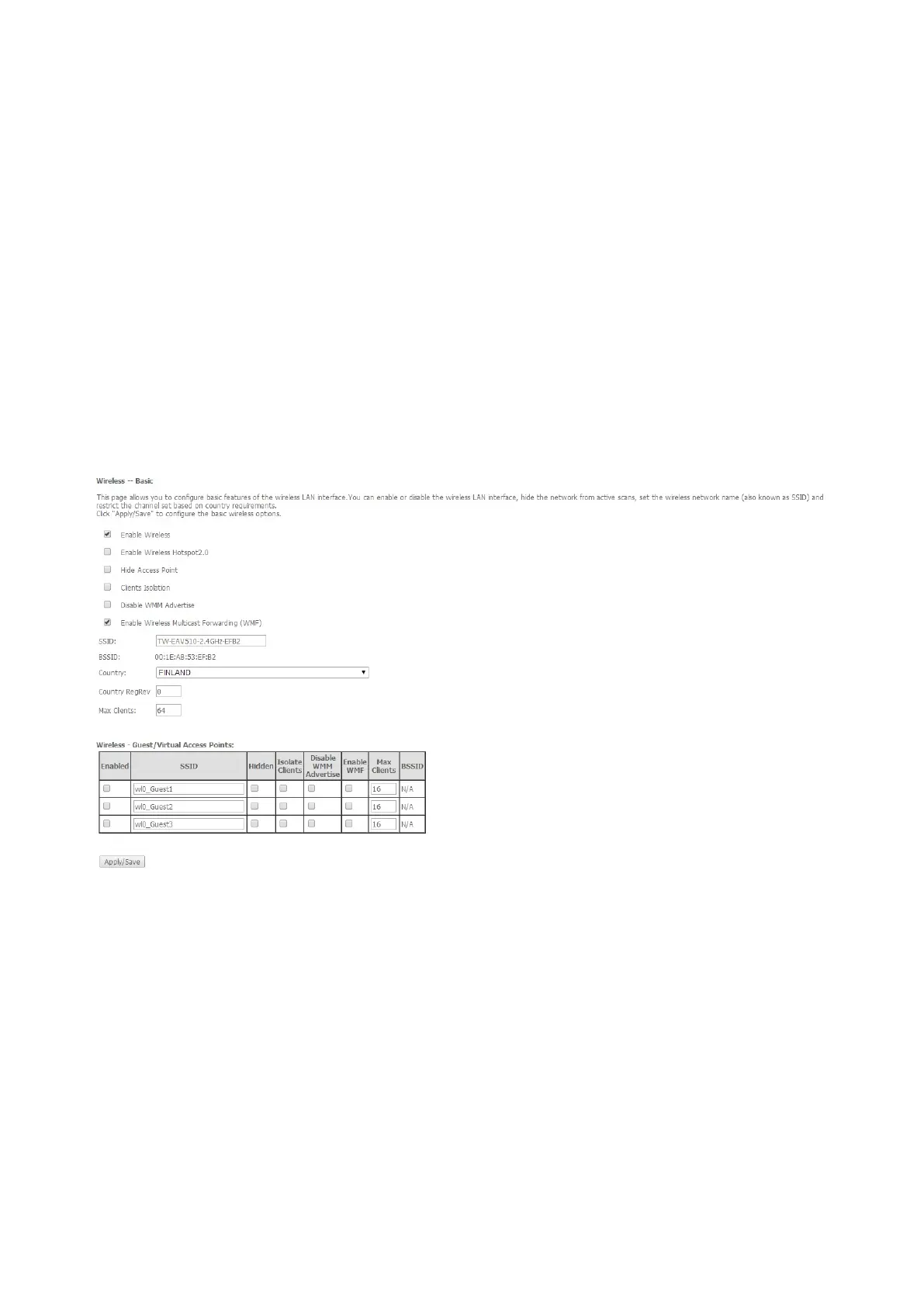
3.1 Wireless Settings
WIRELESS SSID
You can change the wireless name (SSID) from menu Configuration / Wireless / Basic
SSID: The SSID is the unique name of a wireless access point (AP) to be distinguished
from another. For security purpose, change the default SSID to a unique ID name to the
AP already built-in to the router’s wireless interface. It is case sensitive and must not
excess 32 characters. Make sure your wireless clients have exactly the SSID as the
device, in order to get connected to your network.
Click apply
WIRELESS SECURITY
You can change the wifi key from menu Configuration / Wireless / Security
Select SSID: Select the SSID you want these settings apply to.
WPA-PSK / WPA2-PSK
WPA/WAPI passphrase: Enter the WPA key you want. (You can “click here to display” to
view it.)
Click apply



 To Next Page