Chapter 3: Configuration
Configuration via Web Interface
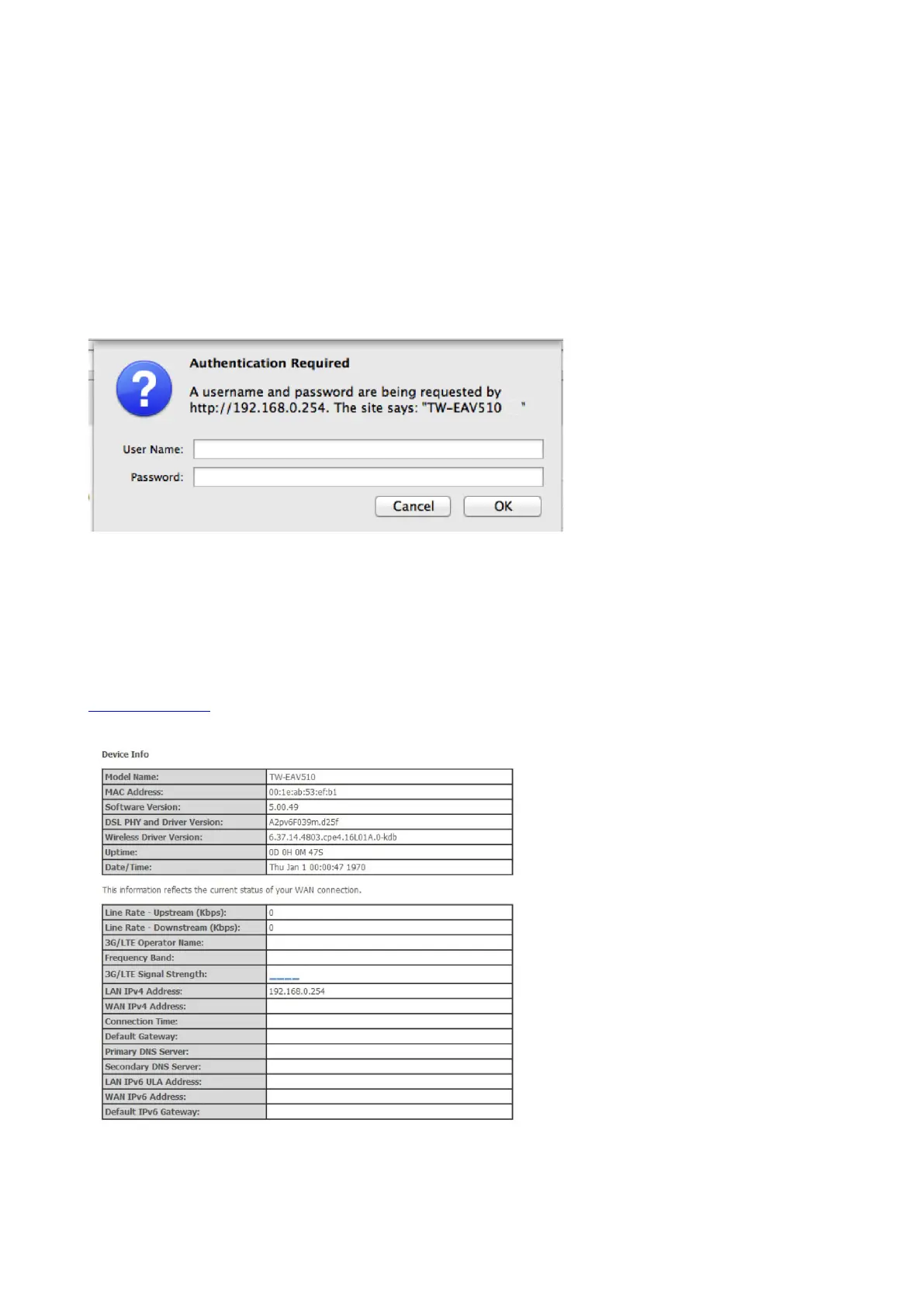
Open your web browser; enter the IP address of your router, which by default is
192.168.0.254, and click ok or press ‘Enter’ key on the keyboard, a login prompt window
will appear. The default root username and password are “admin” and “admin”
respectively.
Once you have logged on to your TeleWell TW-EAV510 Router via your web browser, you
can begin to set it up according to your requirements. On the configuration homepage, the
left navigation panel links you directly to the setup pages, which include: Status,
Configuration, Advanced Setup
Information about settings you can find from the manual, please download it from
www.telewell.fi



 To Next Page