EasyManua.ls Logo

Telex Airman 8 - User Manual

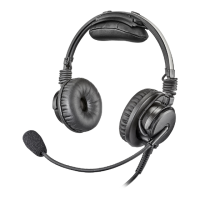
Telex Airman 8
44 pages
Print Icon
To Next Page IconTo Next Page
Loading...
F.01U.307.704 Rev. 02 MAY/2017
Airman 8
Operating Instructions

Other manuals for Telex Airman 8

Questions and Answers

Summary

PROPRIETARY NOTICE

COPYRIGHT NOTICE

Copyright notice for Bosch Security Systems, Inc.

WARRANTY AND SERVICE INFORMATION

Information on warranty and service.

CUSTOMER SUPPORT

Contact details for technical questions and support.

DISCLAIMER

Important! Read Before Use

General

General instructions for reading the manual and accessing online resources.

Health and Safety

Safety precautions regarding magnetic fields, children, and hearing damage.

Preventing Damage and Malfunctions

Guidelines to prevent damage, use authorized repairs, and replace parts.

TROUBLESHOOTING

Label Information

Information about product labels.

SPECIFICATIONS

General Specifications

Technical specifications of the headset.

Part Number Information

List of part numbers and their descriptions.

Notes

Additional notes.

Introduction

General Description

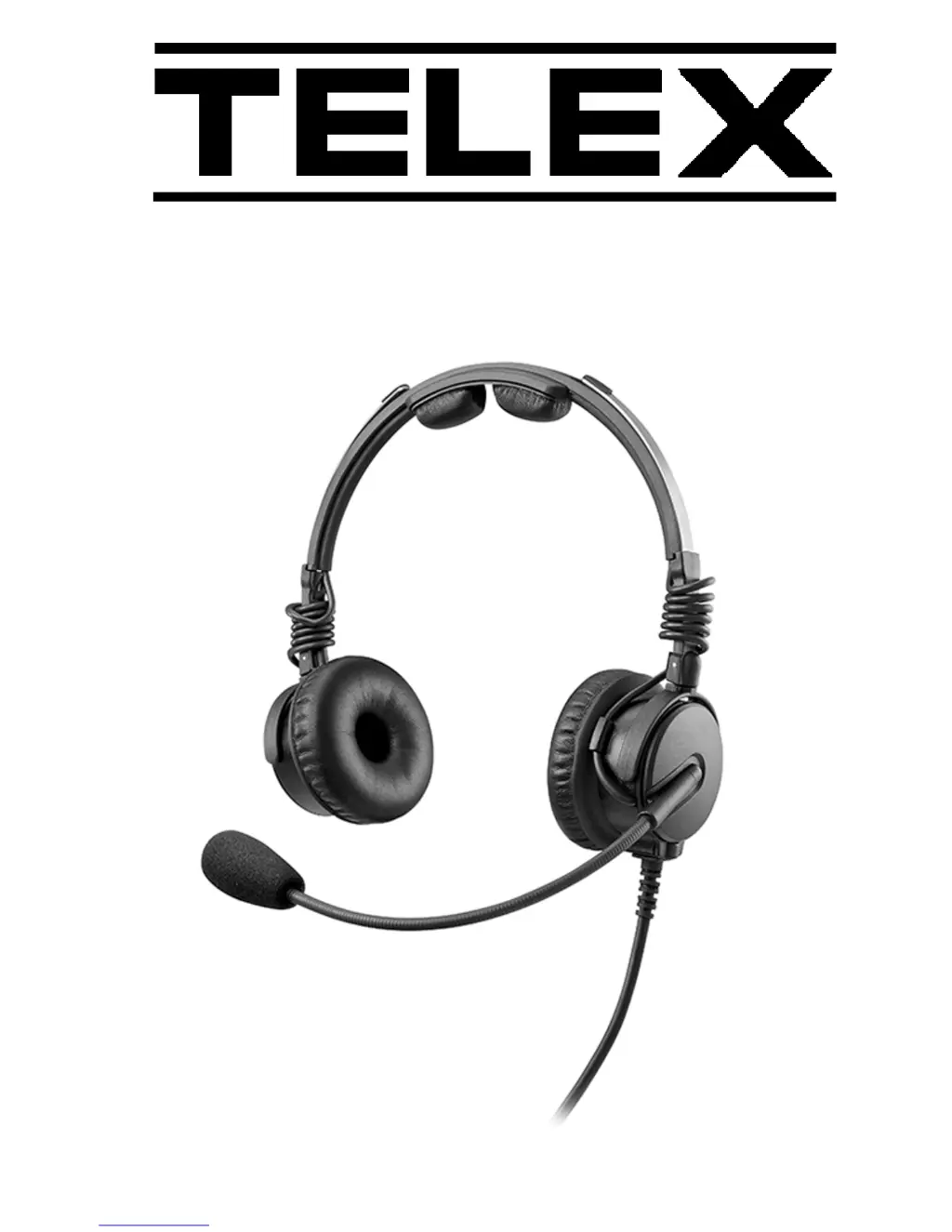
Describes the Telex Airman 8 headset and its features.

Key Features

Lists key features of the headset.

FAA Approval

Environmental Qualification Form

Details environmental tests conducted per DO-160G standards.

Reference View

Headset Component Labels

Diagram labeling the parts of the headset.

Connections

Dual-Plug Connector Details

Wiring details for the Dual-Plug connector.

5-Pin XLR Aircraft Cable

5-Pin XLR Cable Pinout

Pinout and color coding for the 5-pin XLR cable.

Installation

Installation Steps Overview

Step-by-step guide for installing the headset in an aircraft.

Install the Dual Plug Headset in an Aircraft

Install the XLR Plug Headset in an Aircraft

Headband Adjustment and Sizing

Headband Adjustment and Sizing

Instructions for adjusting the headset for a proper fit.

Ear Cup Adjustment

Ear Cup Adjustment

Instructions for positioning the ear cups for optimal fit and comfort.

Mic Placement

Microphone Placement Guidance

Guidance on positioning the microphone for proper use.

Microphone Gain Adjustment

Microphone Gain Adjustment

Information on factory-set microphone gain and professional adjustment.

Clothing Clip Assembly and Attachment

Clothing Clip Assembly and Attachment

Instructions for attaching the clothing clip to reduce cord weight.

Using the Headset

ANR System Explanation

Explanation of how the Active Noise Reduction system works.

ANR Switch Operation

ANR Switch Operation

How to turn the Active Noise Reduction (ANR) on and off.

Headphone Volume Adjustment

Headphone Volume Adjustment

How to adjust headphone volume using the HI/LO switch.

Care & Maintenance

Recommended Maintenance Schedule

Schedule for inspecting and replacing headset wear items.

Cleaning the Headset and Connectors

Cleaning the Headset and Connectors

Instructions for cleaning headset parts and connectors.

Cleaning Ear Cushions and Headband Pads

Cleaning Ear Cushions and Headband Pads

Instructions for cleaning ear cushions and headband pads.

Replacing Ear Cushions and Headband Pads

Replacing Ear Cushions and Headband Pads

Steps to remove and replace ear cushions and headband pads.

Replacing the Headband Pads

Replacing the Headband Pads

Steps to remove and replace headband pads.

Installing and Replacing Hygienic Covers

Installing and Replacing Hygienic Covers

Instructions for installing and replacing hygienic covers.

Replacing the Windscreen

Replacing the Windscreen

Instructions for cleaning or replacing the microphone windscreen.

Headset Storage

Headset Storage

Instructions on how to properly store the headset.

Troubleshooting

Troubleshooting Common Issues

List of common headset problems and their solutions.

No Audio Transmission

Microphone Not Transmitting Audio

Troubleshooting steps when the microphone is not transmitting audio.

Distorted or Intermittent Microphone Audio

Distorted or Intermittent Microphone Audio

Troubleshooting steps for intermittent or distorted microphone audio.

No Audio Reception

Headphones Not Receiving Audio

Troubleshooting steps when no audio is received by the headphones.

Distorted or Intermittent Headphone Audio

Distorted or Intermittent Headphone Audio

Troubleshooting steps for intermittent or distorted headphone audio.

Ineffective Noise Blocking

Active Noise Reduction Not Blocking Noise

Troubleshooting steps when Active Noise Reduction (ANR) is ineffective.

Unusual Headphone Noise or Intermittent ANR

Unusual Headphone Noise or Intermittent ANR

Troubleshooting steps for unusual headphone noise or intermittent ANR.

Label Information

Box Label Information

Details information found on the product box label.

Headband Label Information

Details information found on the product headband label.

Specifications

Receiver Specifications

Technical specifications for the headset receiver.

Microphone and Amplifier Specifications

Technical specifications for the microphone and amplifier.

Attenuation Specifications

Attenuation Specifications

Provides information on the headset's sound attenuation capabilities.

Connector Types

Dual Plug Connector Details

Details the connector type for the AIRMAN 8-0210 model.

5-pin Male XLR Connector Details

Details the connector type for the AIRMAN 8-0211 model.

Physical Specifications

Weight Specifications

Specifications for the headset's weight with and without cord.

Cord Length Specification

Specification for the headset's cord length.

Color Specification

Color options for the headset.

Controls

Active Noise Reduction Switch

Description of the ANR control switch.

Volume Hi;Low Switch

Description of the volume adjustment switch.

Part Number Information

Part Number Information

Table listing part numbers for headsets and accessories.

Telex Airman 8 Specifications

General IconGeneral
BrandTelex
ModelAirman 8
CategoryHeadsets
LanguageEnglish

Related product manuals